Components
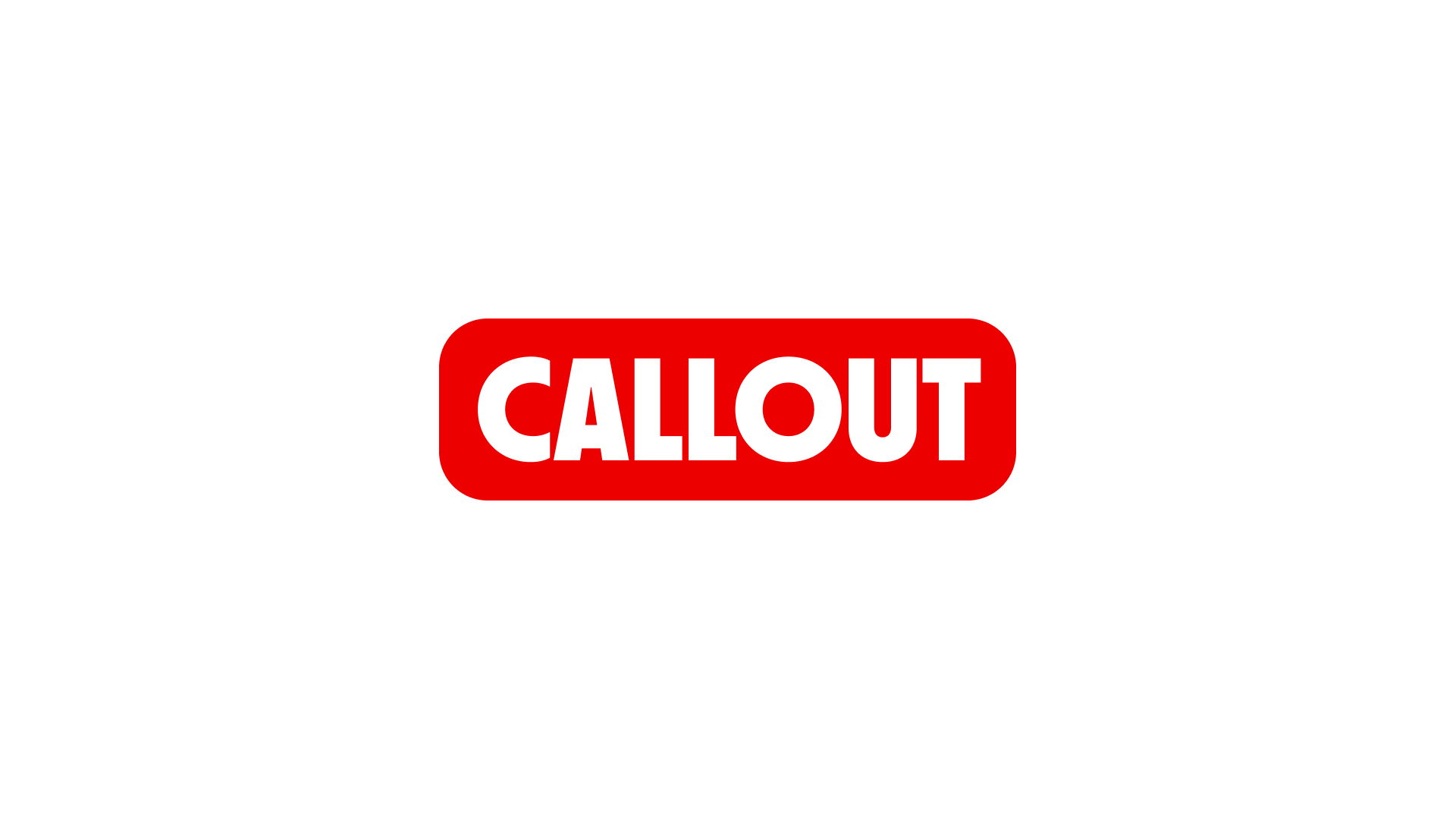
CalloutCallout highlights short, contextual information or messaging that supports surrounding content.
Usage
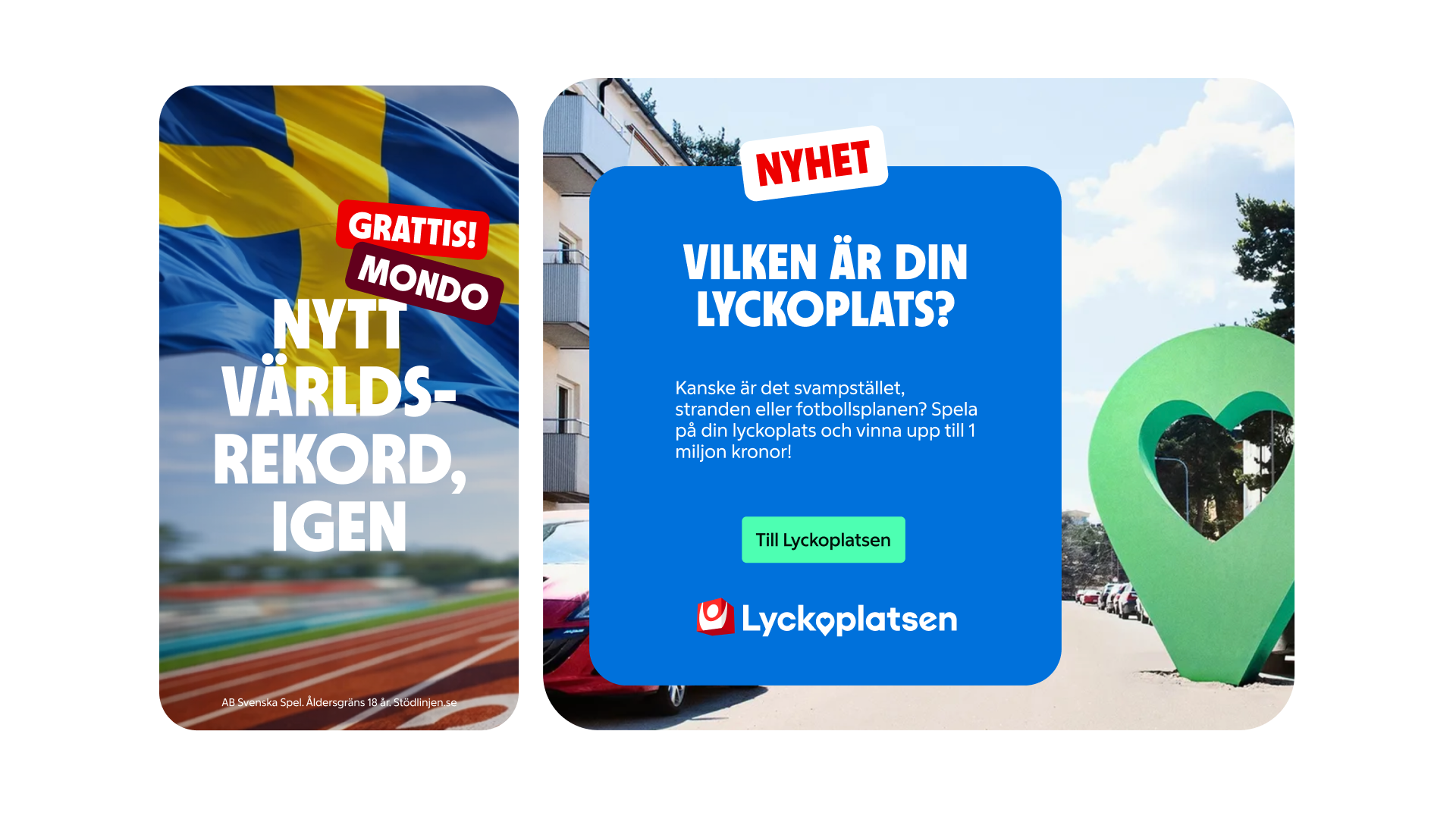
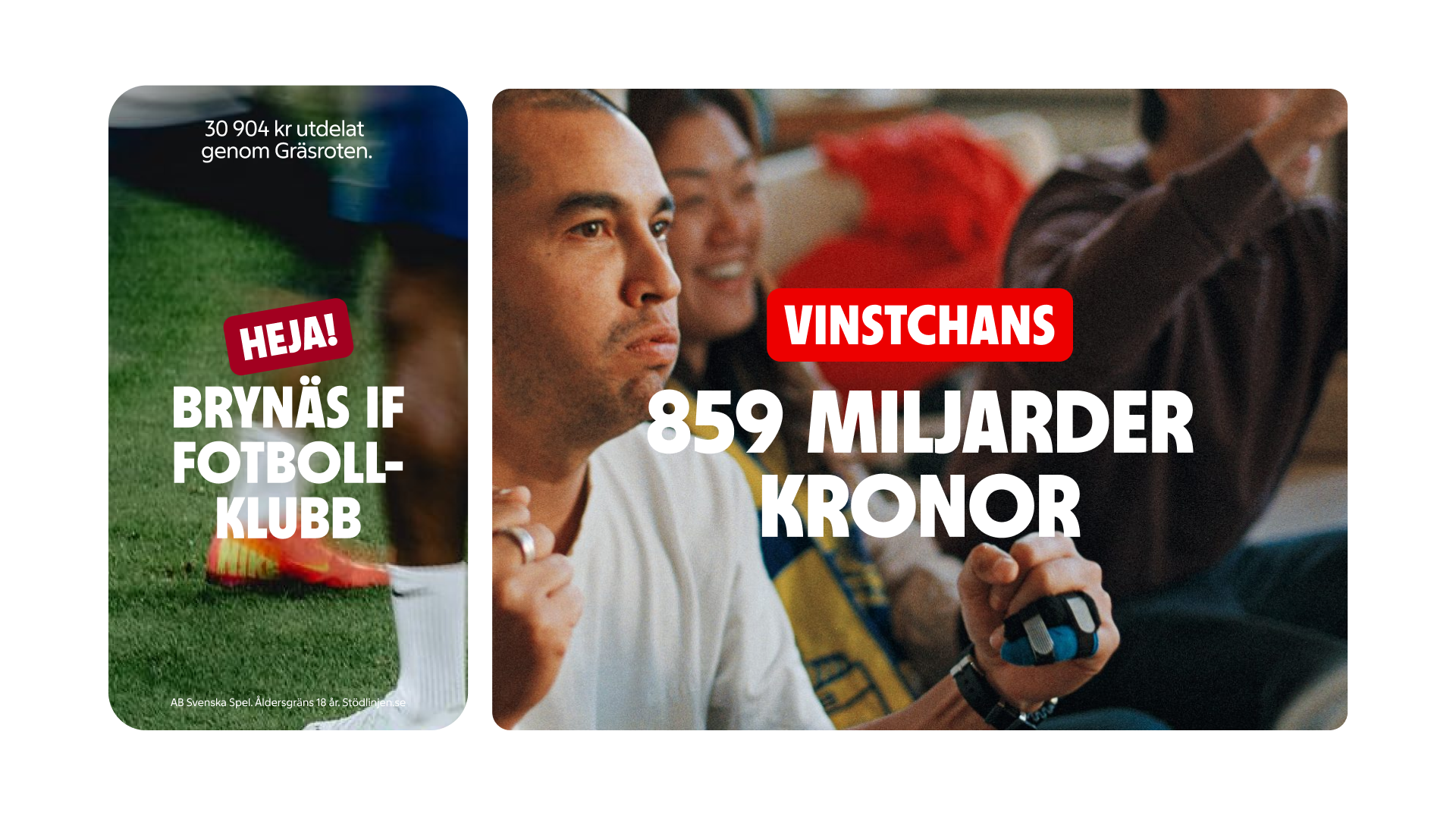
Callouts are static elements, but may be slightly tilted when it supports the context and overall composition.
Callouts are best suited for: Editorial or marketing messaging status or contextual information emphasizing a concept, feature, or moment in time
Anatomy
The Callout consists of two important elements: the container that holds the information and the label that provides context.
Single
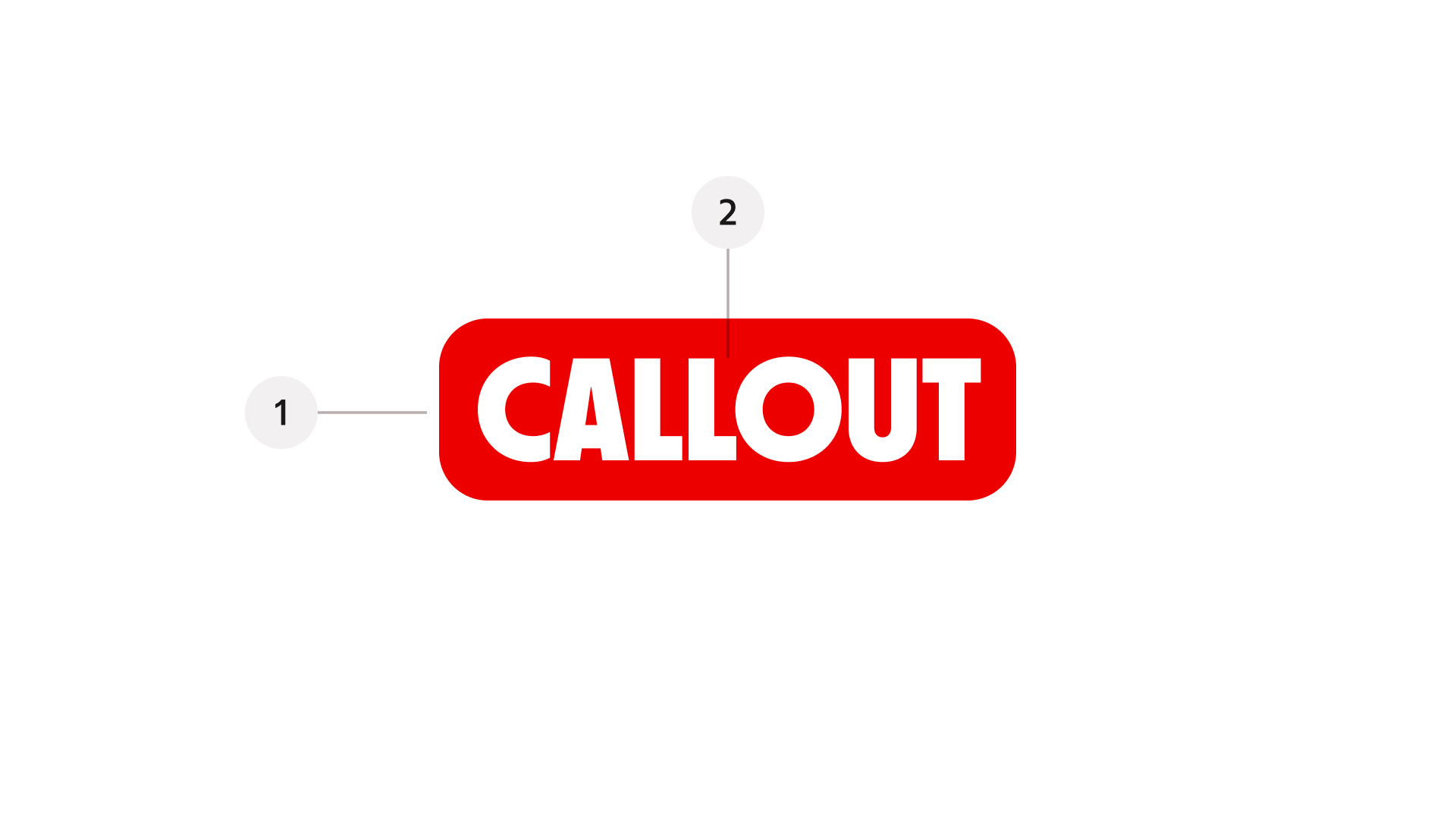
- Container – the background surface that holds the label, styled with rounded corners.
- Label – the message text providing context or clarification.
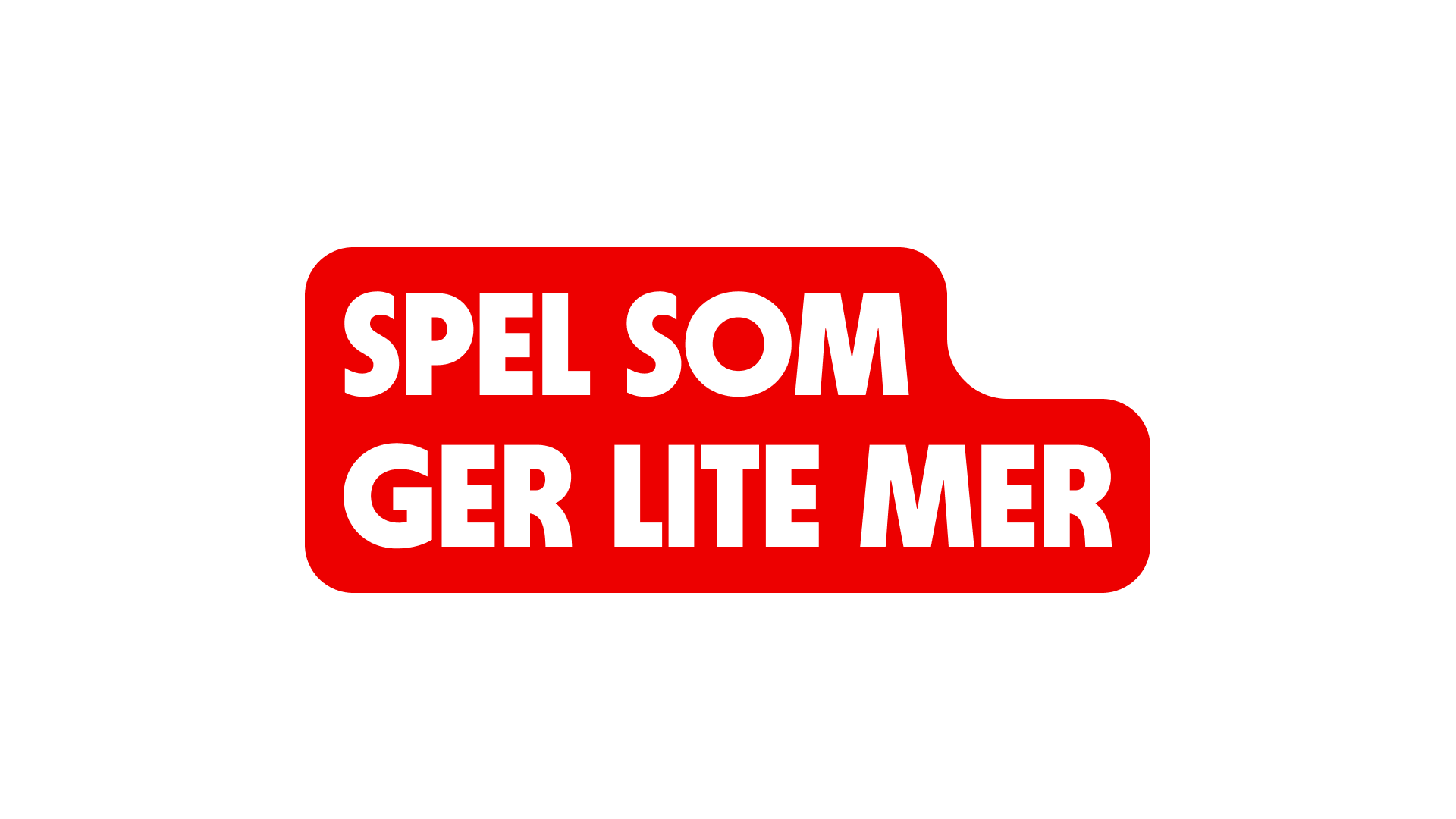
Two rows (top-aligned)
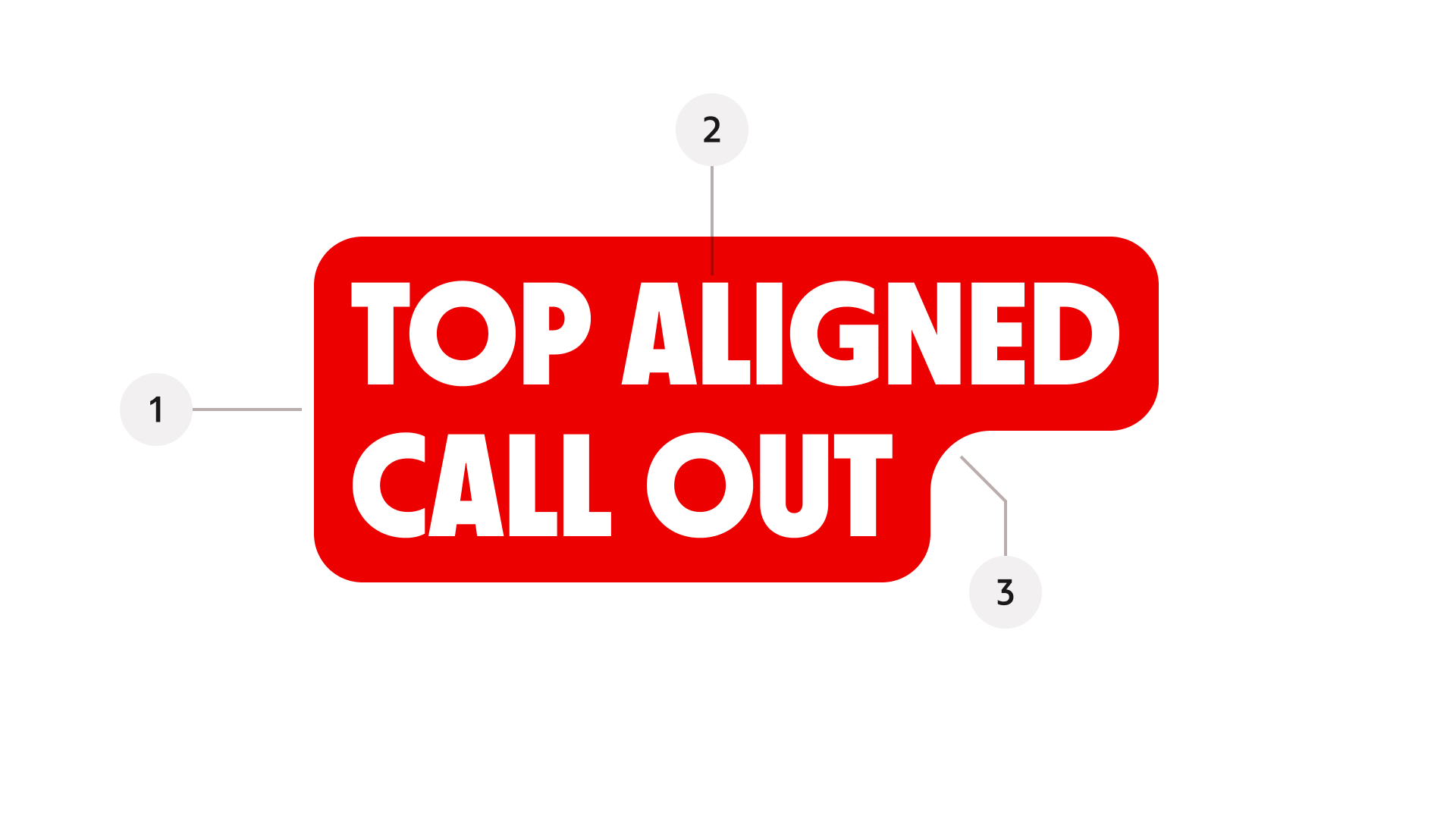
- Container – the background surface that holds the label, styled with rounded corners.
- Label – the message text providing context or clarification.
- Connecting radius – a curved transition line that smoothly connects the top and bottom text blocks, preserving visual continuity and the characteristic callout shape.
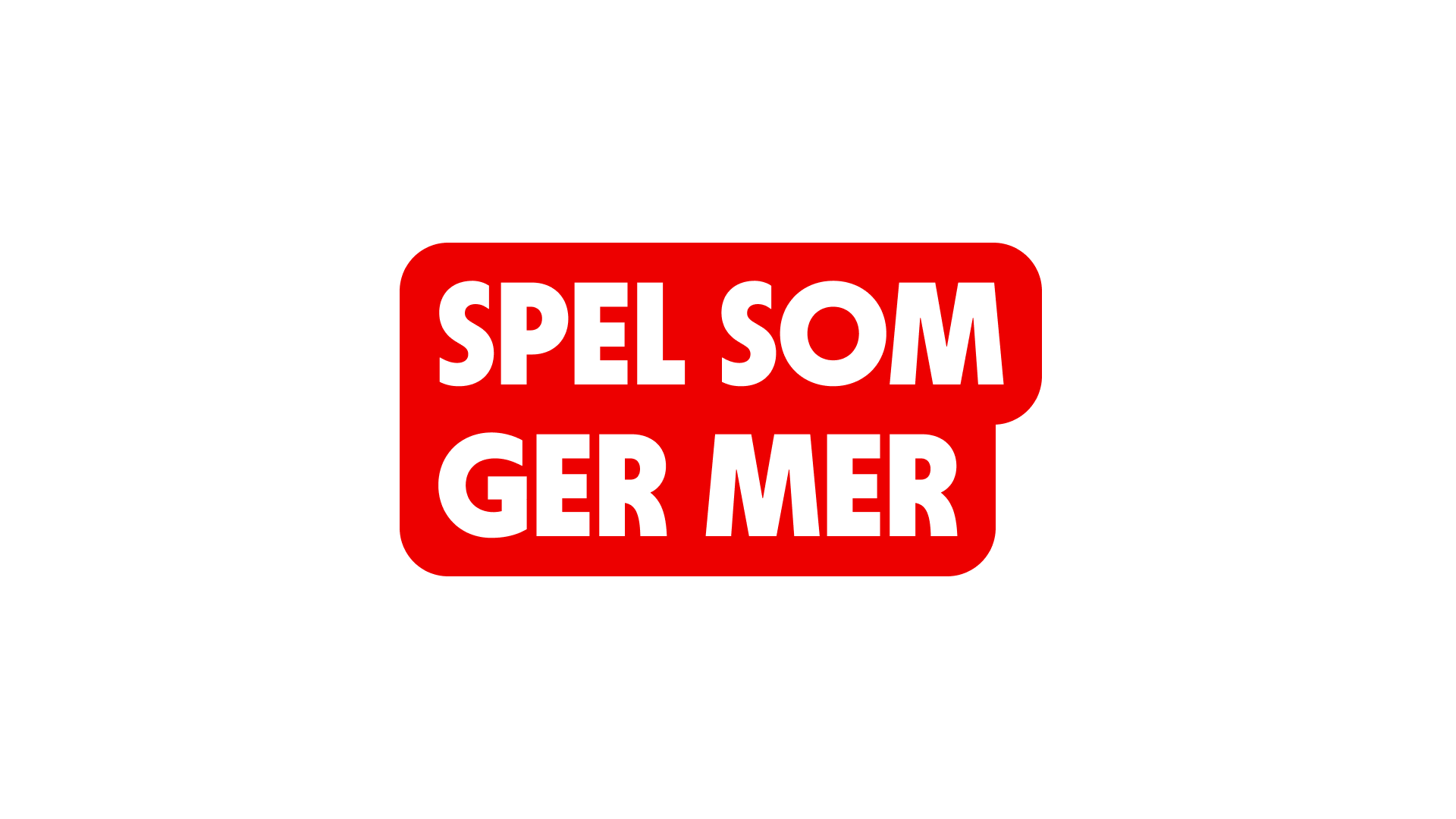
Two rows (bottom-aligned)
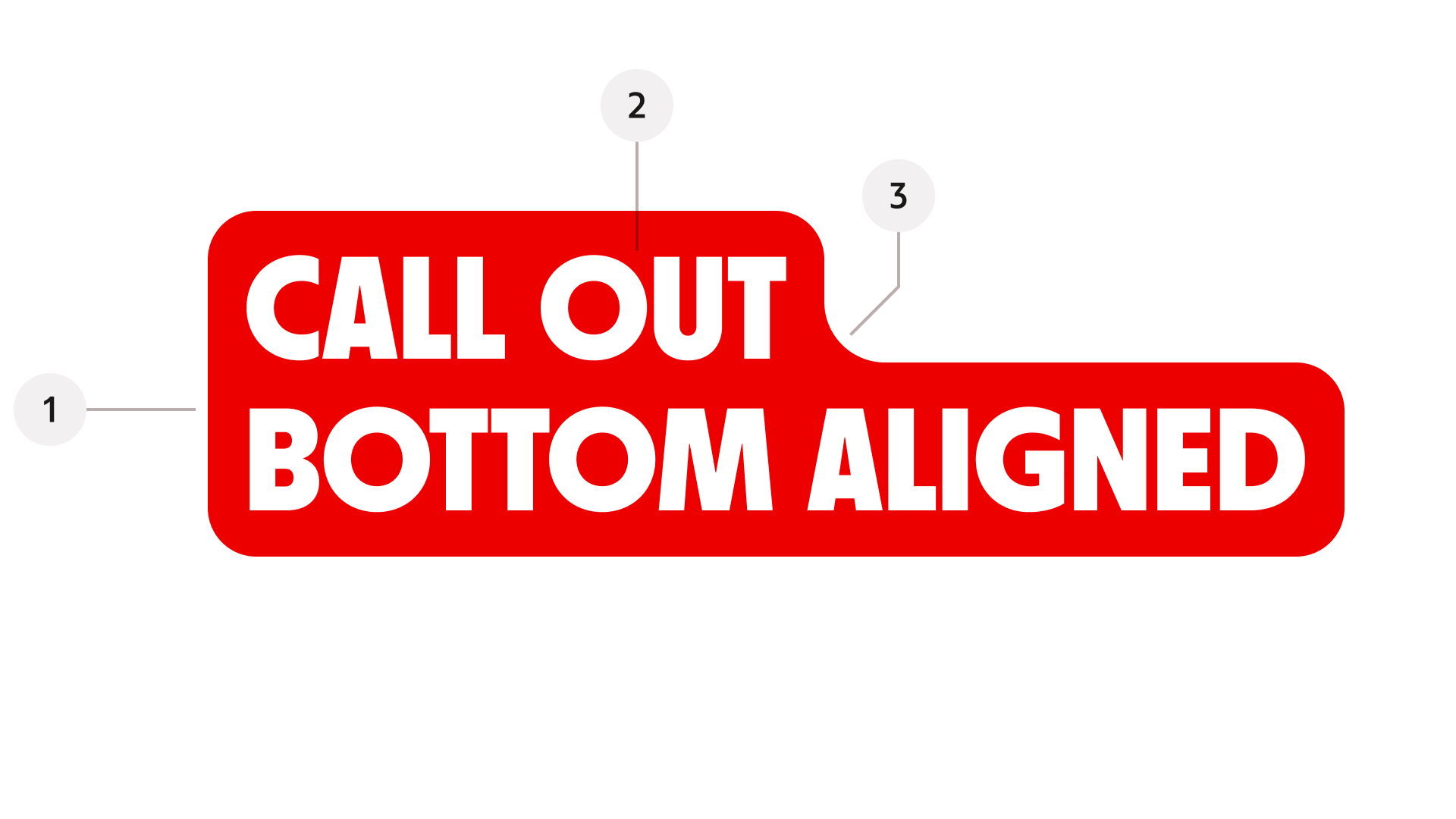
- Container – the background surface that holds the label, styled with rounded corners.
- Label – the message text providing context or clarification.
- Connecting radius – a curved transition line that smoothly connects the top and bottom text blocks, preserving visual continuity and the characteristic callout shape.
Properties
The variant property controls the visual style of the callout.
Variant (styling)
Brand
Primary, expressive brand styling.
Brand inverted

Reversed brand colours for dark or contrasting surfaces.
Emphasis

High-attention styling for key messages.
Rows
Defines text structure and vertical alignment.
Single
Highlight brief phrases or keywords.
Two (top-aligned)

Align two-line phrases or key terms along a common baseline at the top
Two (bottom-aligned)
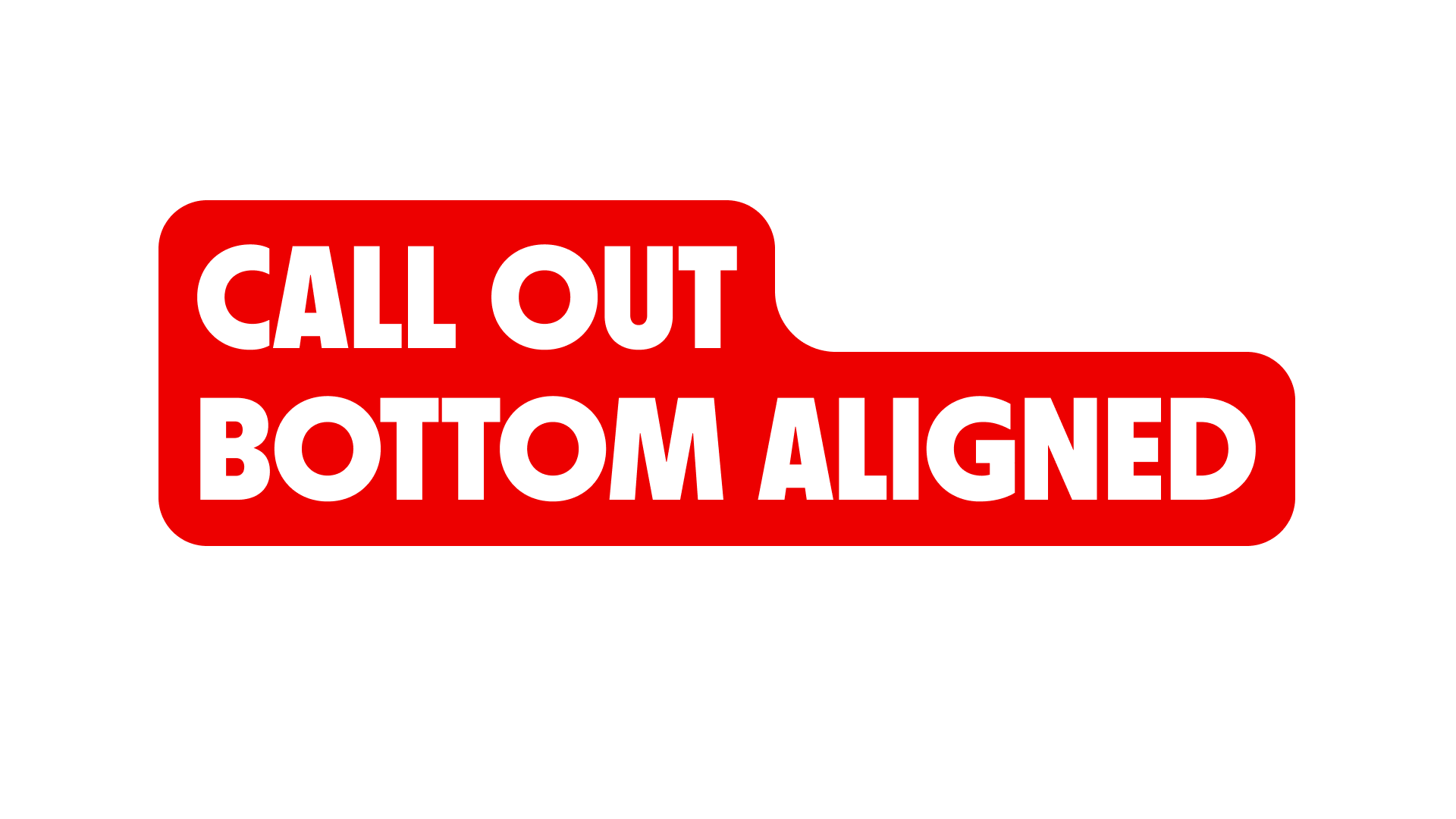
Align two line phrases or key terms along a common baseline at the bottom.
Size
Controls the overall scale of the callout.
Small
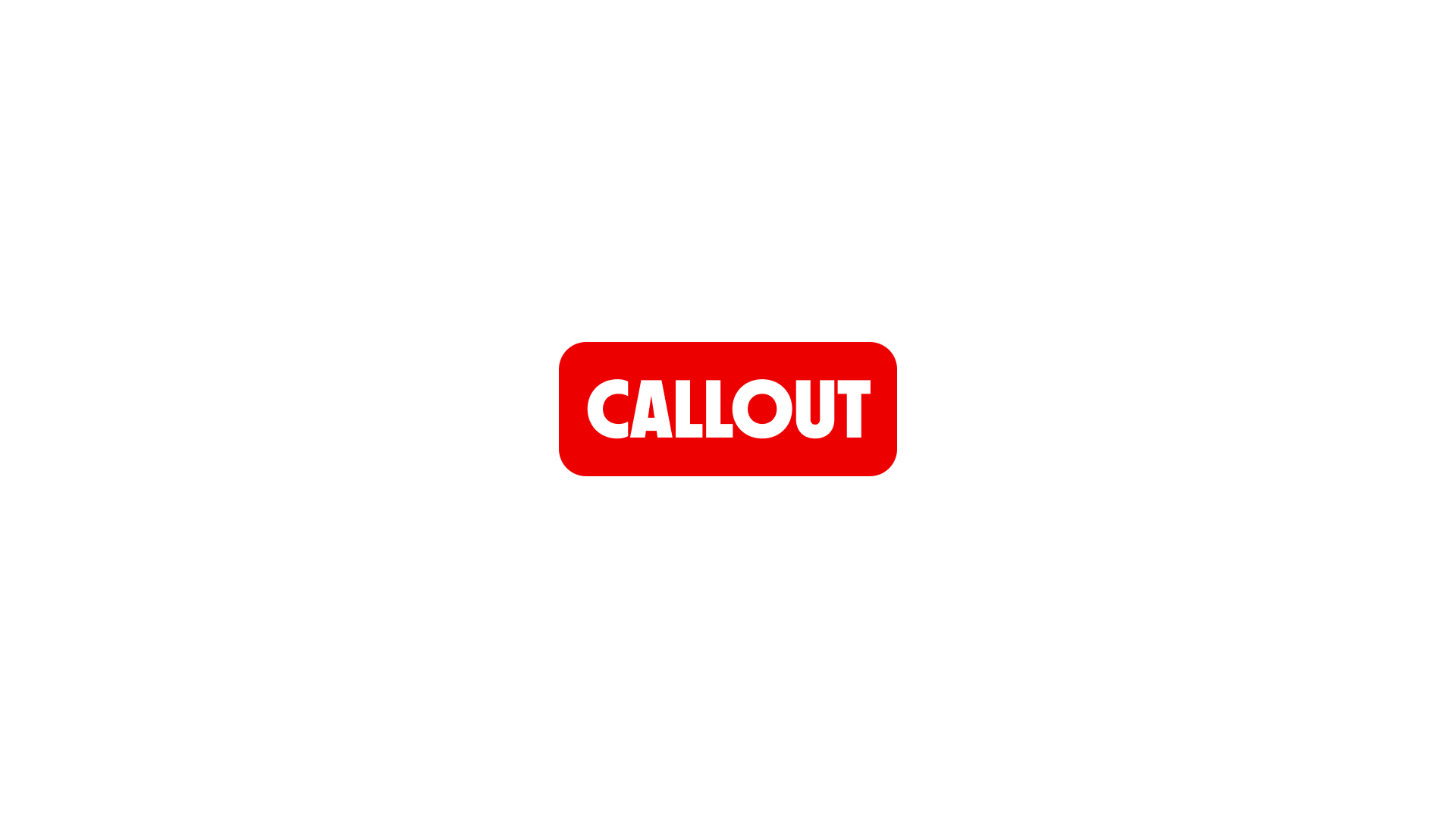
Size is defined by text-lg.
Medium
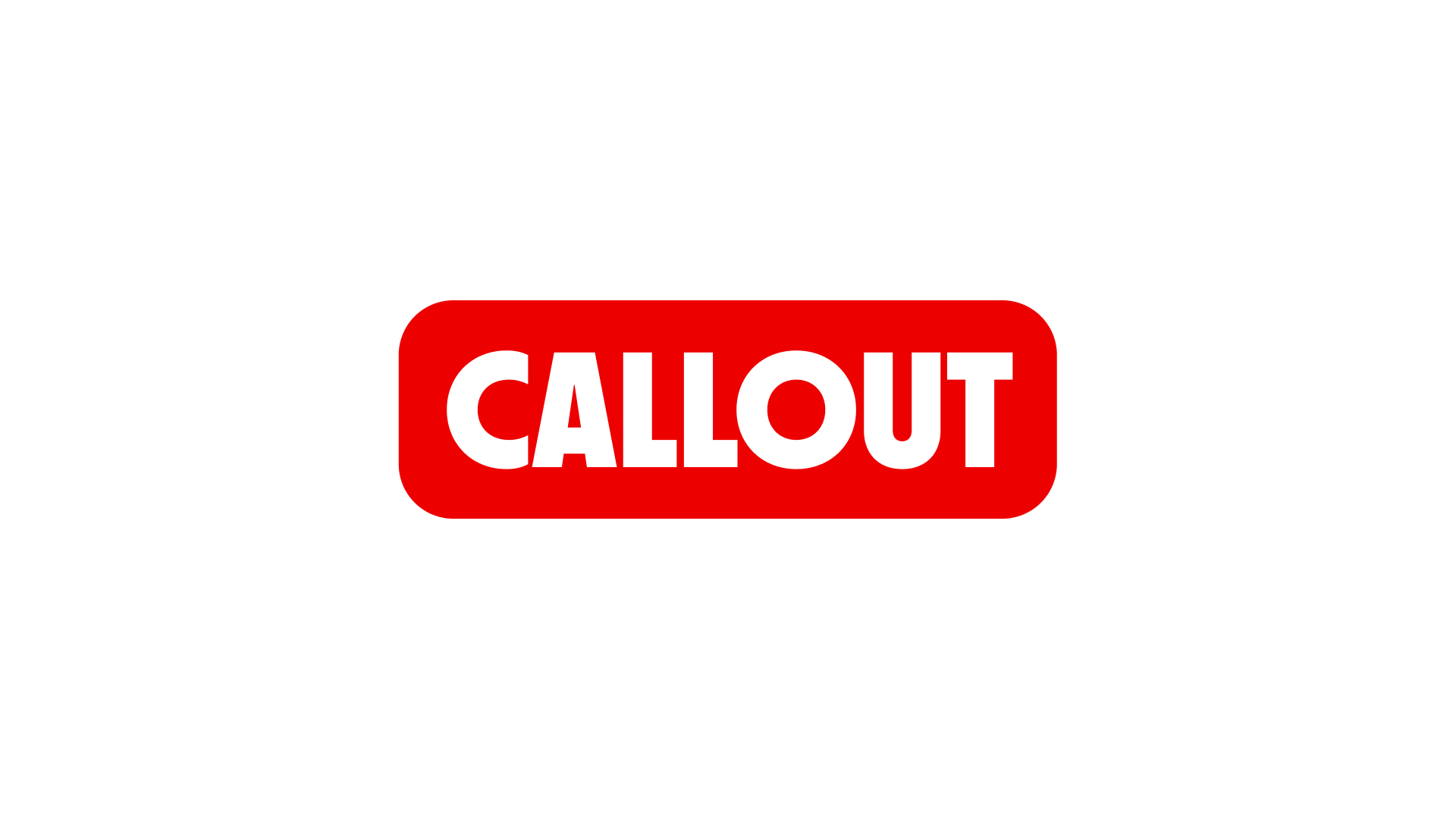
Size is defined by text-4xl.
Large
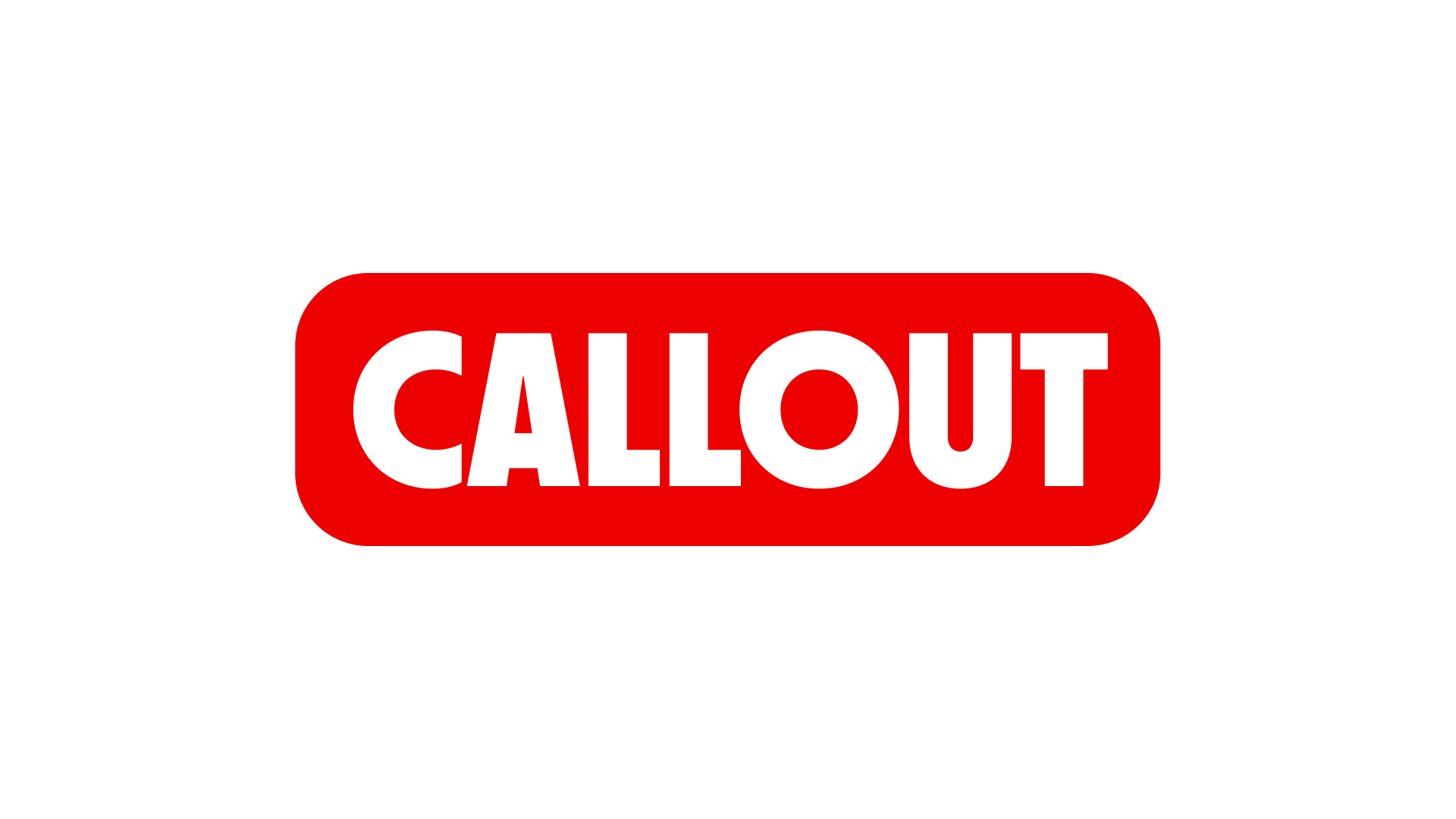
Size is defined by text-5xl.
Best practice
Rotation
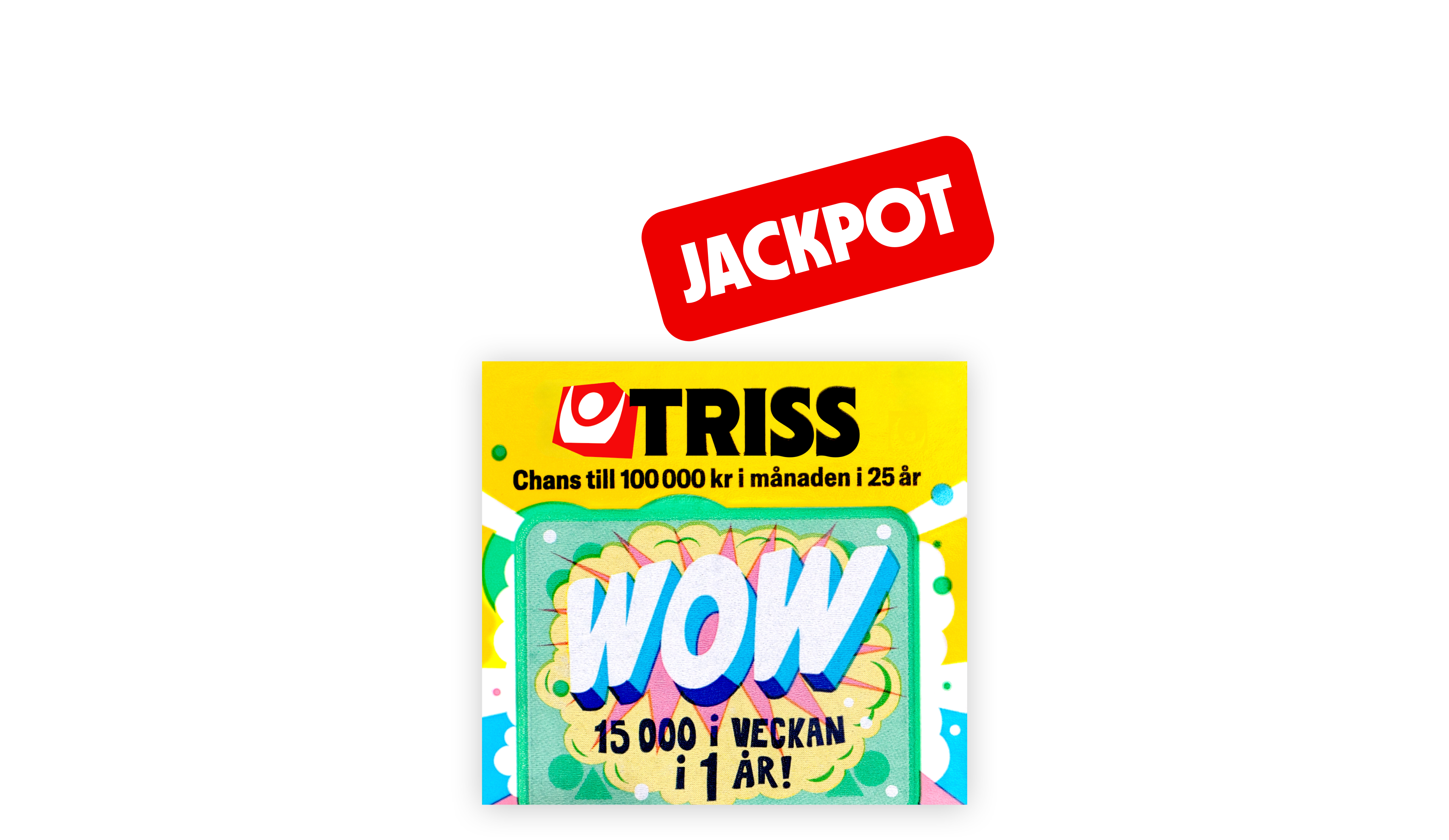
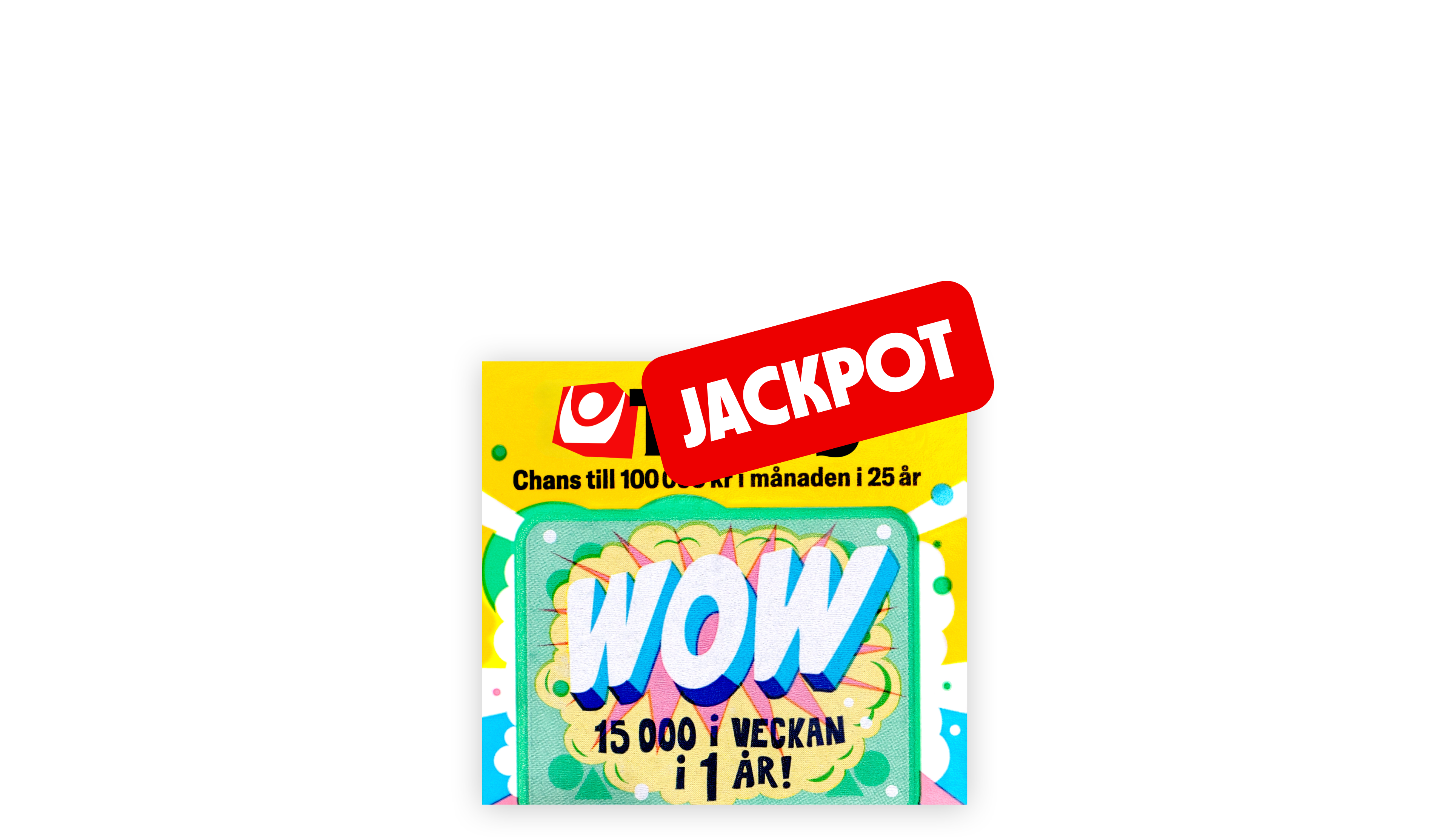
Callouts may be rotated to enhance emphasis and create a more playful, expressive layout.
- Use rotation as a supporting visual cue, not the main focus
- Keep readability as the top priority
- Maximum rotation: 15°

Long labels
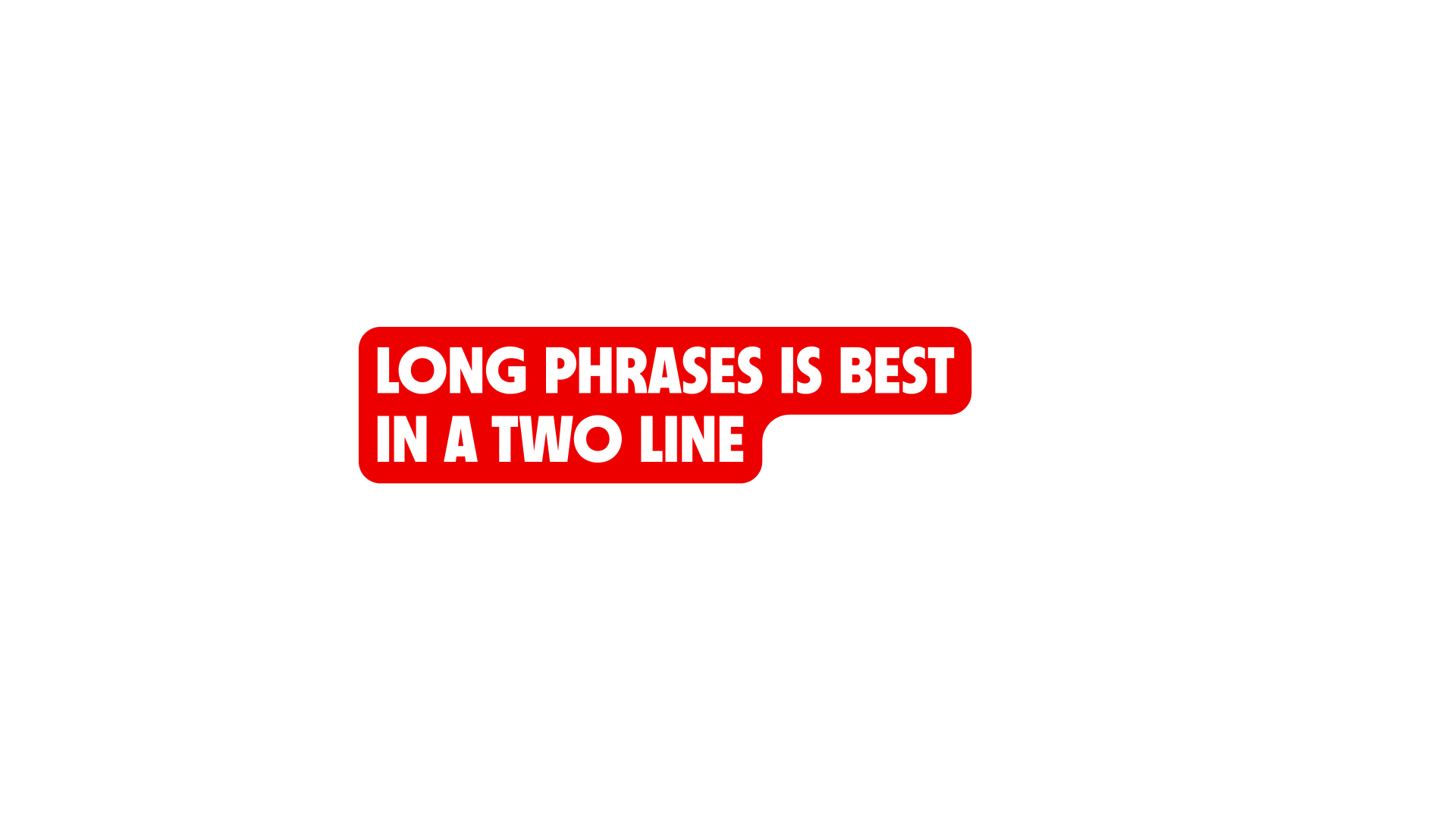
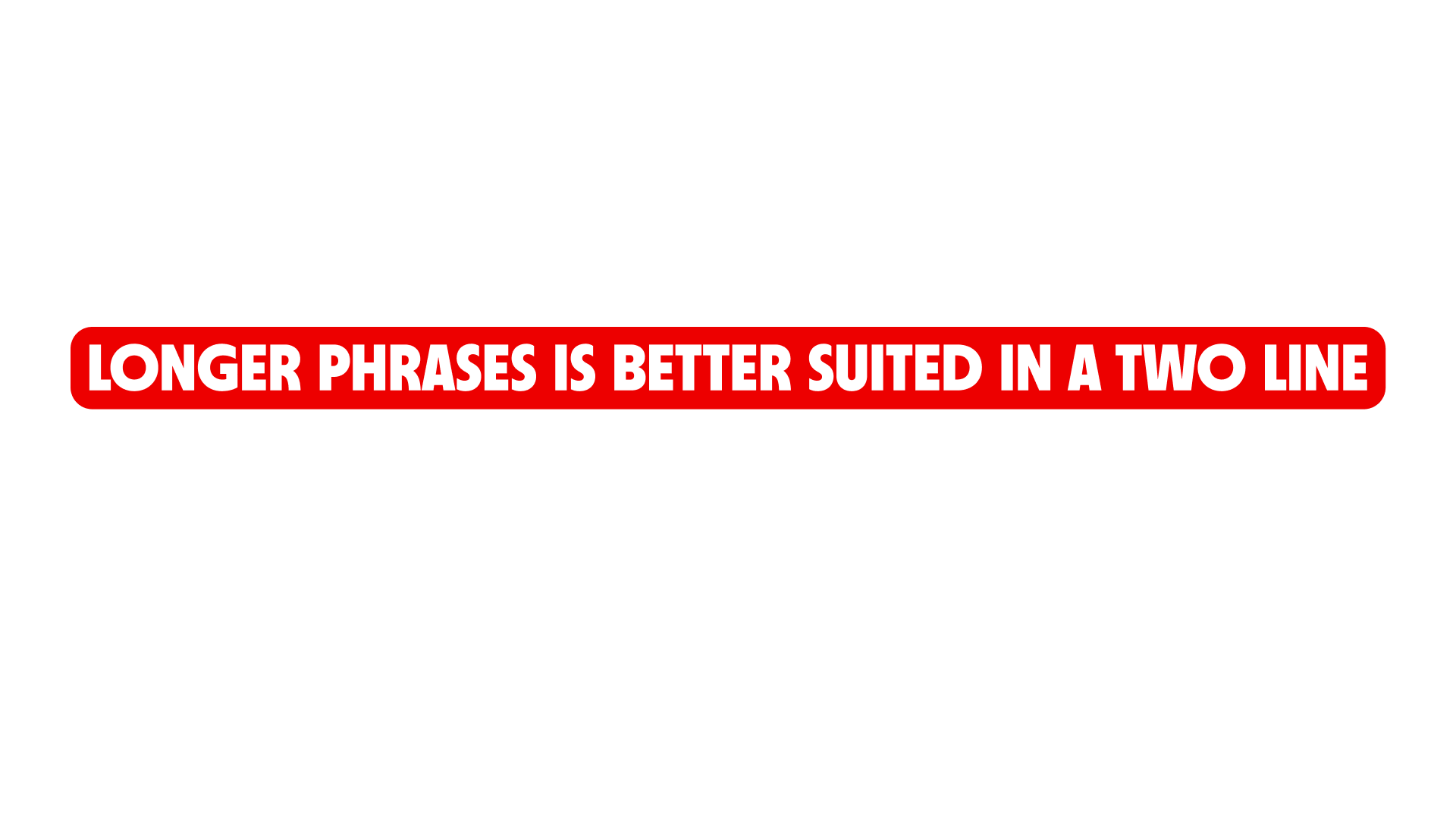
Align labels
Position
Safe space
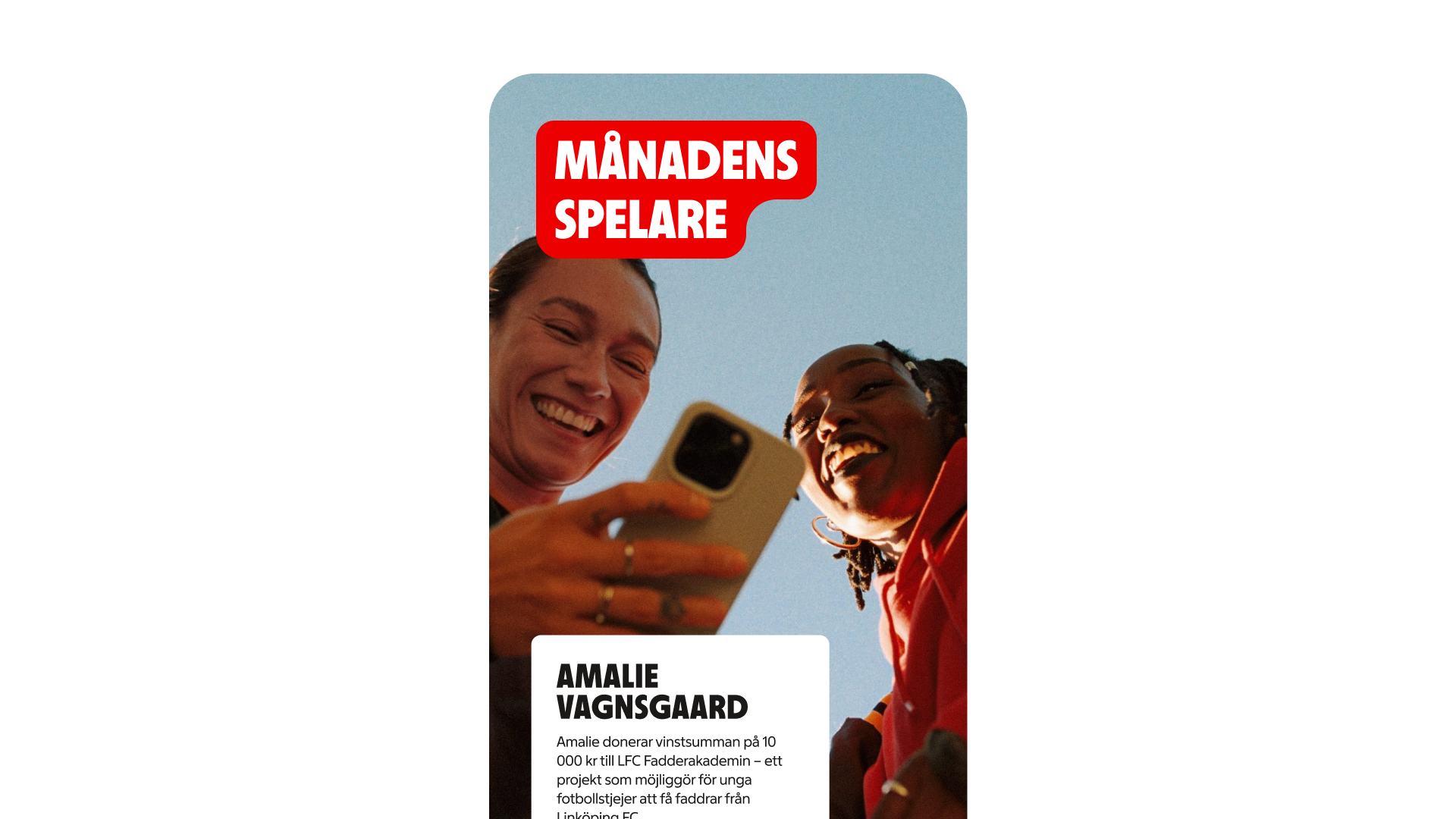
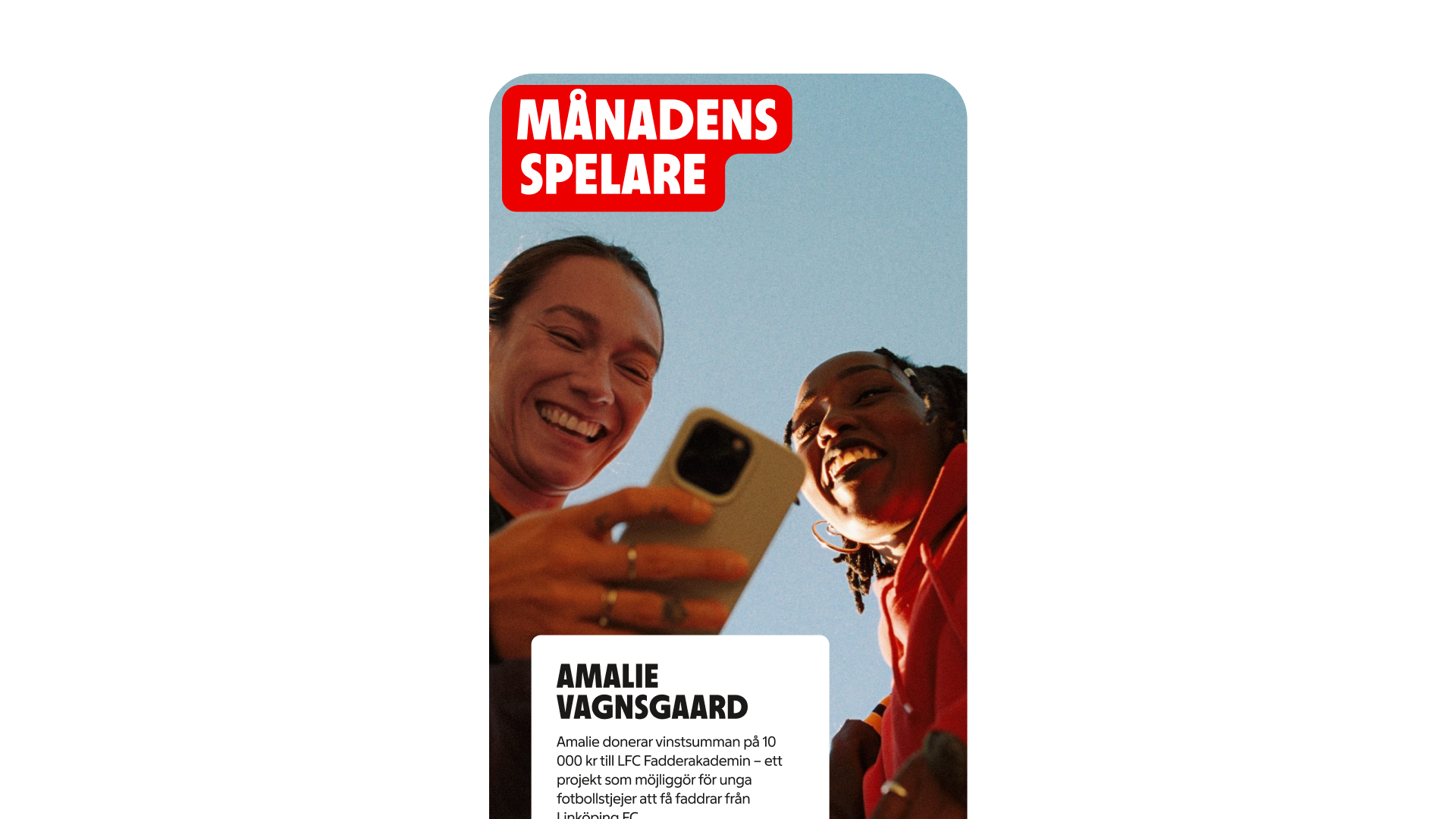
Examples
These examples show how callouts can be used across different contexts and layouts. They highlight how size, placement, rotation, and spacing can be adapted while maintaining clarity, hierarchy, and brand expression.