Components
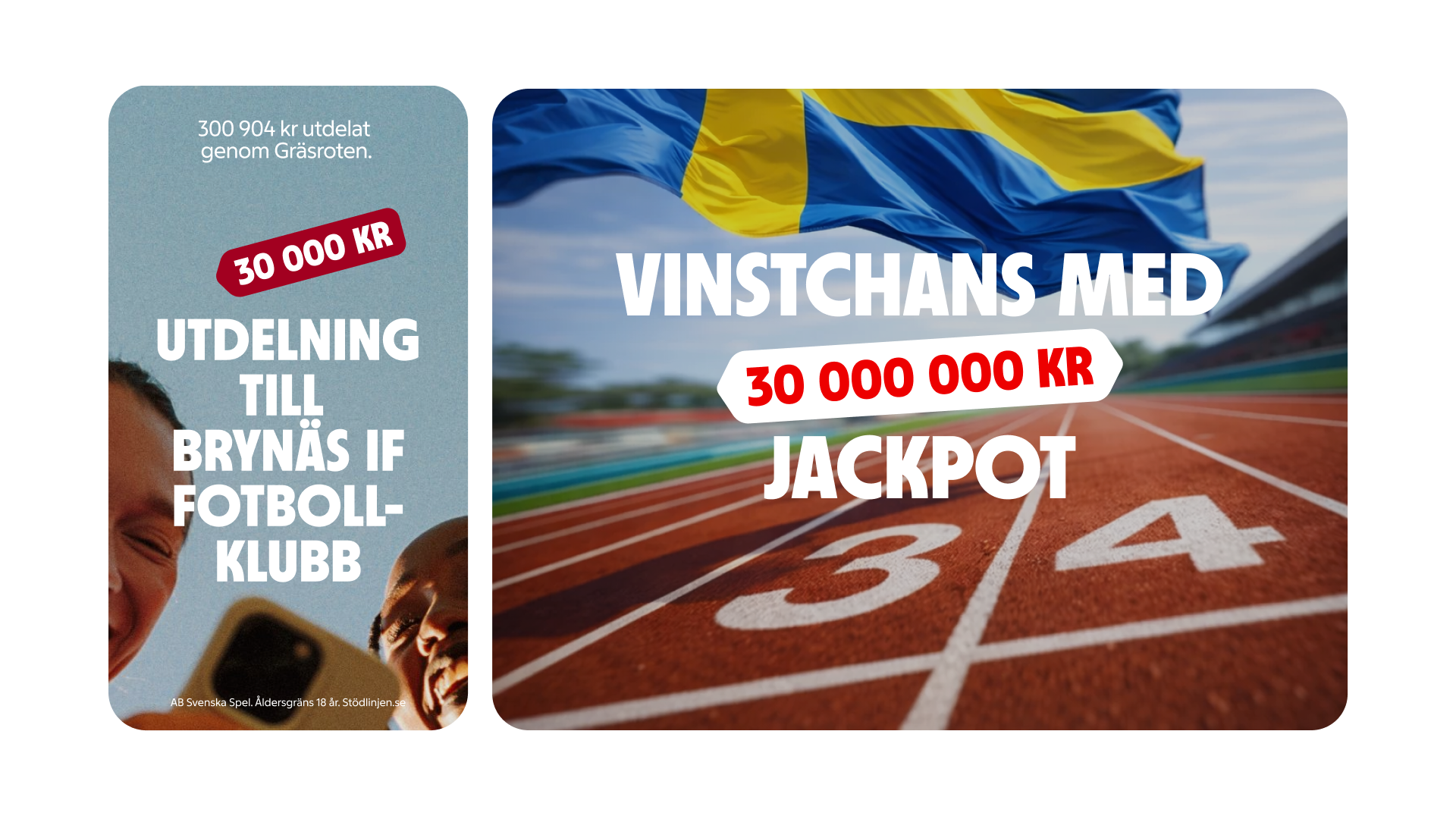
Price labelPricelabel emphasizes key pricing information that enhances the related content.

Usage
Price labels are fixed elements that can be subtly angled to enhance context and improve the overall design.
Price labels are ideal for: Highlighting pricing information, showcasing promotional offers, or emphasizing value.
Anatomy
The Price label consists of two main elements: a container that showcases the pricing details and a label that provides context. Additionally, it can have a trailing, leading, or double edge to better connect the price label to its context.
Single
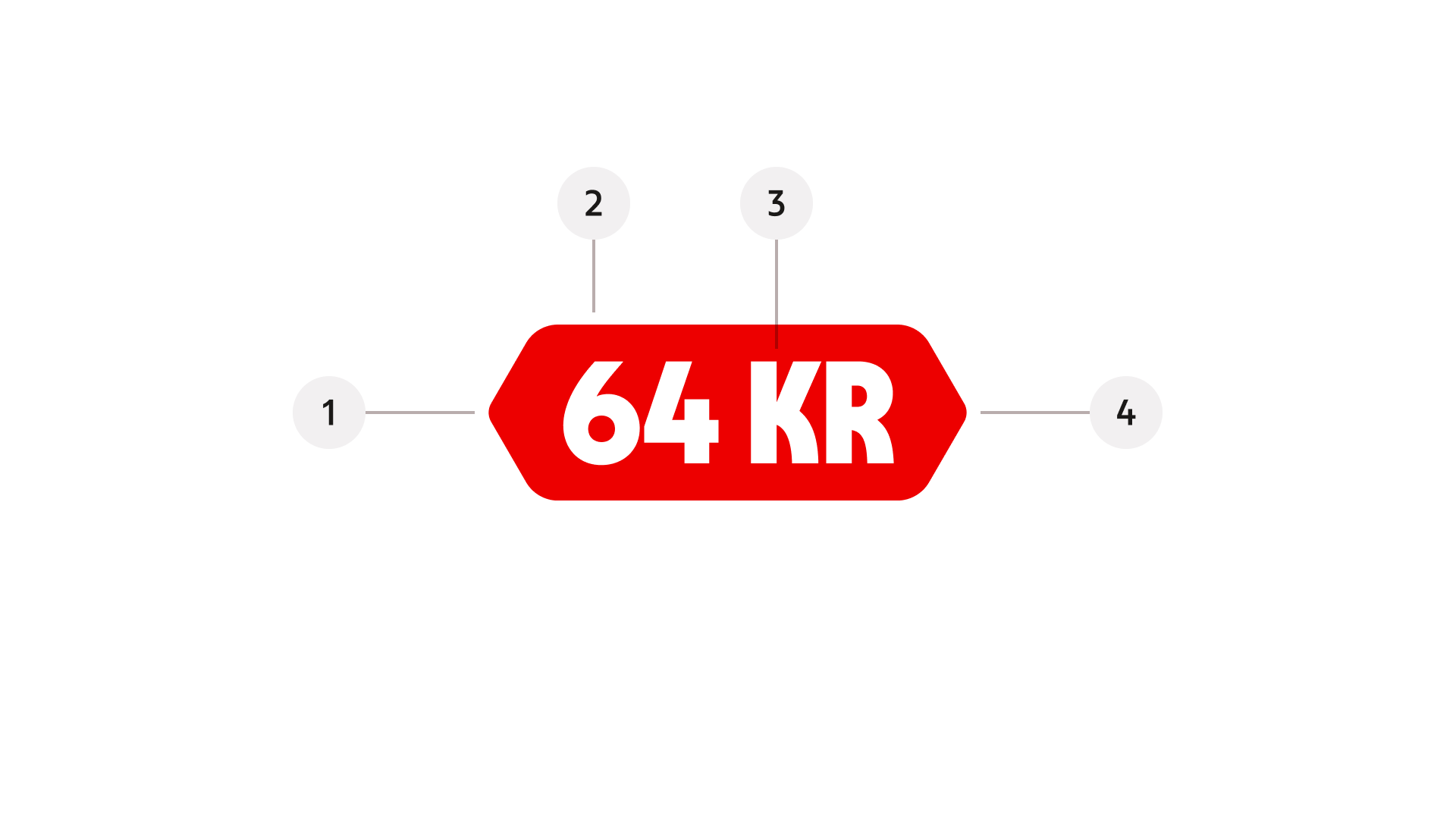
- Leading Edge, ensure the price label is effectively anchored to its context
- Container – the background surface that holds the label, styled with slightly rounded corners.
- Label – the text that highlights and clarifies the pricing details.
- Trailing Edge, ensure the price label is effectively anchored to its context
Variant (Styling)
Brand
Primary, expressive brand styling.
Brand inverted
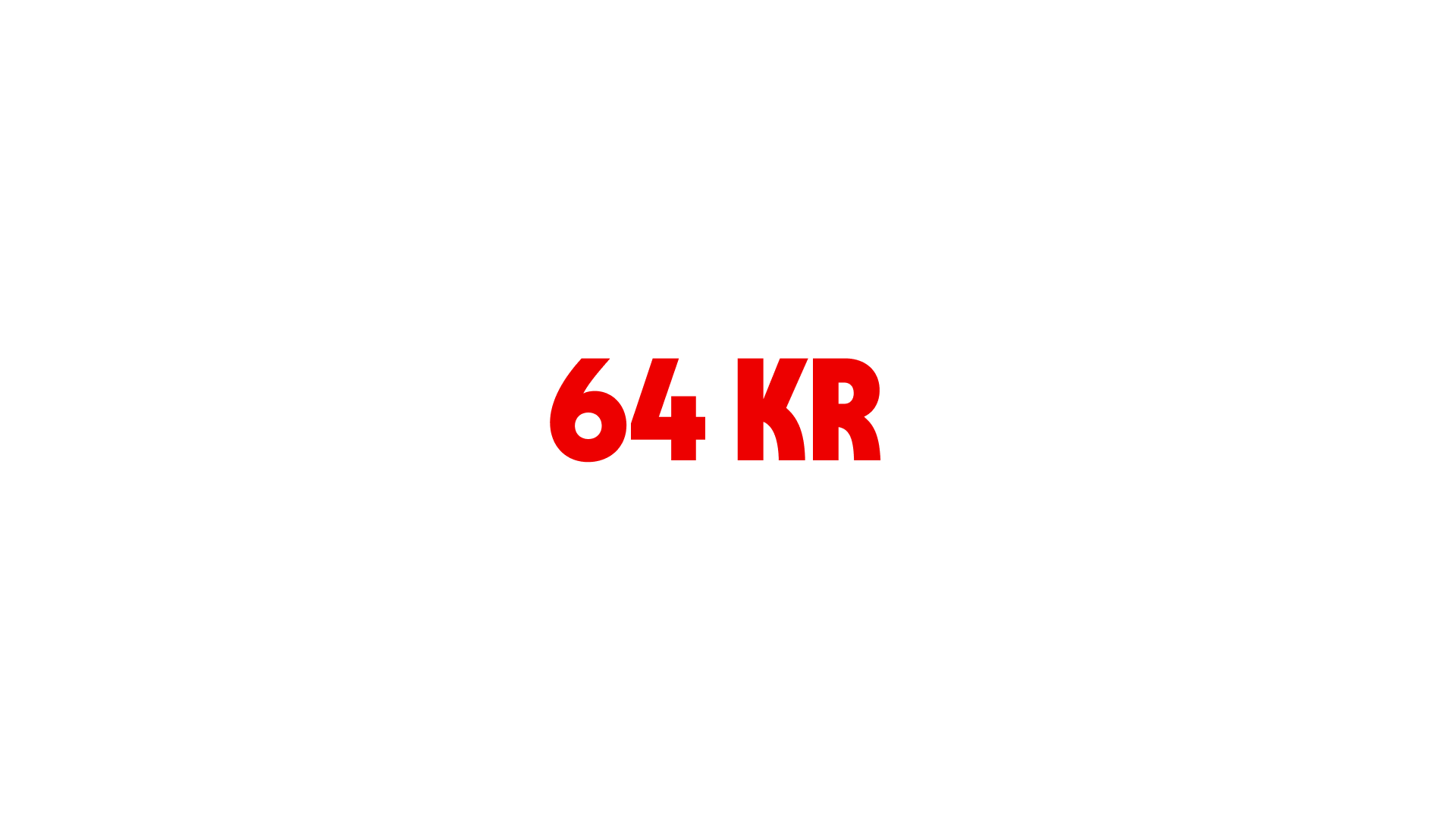
Reversed brand colours for dark or contrasting surfaces
Emphasis

High-attention styling for key messages
Edge
Defines the direction of the price label along with its associated context.
Double
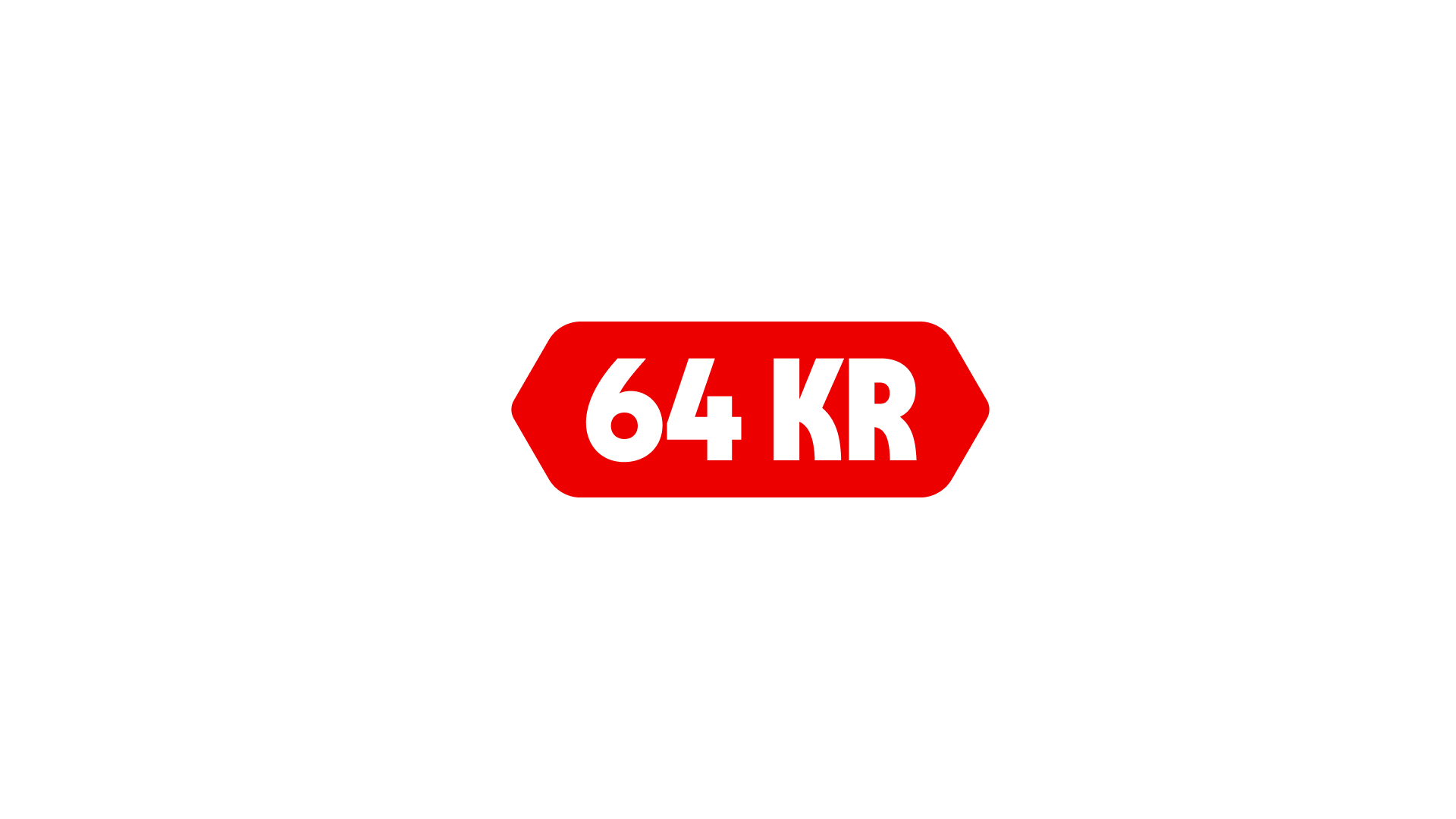
Double edge anchors both directions
Leading
Leading anchors to the left
Trailing
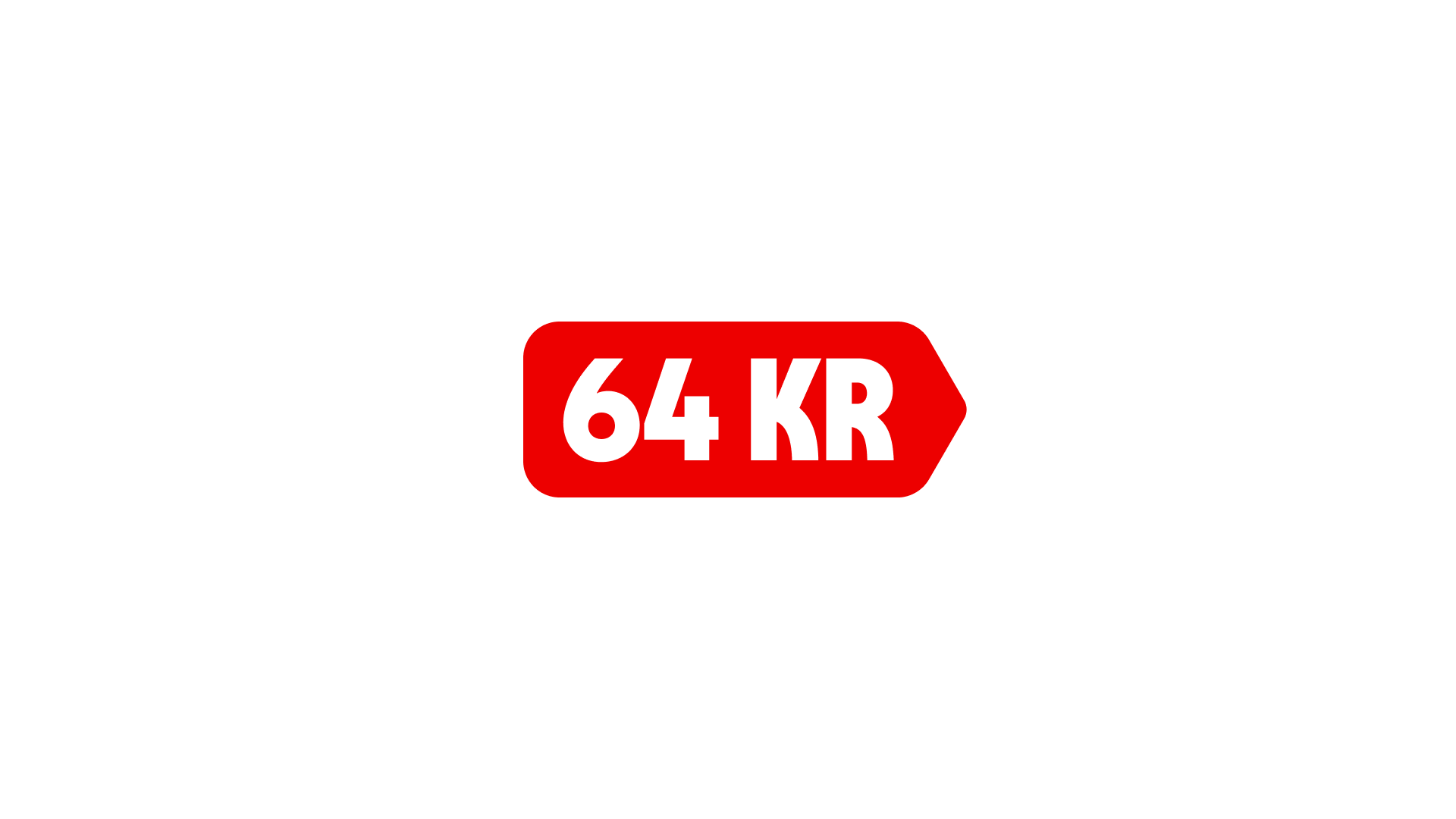
Trailing anchors to the right
Size
Controls the overall scale of the price label.
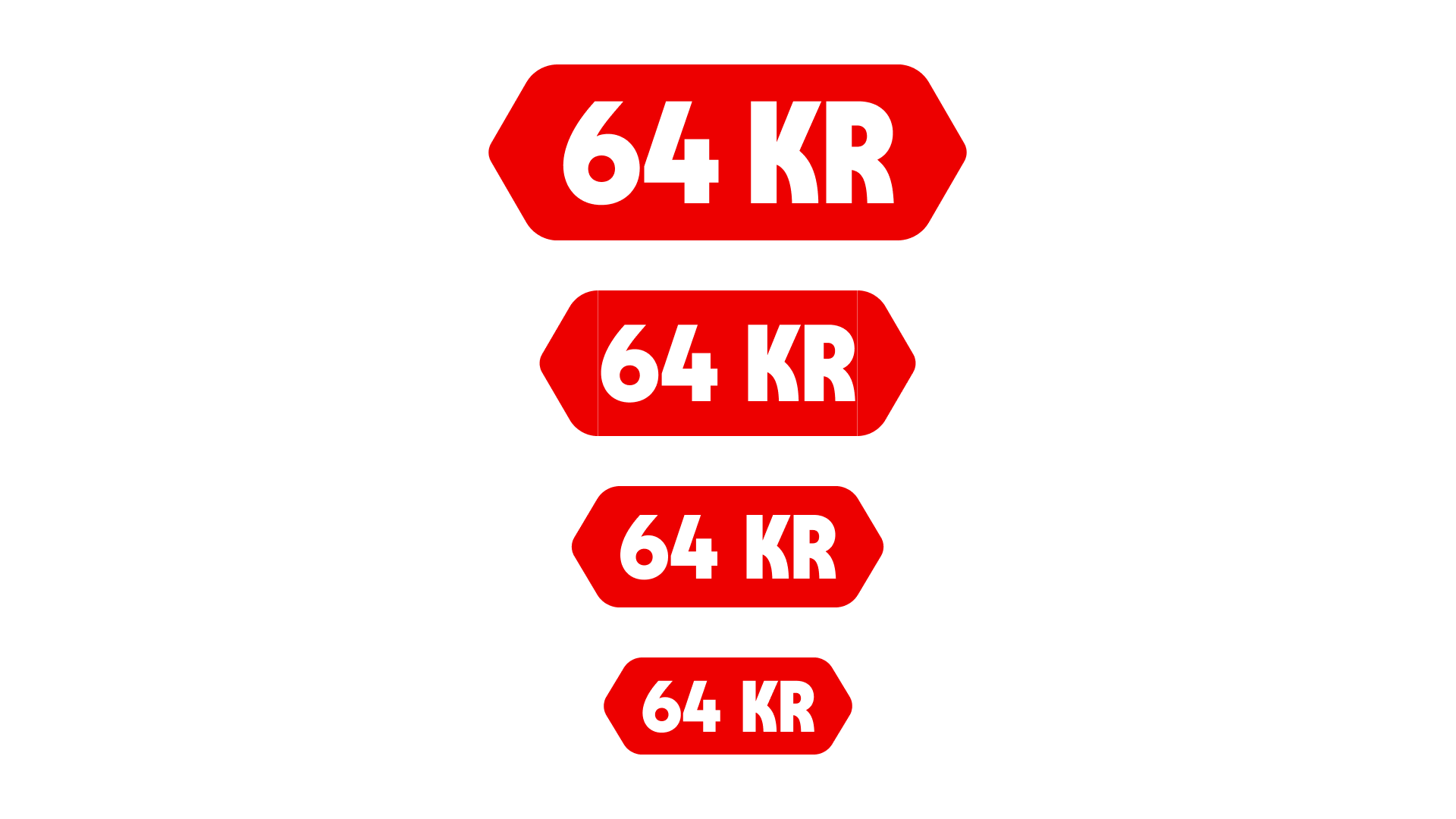
The price label sizes are categorized as extra small (XS), small (SM), medium (MD), large (LG), and extra large (XL).
Best practice
Properties
Properties variant controls the visual style of the pricelabel
Rotation
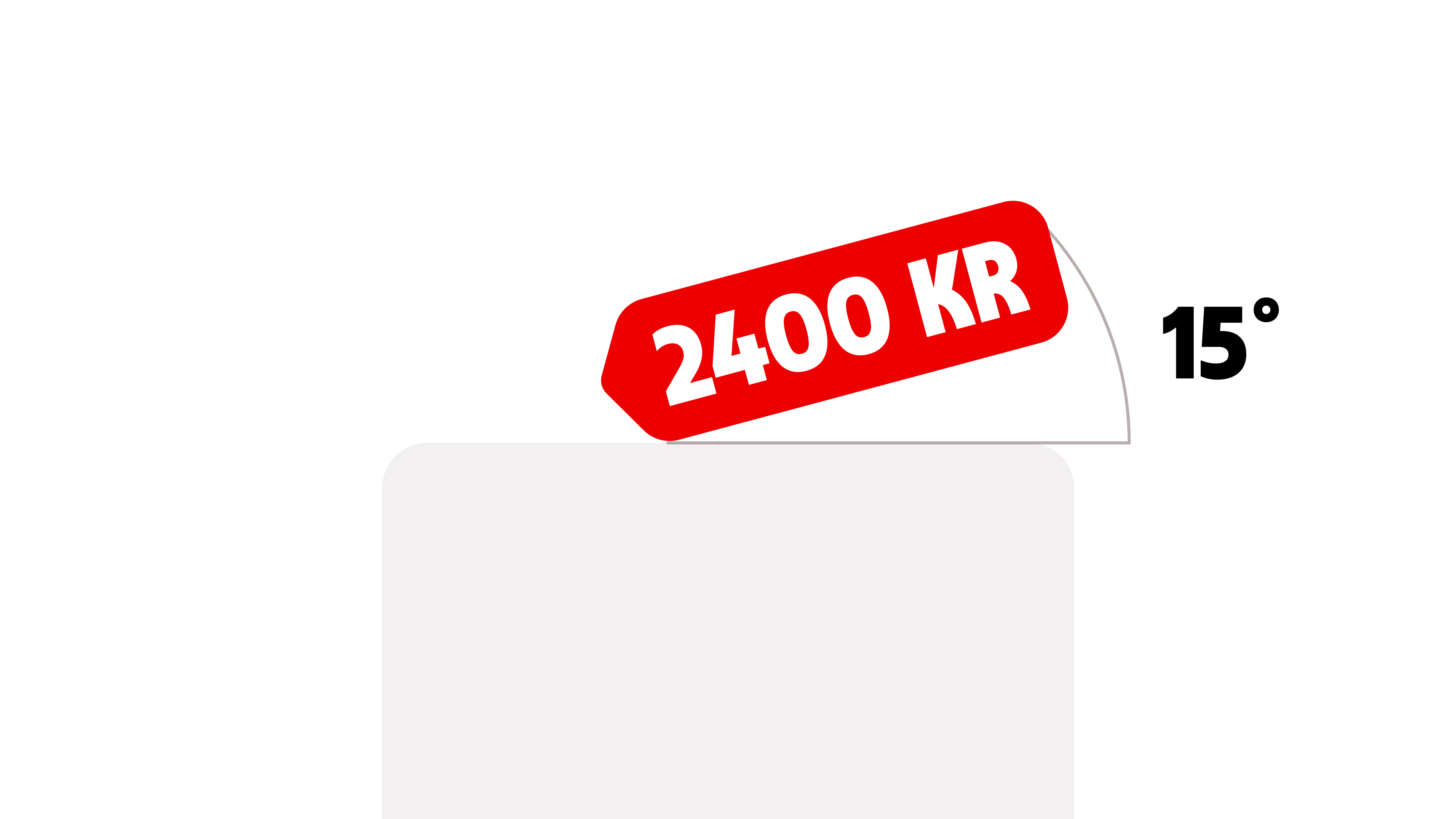
Price labels can be slightly rotated to create a more dynamic and attention-grabbing expression.
- Use rotation sparingly and with intention
- Keep the angle subtle to maintain readability
- Maximum rotation: 15°
Position
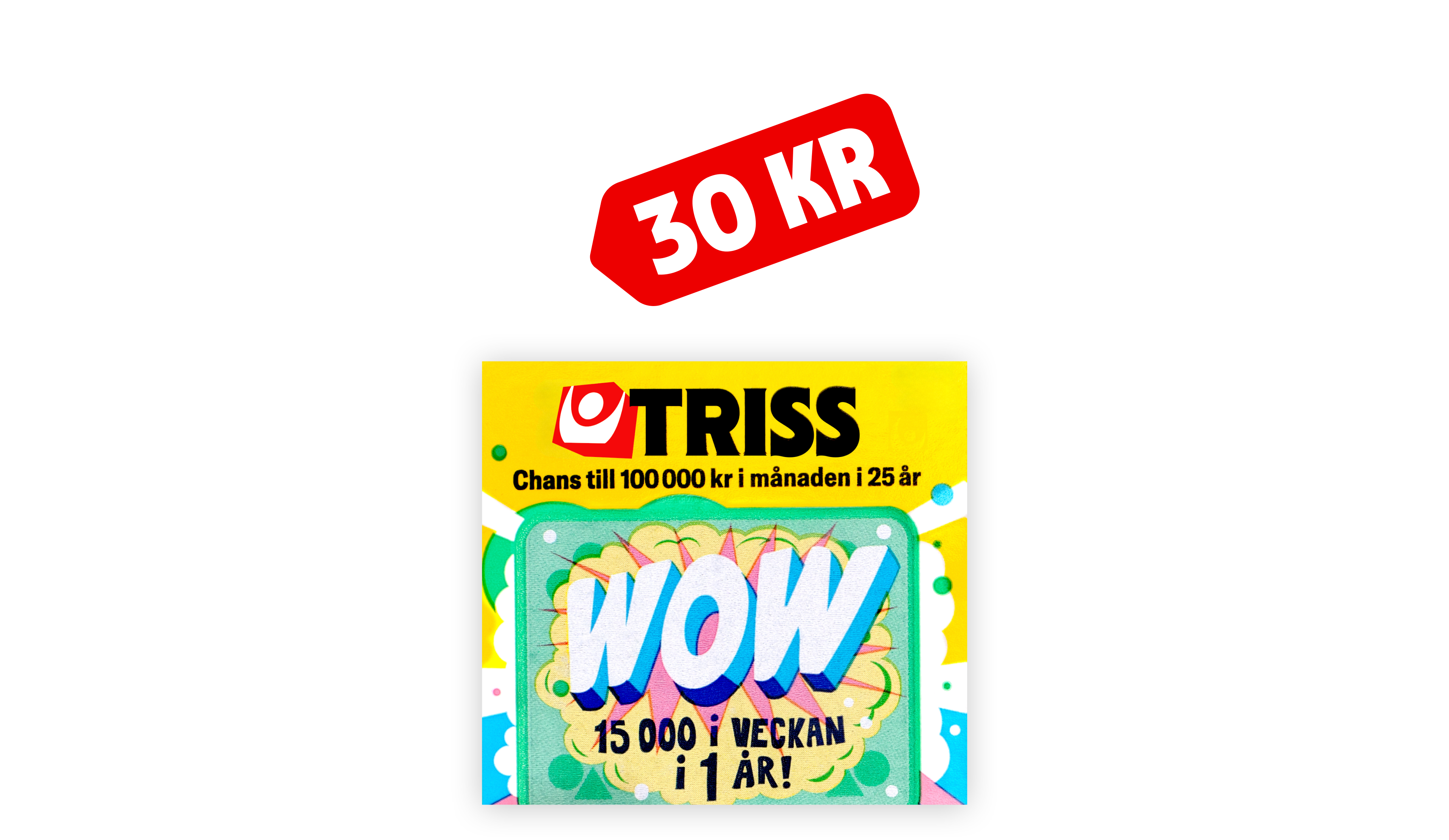
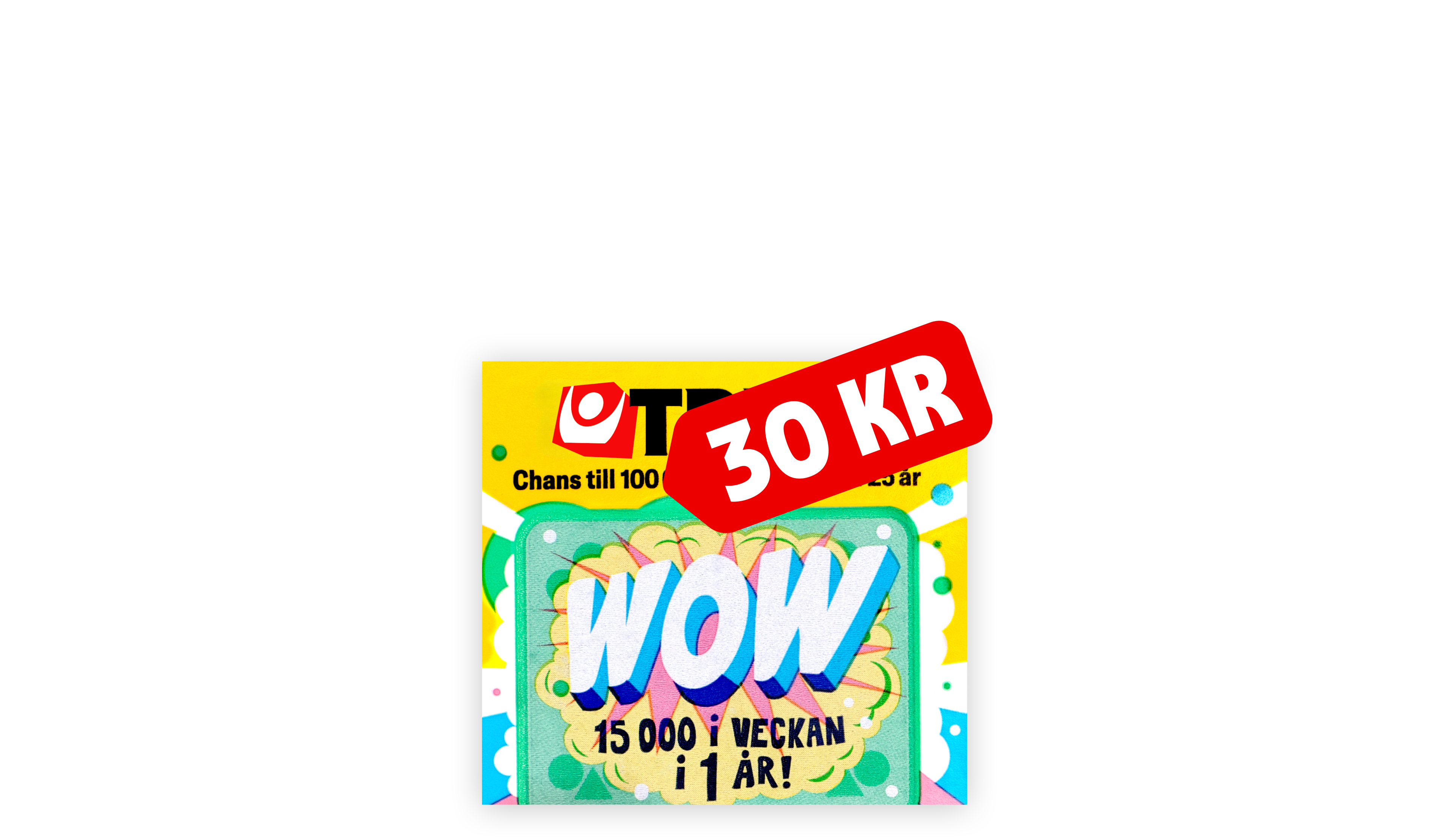
Connected


Examples
These examples demonstrate how the "pricelabel" component can effectively highlight prices in various contexts and layouts. They showcase the adaptability of size, placement, rotation, and spacing while ensuring clarity, hierarchy, and brand identity.