Components
Radio groupRadio Group is a graphical control element that allows the user to choose only one of a predefined set of mutually exclusive options.

Usage
The radio group component allows the user to select one (and only one) option out of a group. Radio buttons must be presented in a group of at least two.
For scenarios where multiple options may be enabled at the same time, use checkboxes. For situations with large amounts of options consider using the select component.
Text labels
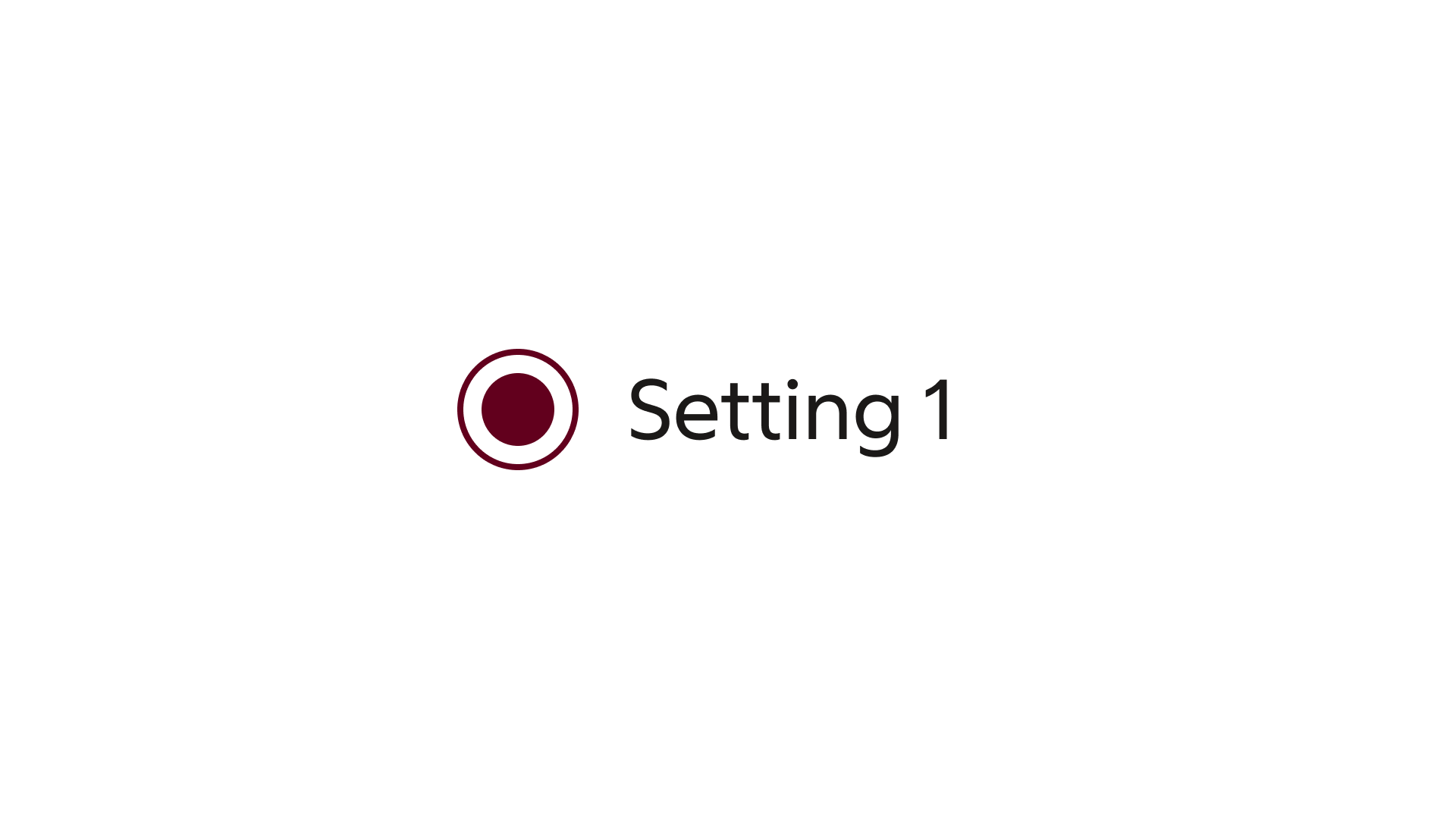
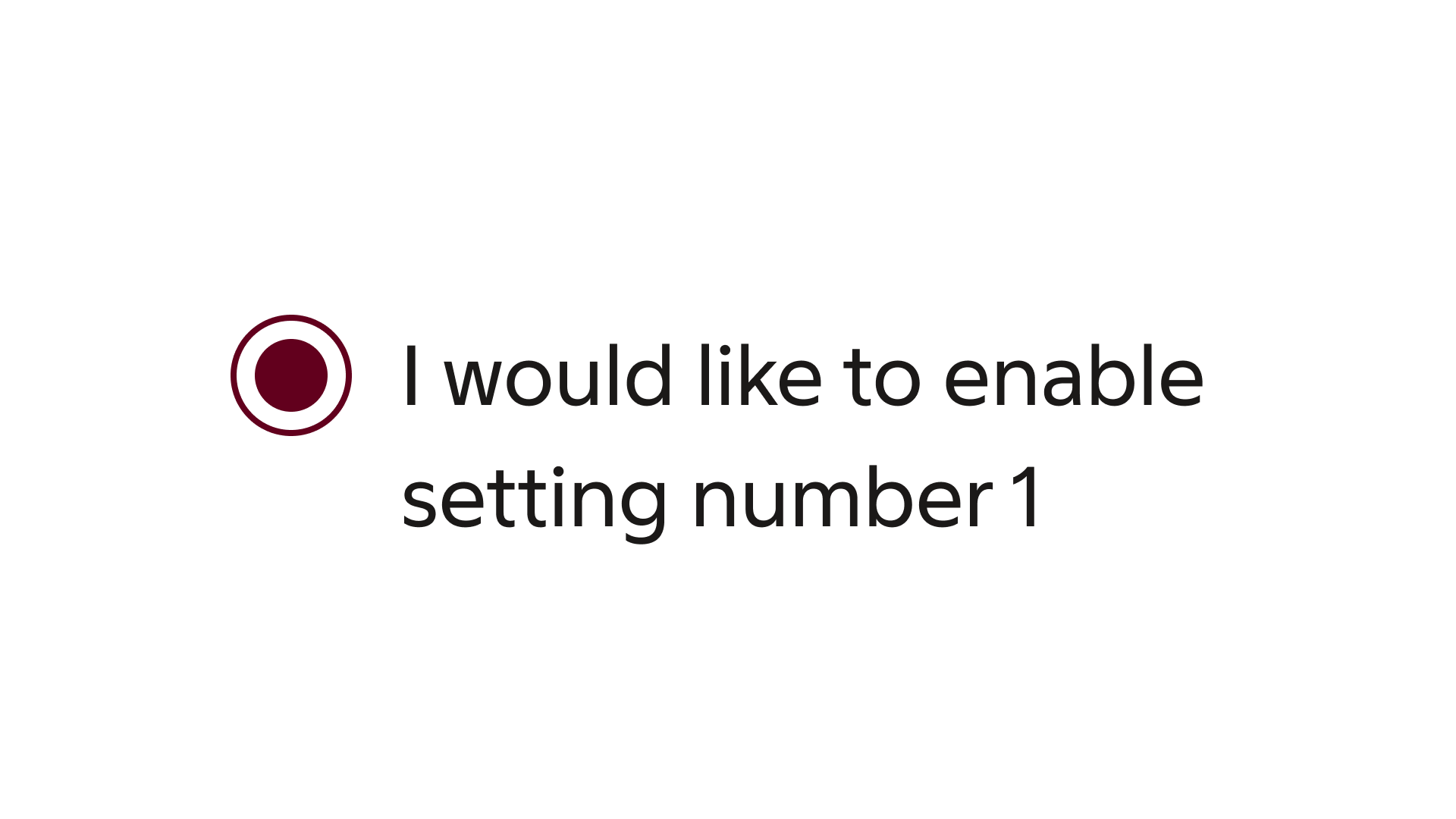
Provide a label text to clearly indicate what option the associated radio button enables or disables. Avoid too long label texts, the content should not exceed one line. Use the description field if extra clarification is required.
Formatting
Anatomy
The radio group element features a label, along with an optional description text.
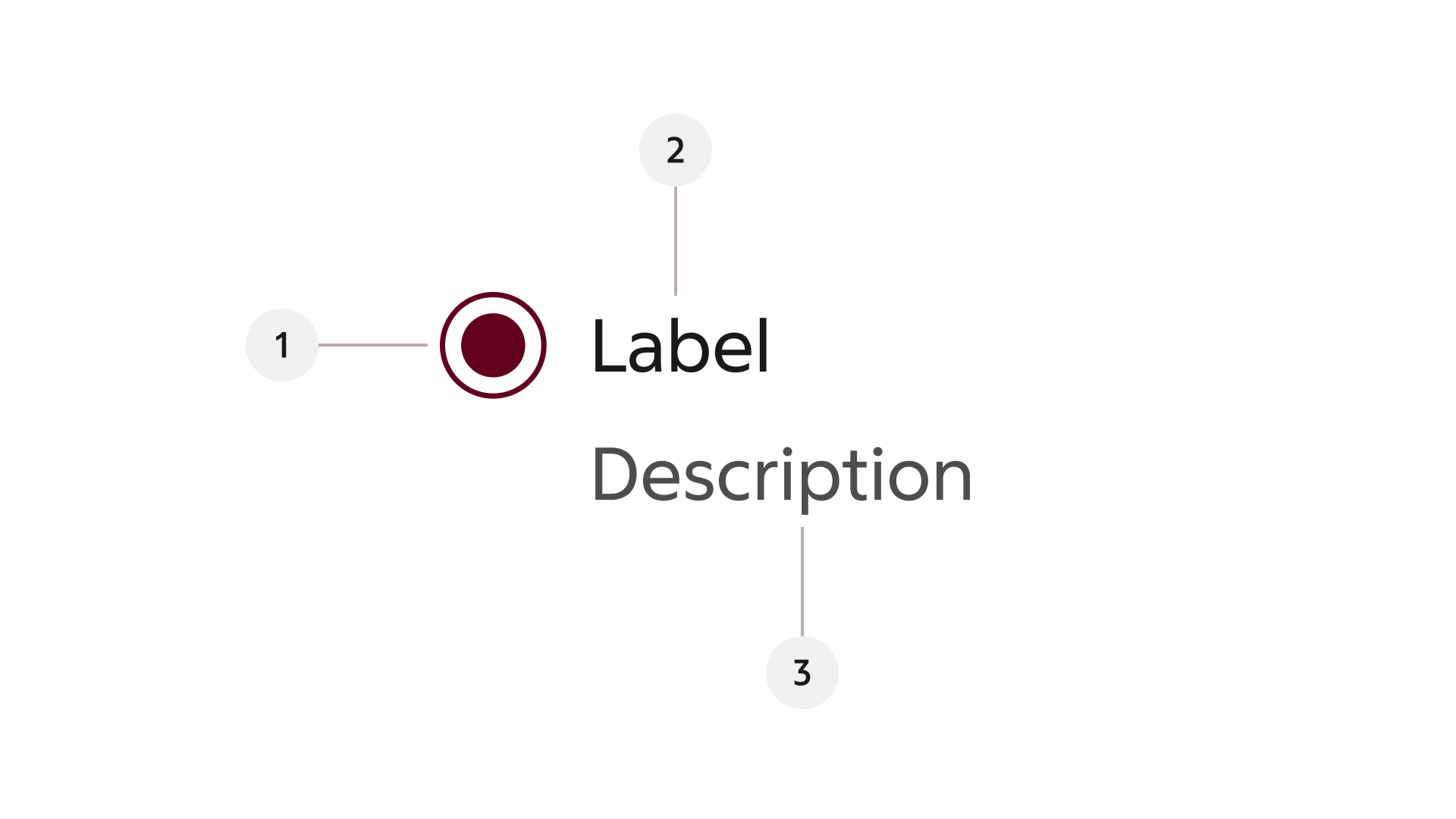
- Radio button
- Label
- Description
Behaviour
States
The radio button can be either selected or unselected. In a group only one radio button may be enabled at one time.
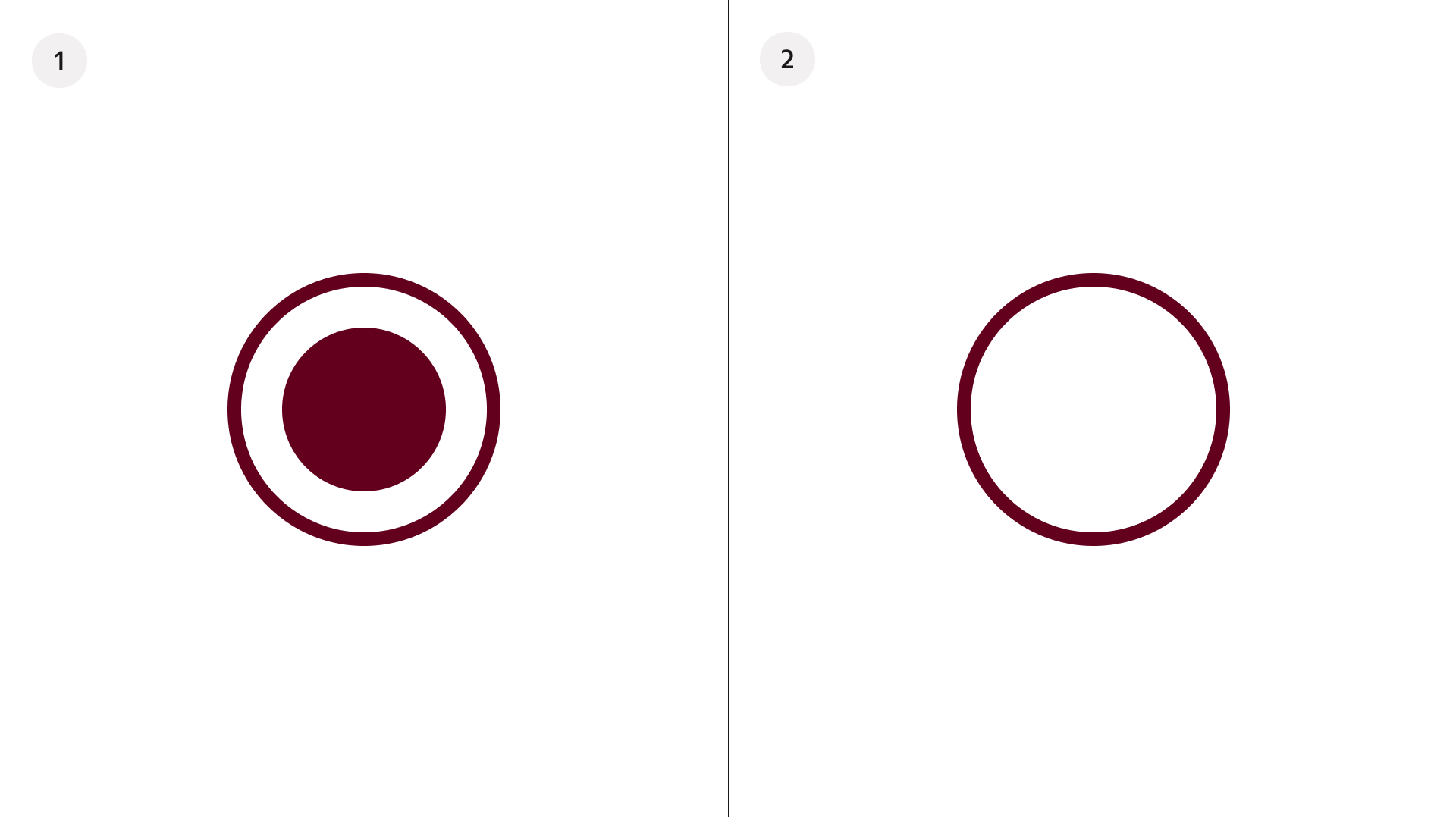
- Selected
- Unselected
Modify
Alignment
The radio can be aligned to the left or the right within a design, according to needs.
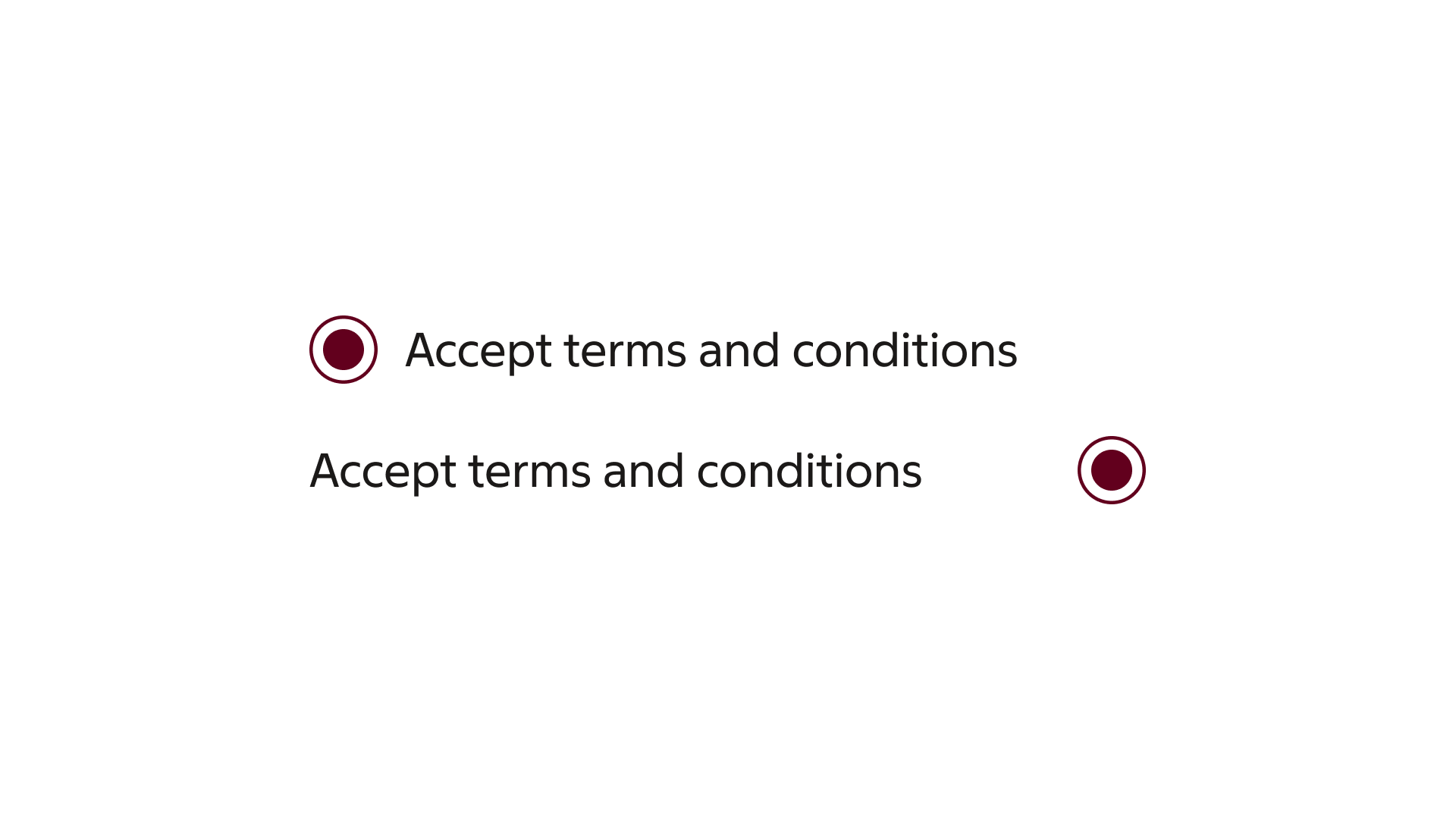
Left- and right aligned radio buttons.
Description field
If further explanation is required in order to communicate what the associated option means, further clarification can be added in the description text.
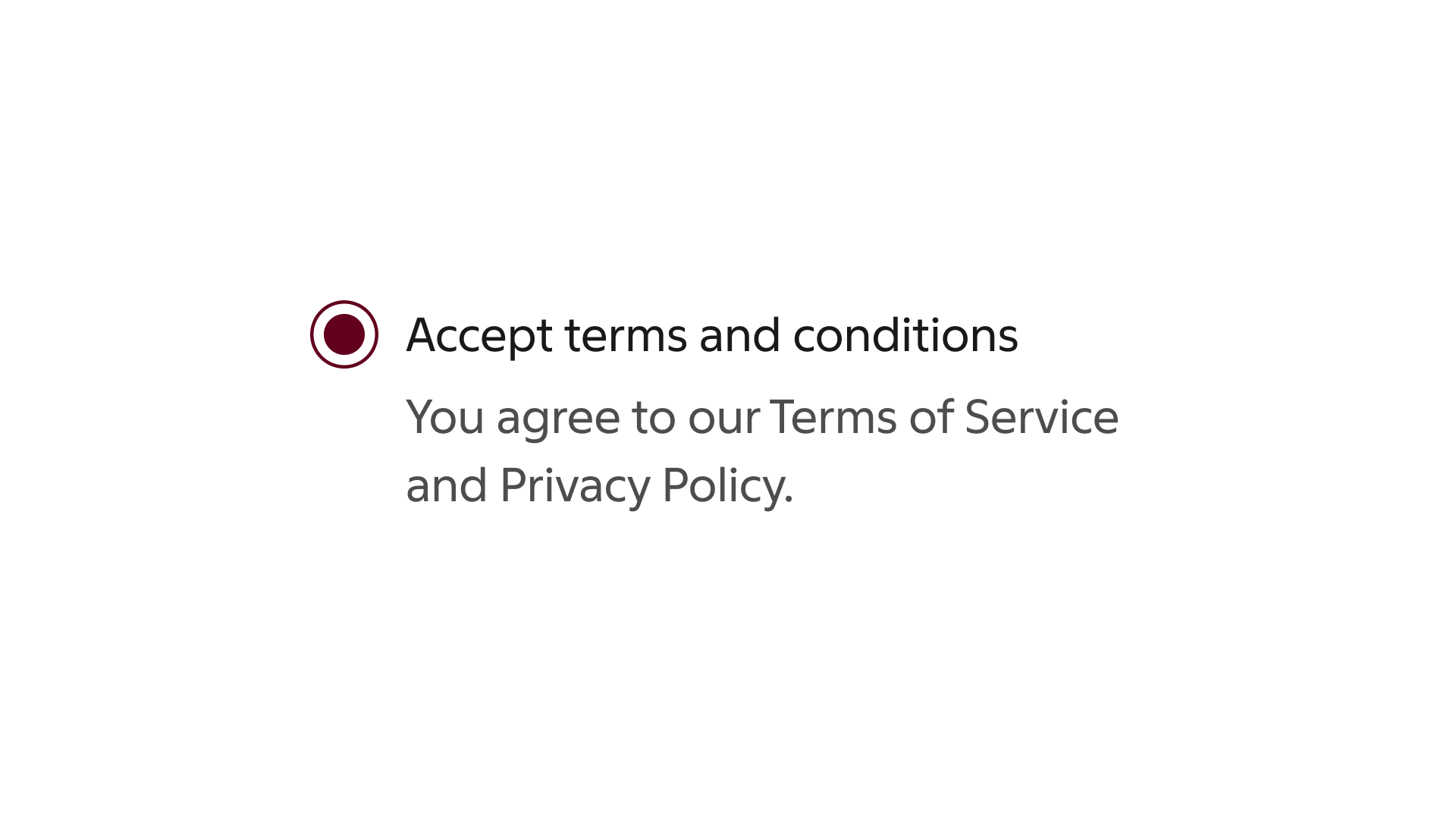
A radio button with label and description text.