Components
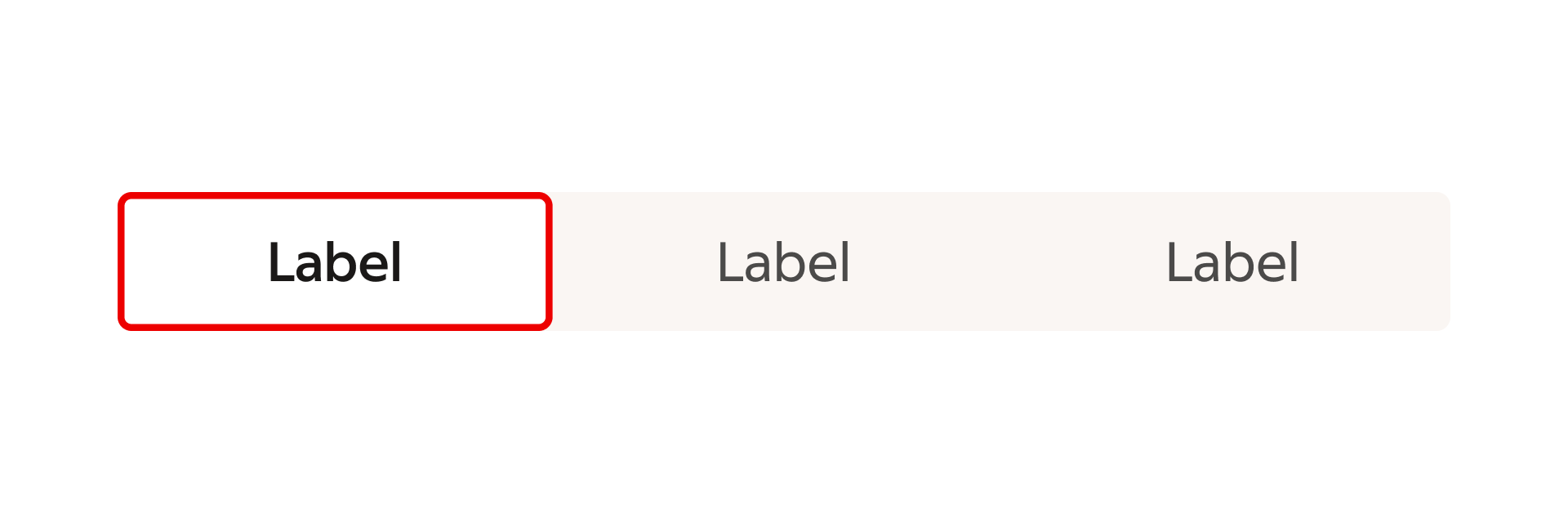
Toggle GroupToggle Group is used to make selections, typically within a form setting.
Usage
Use a toggle group to allow the user to make selections within a interface, either single mutually exclusive options or multiple independent options.
Interaction states
Default
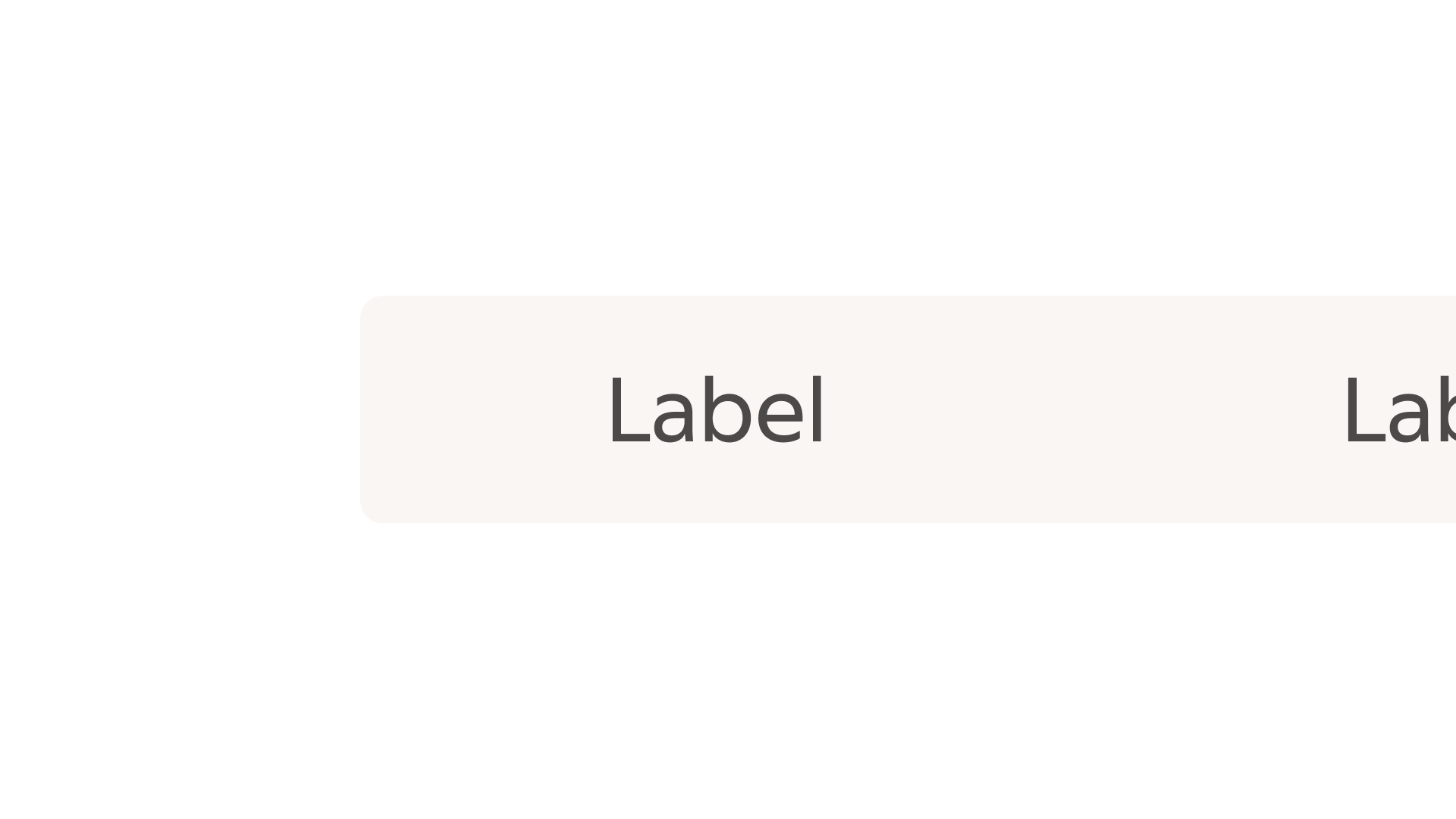
The default state, prior to to user interaction.
Pressed
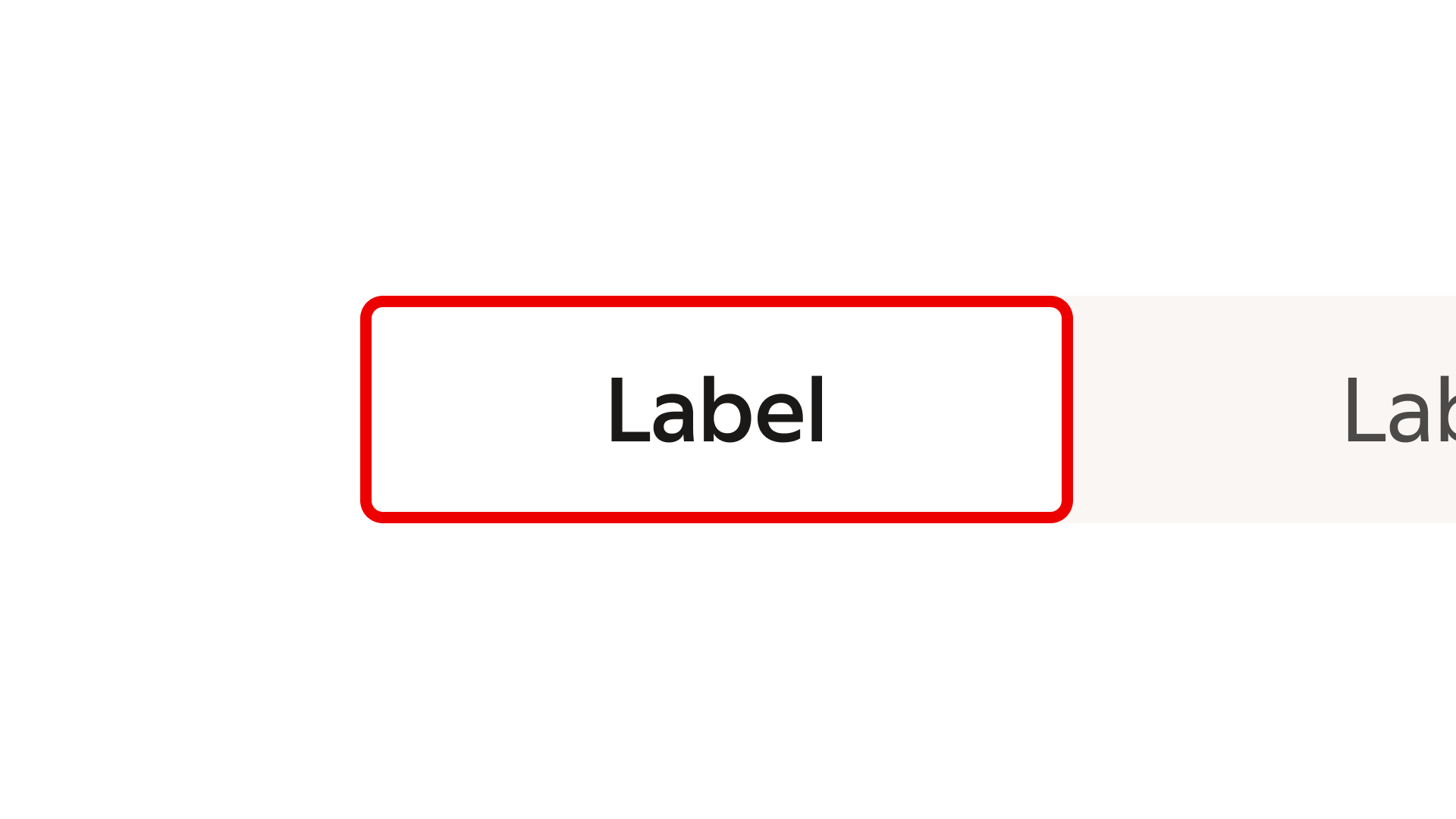
The button in the toggle group is currently activated.
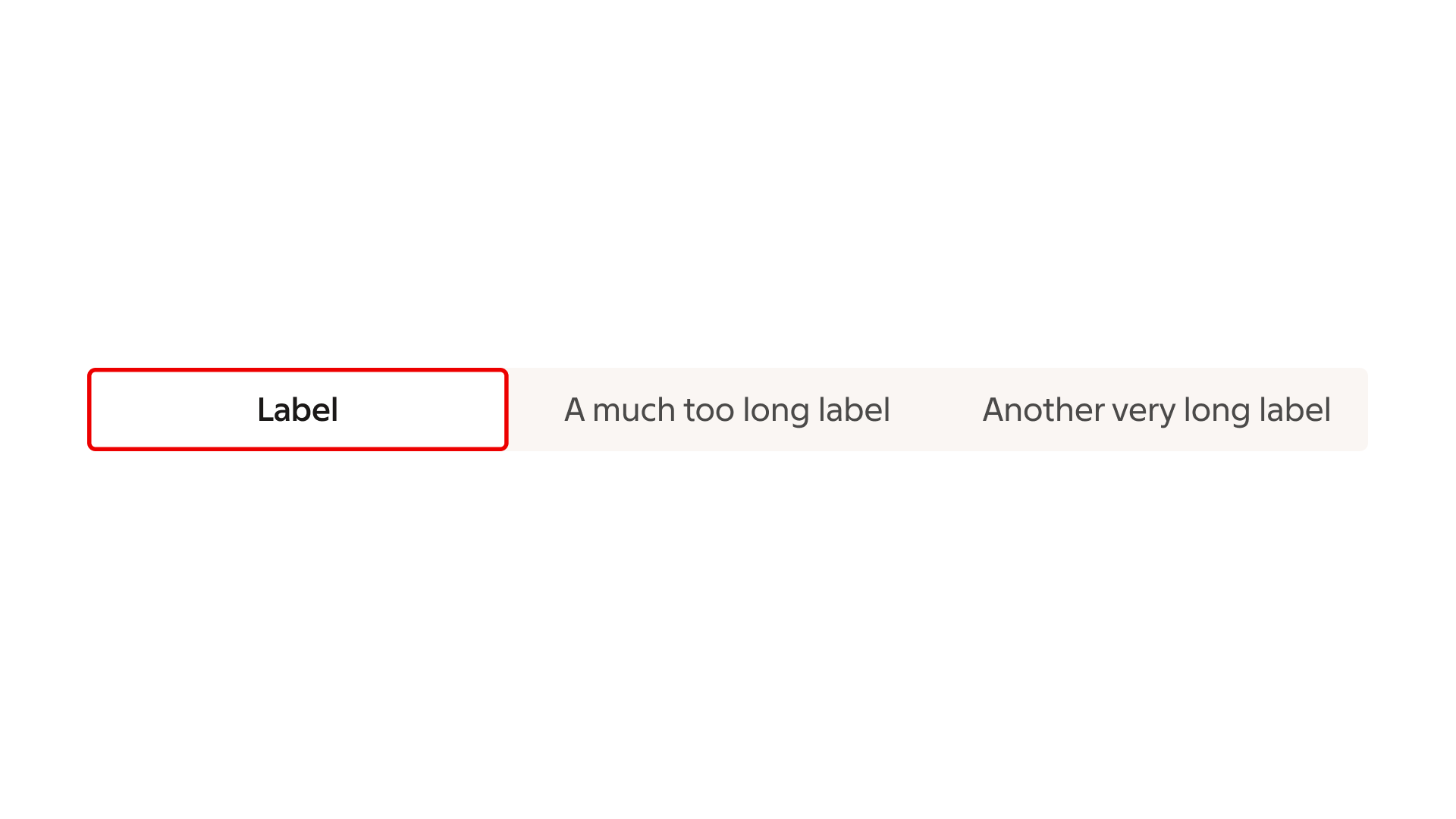
Formatting
Anatomy
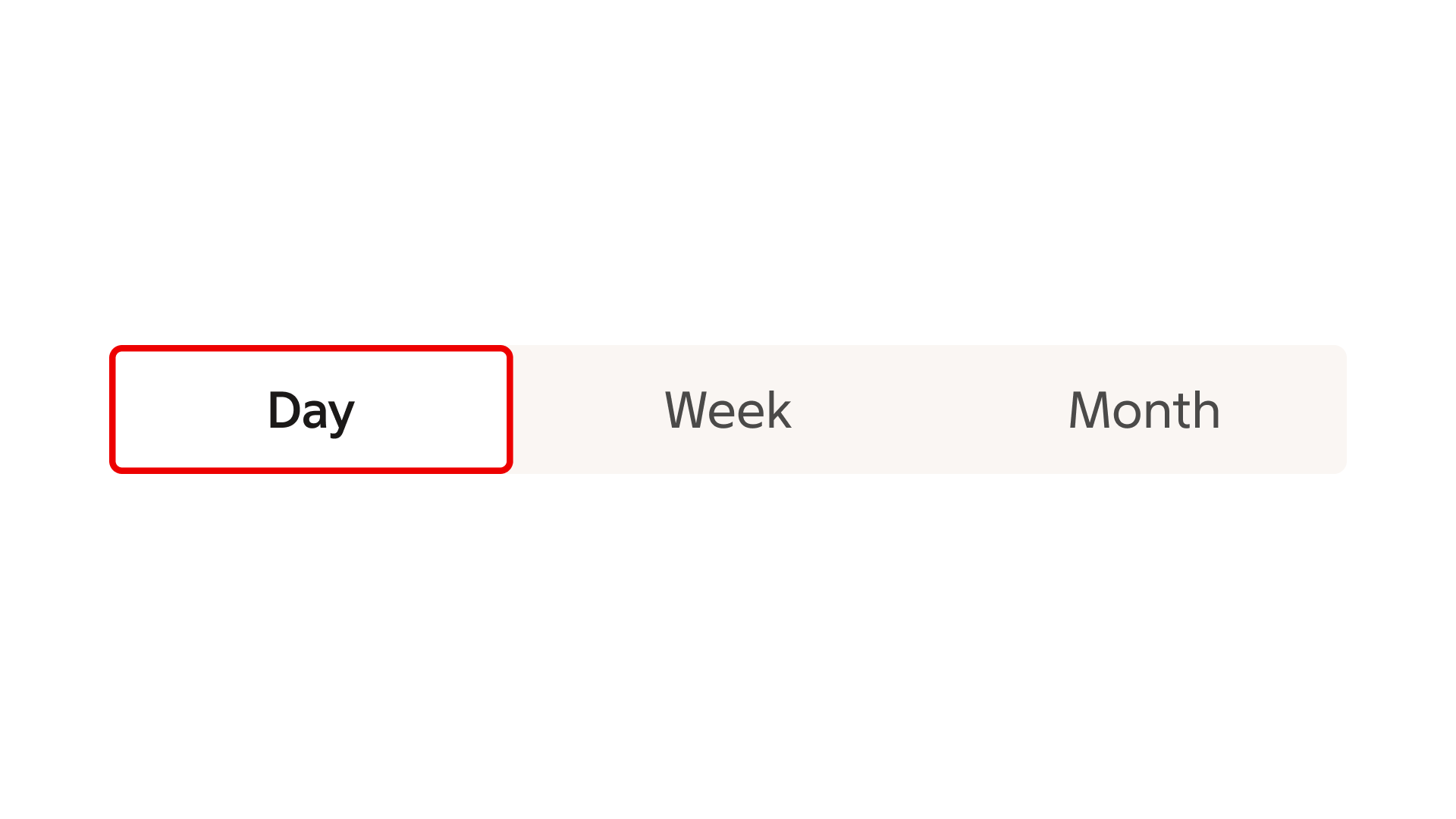
The toggle group consists of a set of togglable buttons.
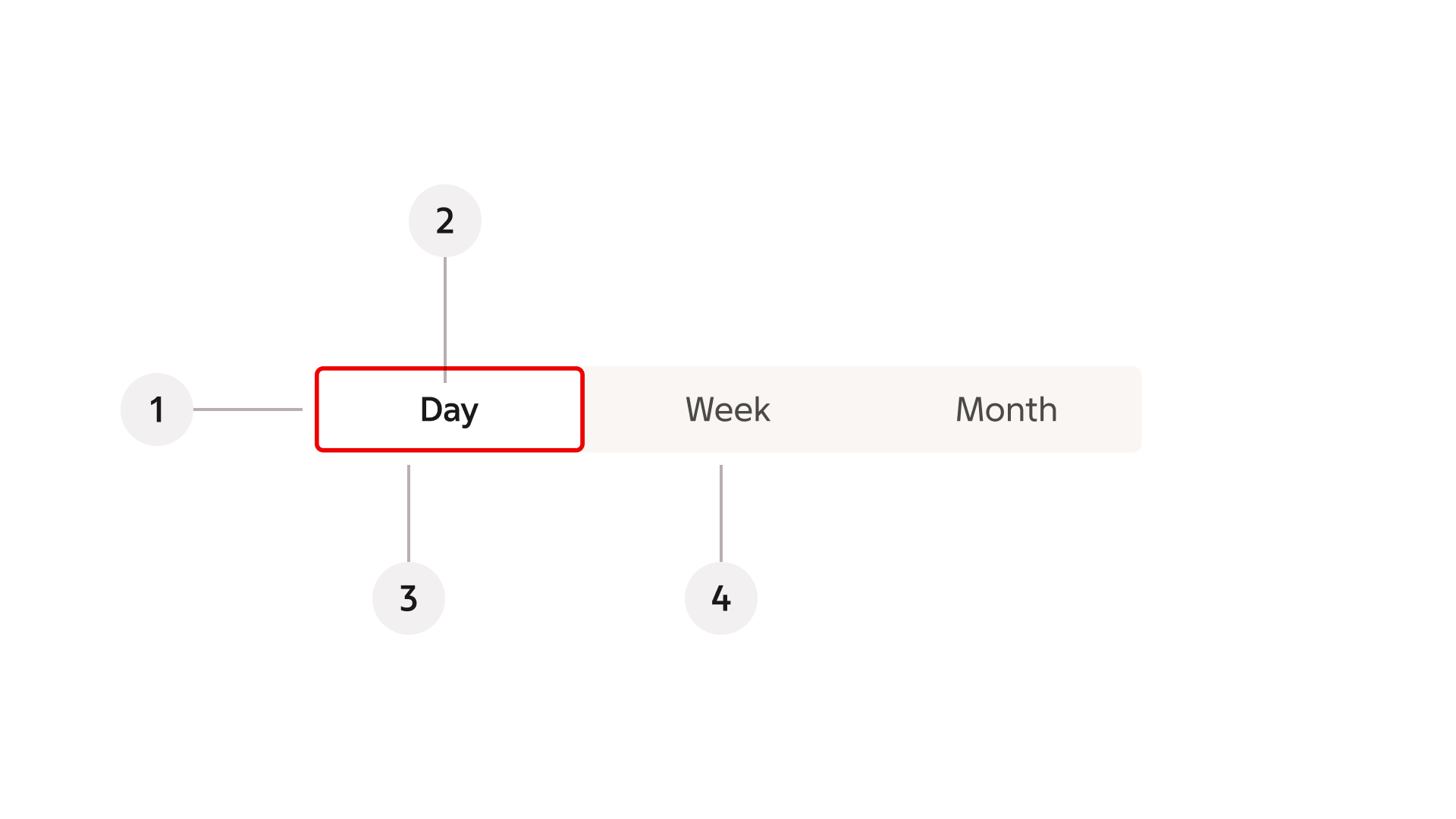
- Container
- Label
- Selected button
- Unselected button
Behaviour
Single and multi select
Toggle group can be configured to either allow only a single option, typically for making a selection between mutually exclusive options or toggling between states. Alternatively toggle group can be configured to allow multiple options simultaneously, e.g. in a filtering function, where each option can be toggled independently. The two variants have slightly different designs, indicating their function.
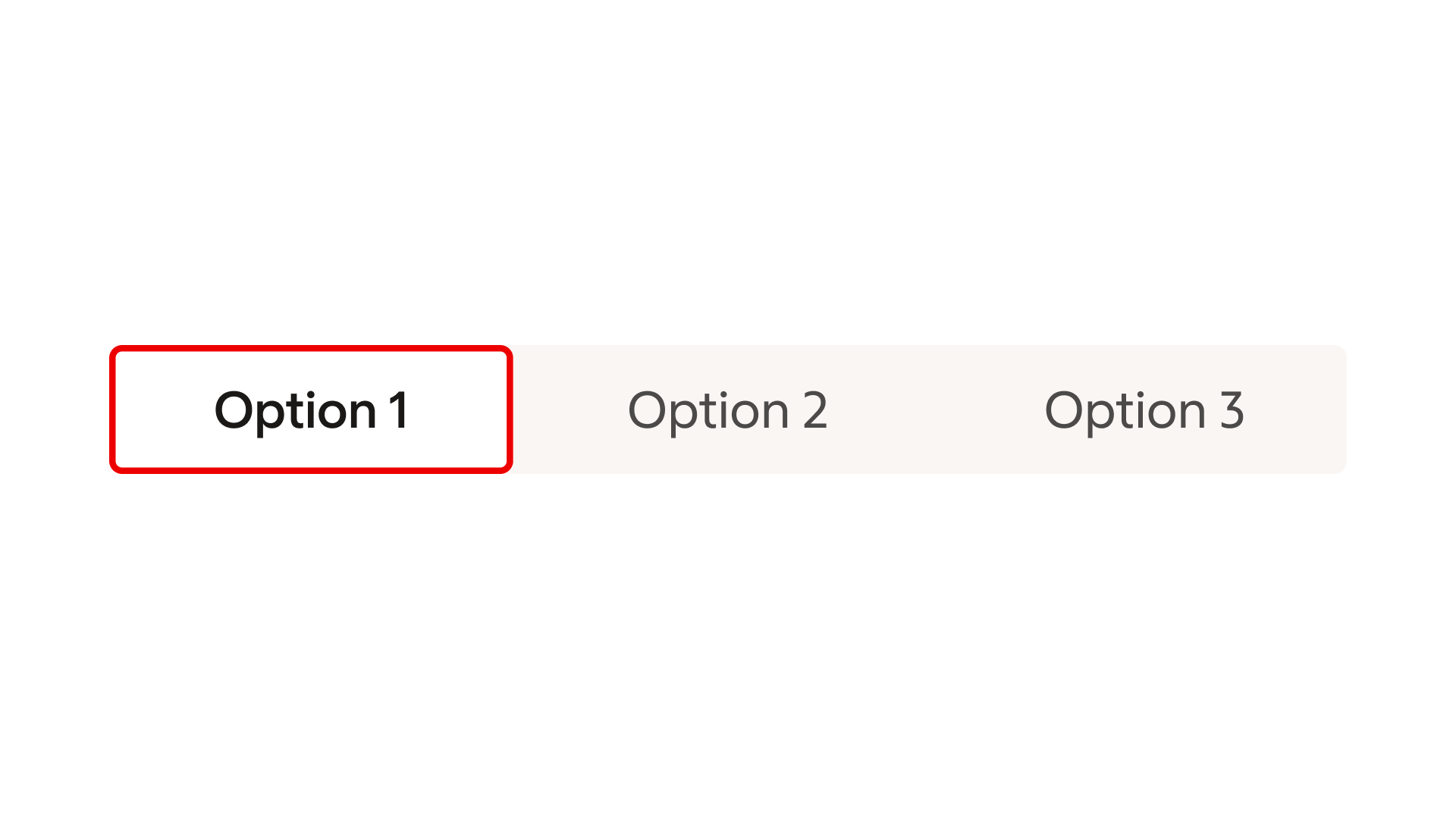
Single select – only one option can be active at one time.
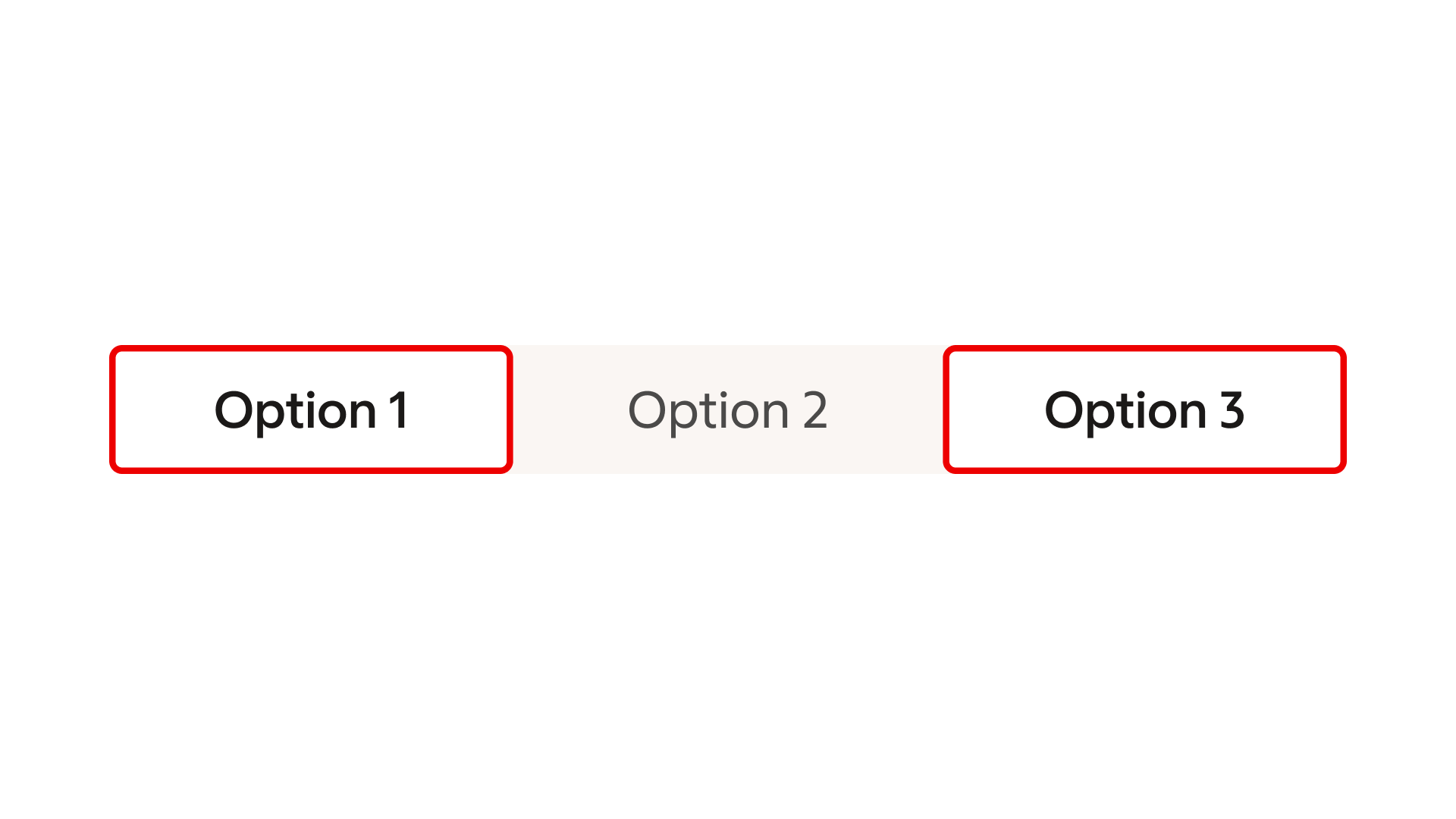
Multi select – multiple options can be active simultaneously.
Multiple rows
Toggle group allows for multiple row configuration. Add additional rows if the available options in the group exceeds 5 or if the label texts are long.
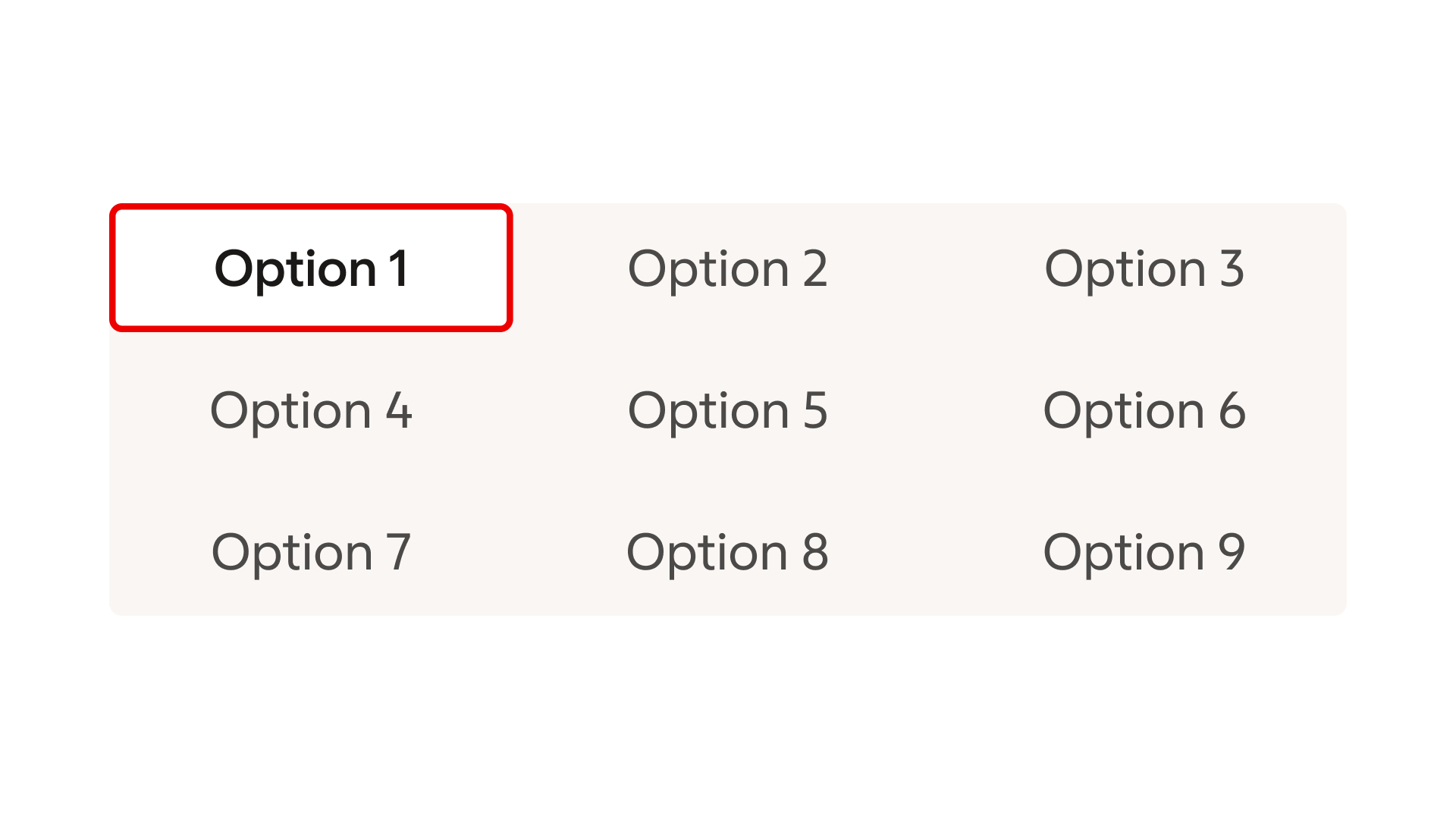
Examples of Toggle groups featuring multiple rows.
Modify
Emphasis
The Toggle group is available in two emphasis variants: medium and low. Use the medium variant as the default. It is the standard choice for most use cases and provides a clear level of prominence within the interface. Use the low variant when the Toggle group is already visually encapsulated by a surrounding container or layout.
Medium emphasis
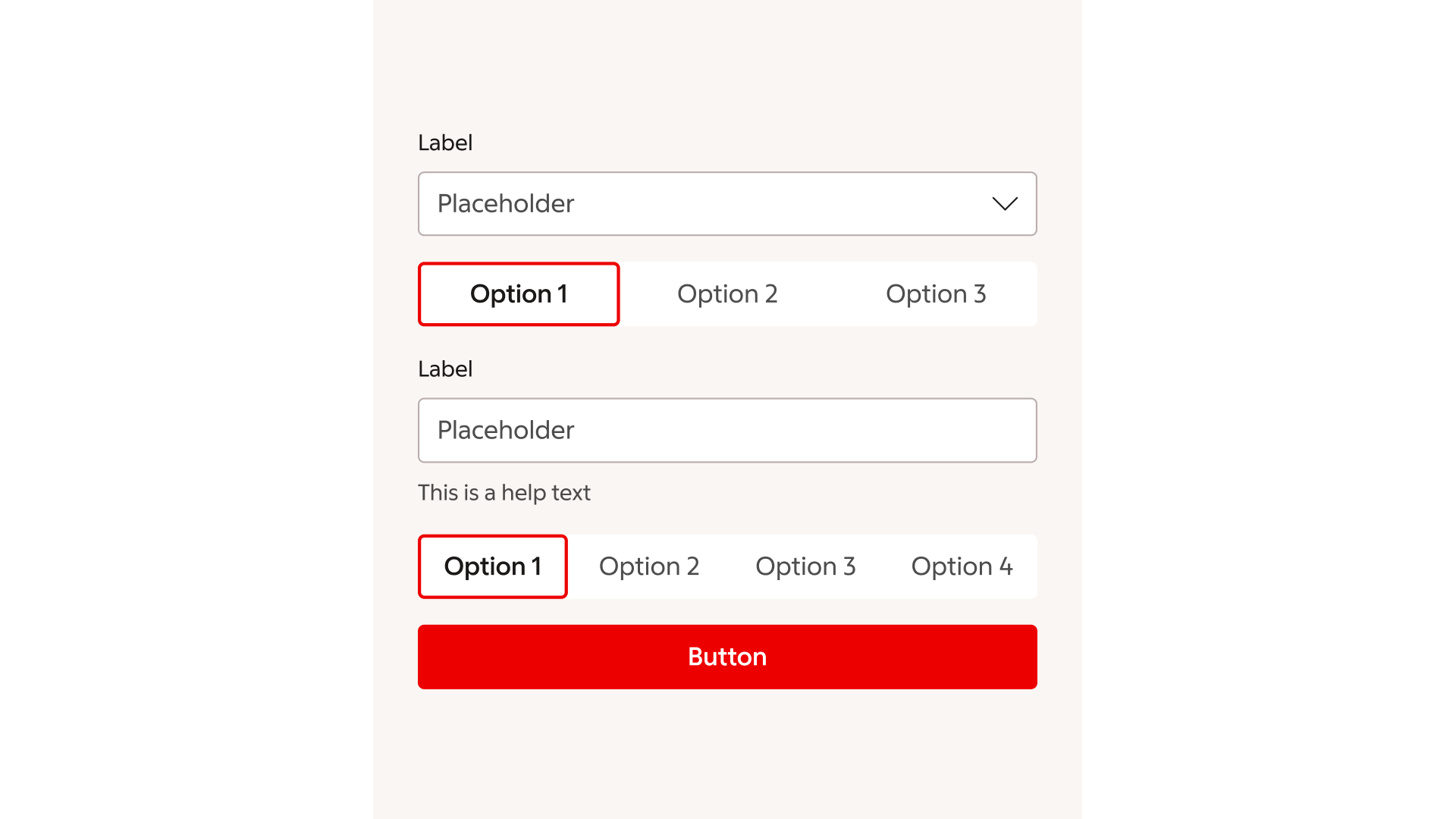
Example of a typical use of the Toggle group, where it appears as a standalone control and needs a clear level of prominence in the layout.
Low emphasis
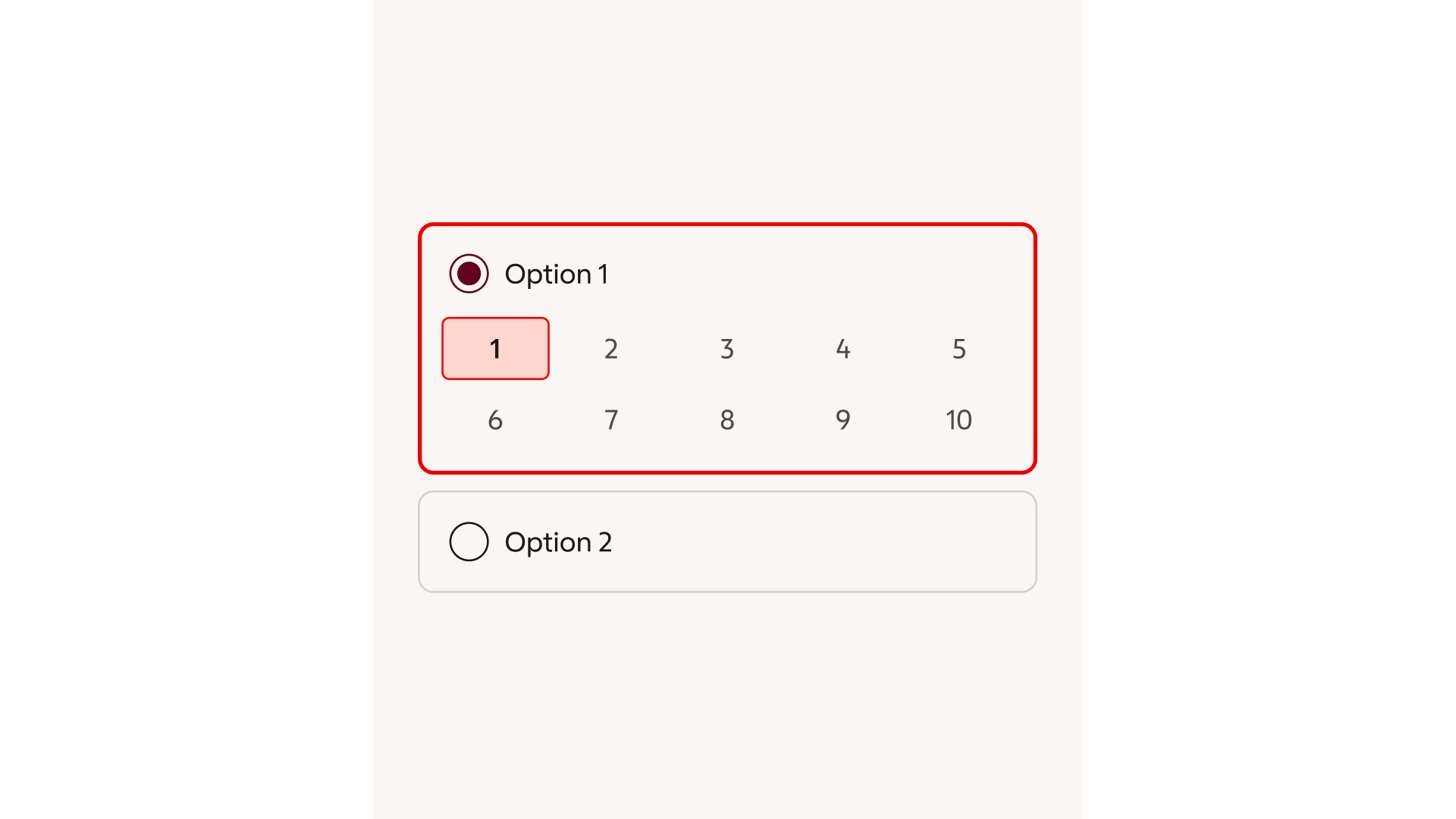
Example of a Toggle group placed within an already encapsulated context, where a lower-emphasis treatment reduces visual weight while preserving clarity and usability.
Sizes
Toggle group is available in medium and small size. Medium is the default size and should always be used in most situations while the small variant can be used in designs where vertical screen estate is limited.
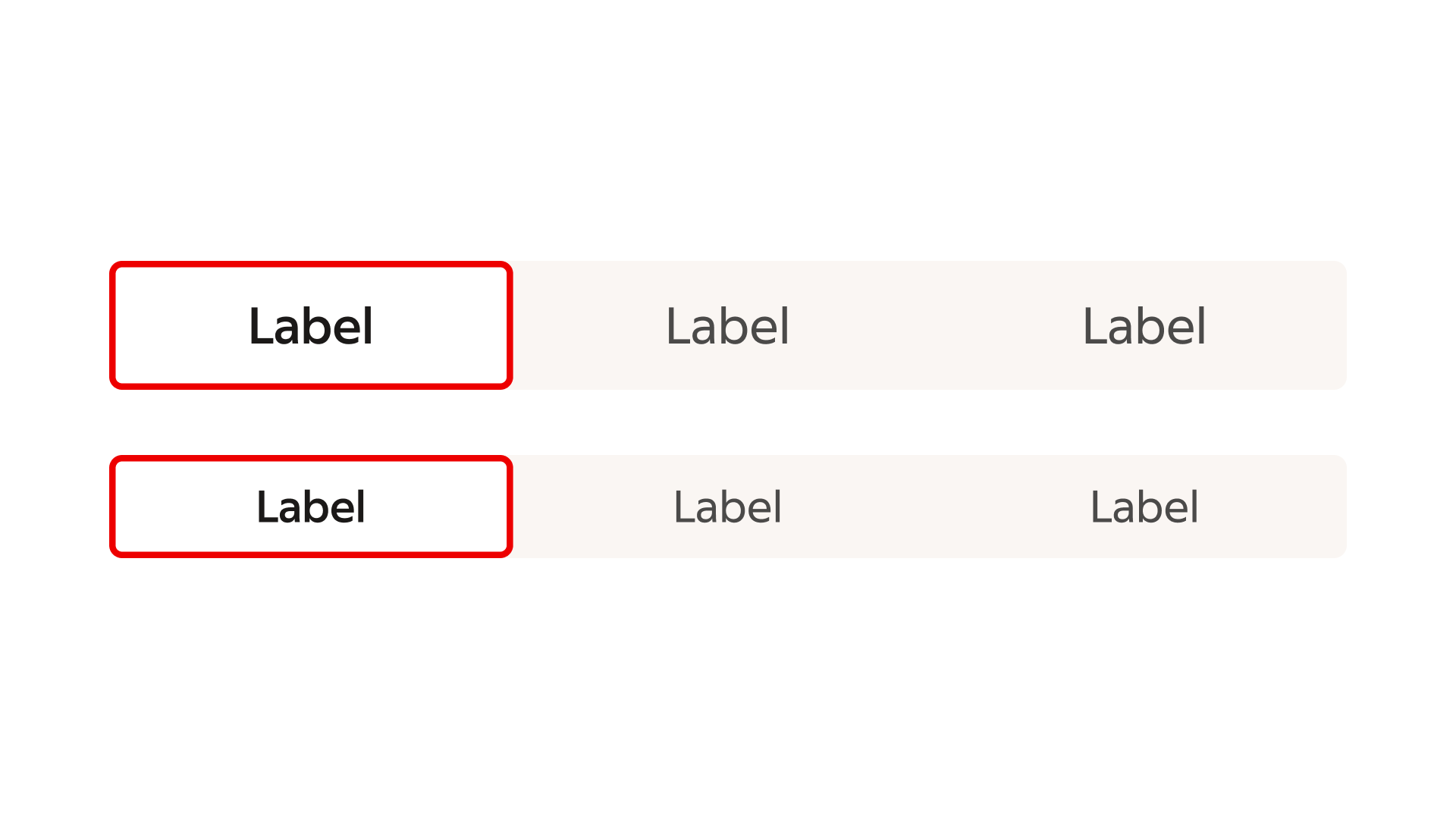
Medium and small toggle groups.
Icons
A check icon within the selected element can be used to further emphasise the selected state if desired.
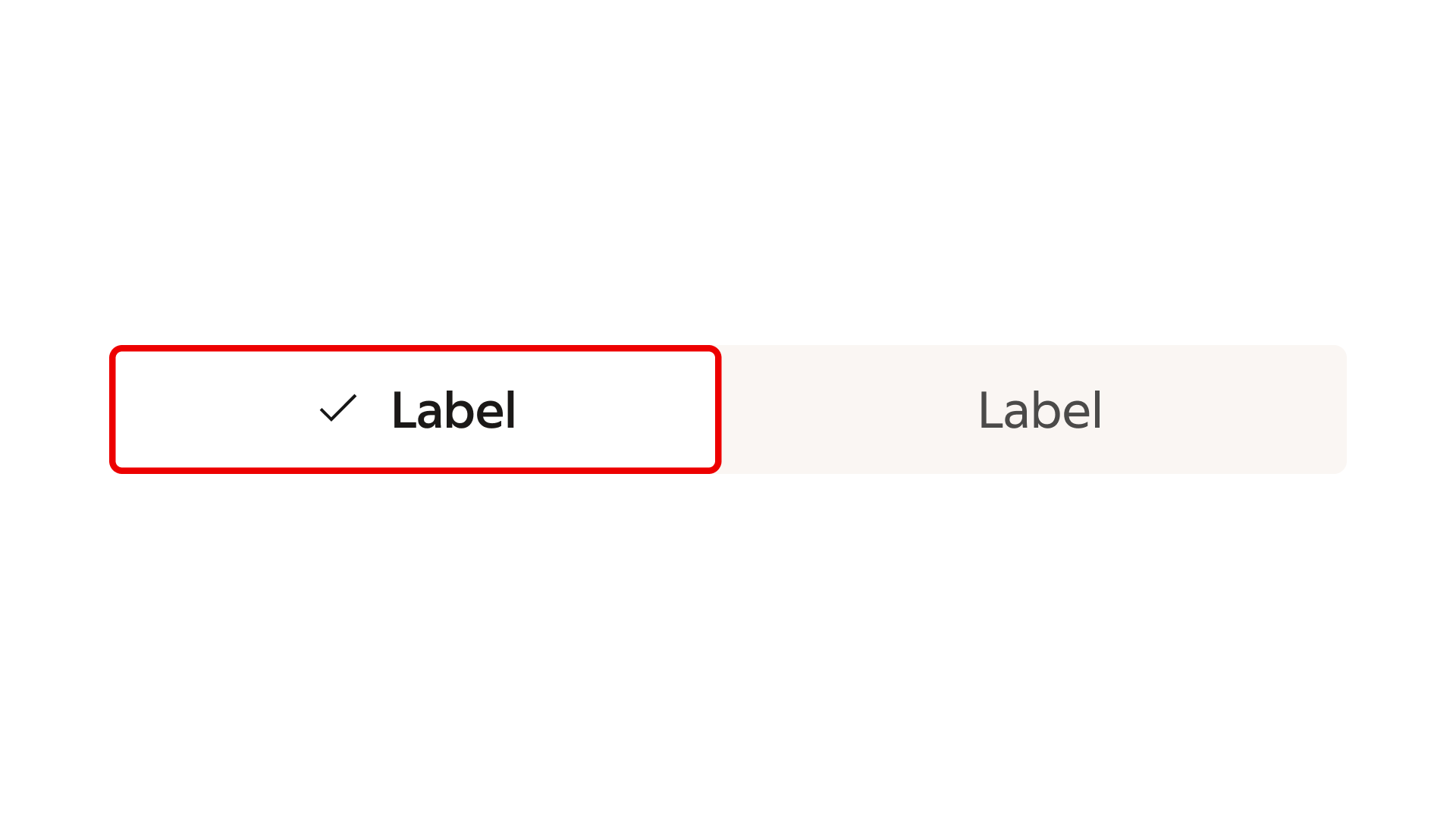
Selected state further emphasised with a check-icon.