Components
TooltipTooltip gives contextual information about a design element.
Usage
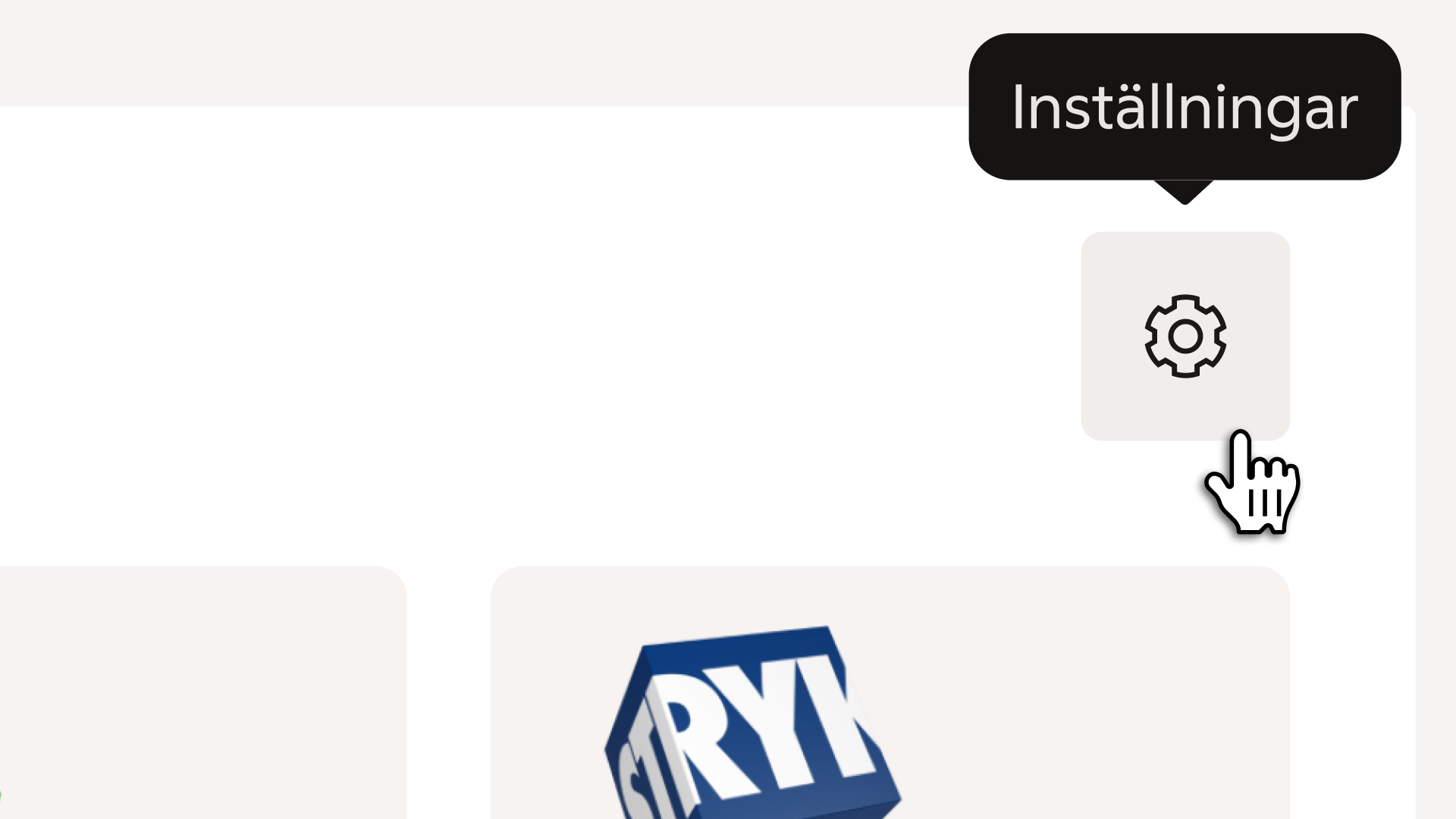
Tooltips provide short, contextual information about an element — often used to describe icons, condensed labels, or actions when space is limited. They appear on hover or focus and disappear automatically when the element is no longer active.
Anatomy
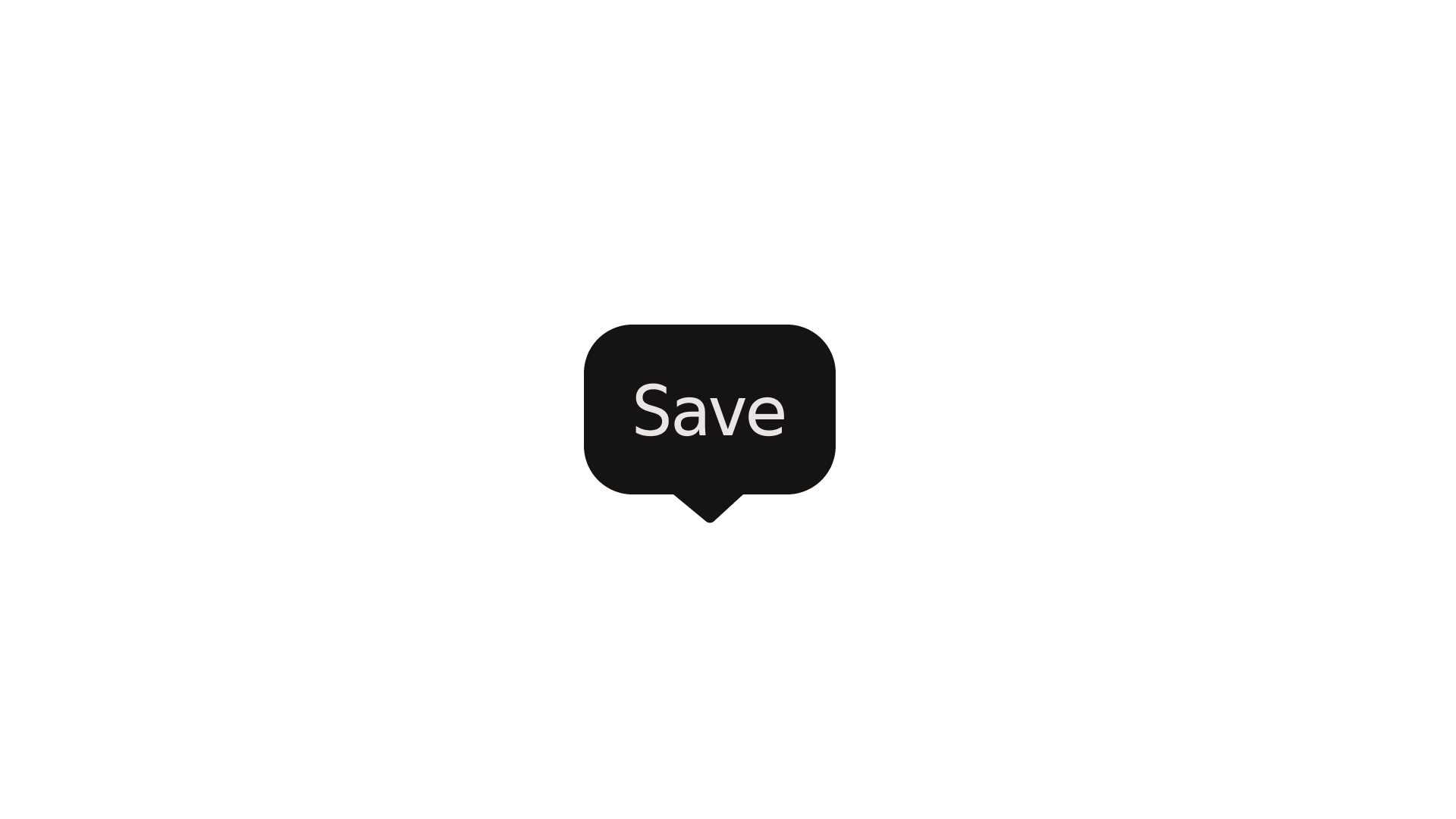
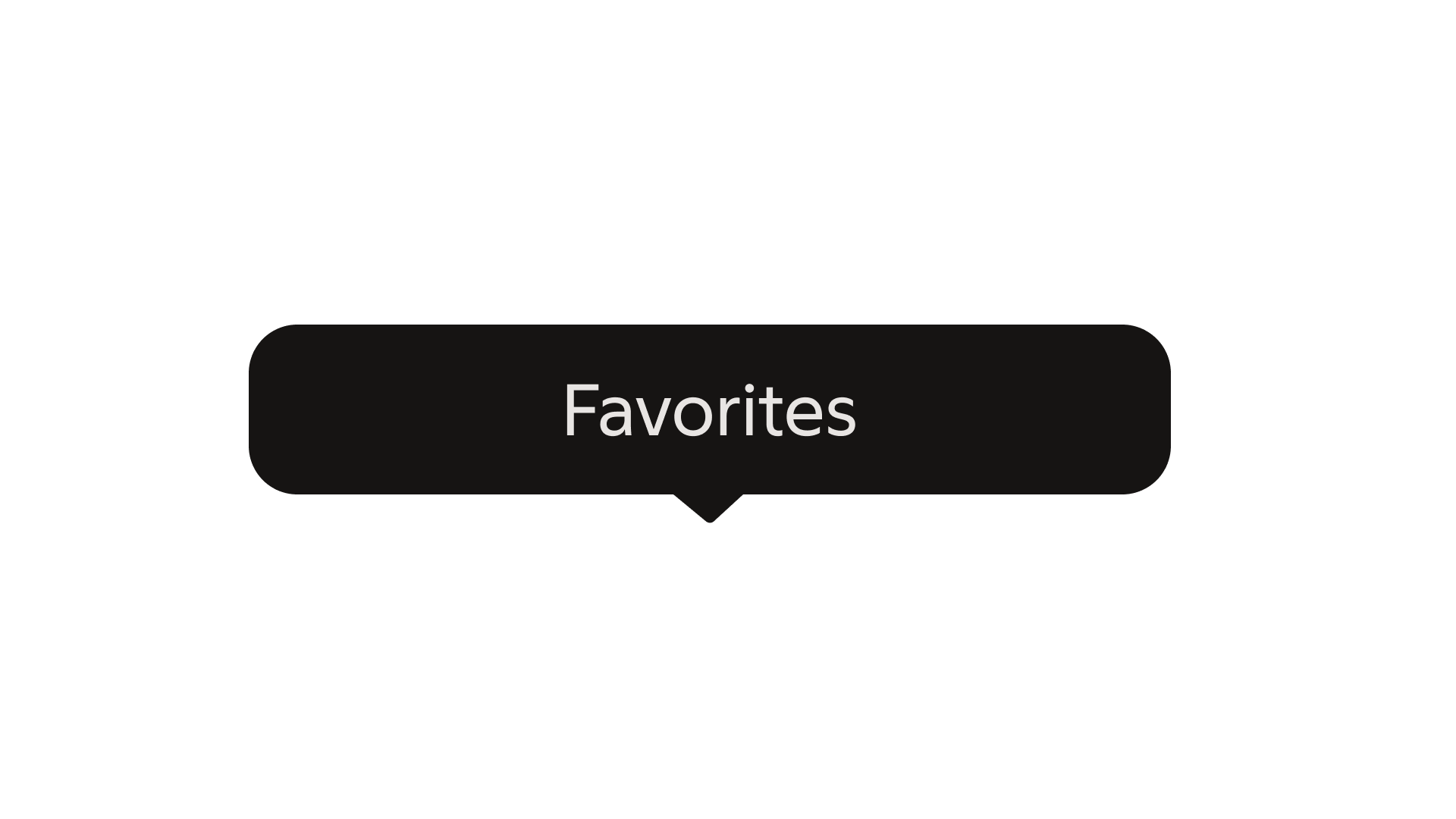
The tooltip consists of three elements: the label that provides context, the container that holds the information, and the tip that indicates direction toward the anchor.
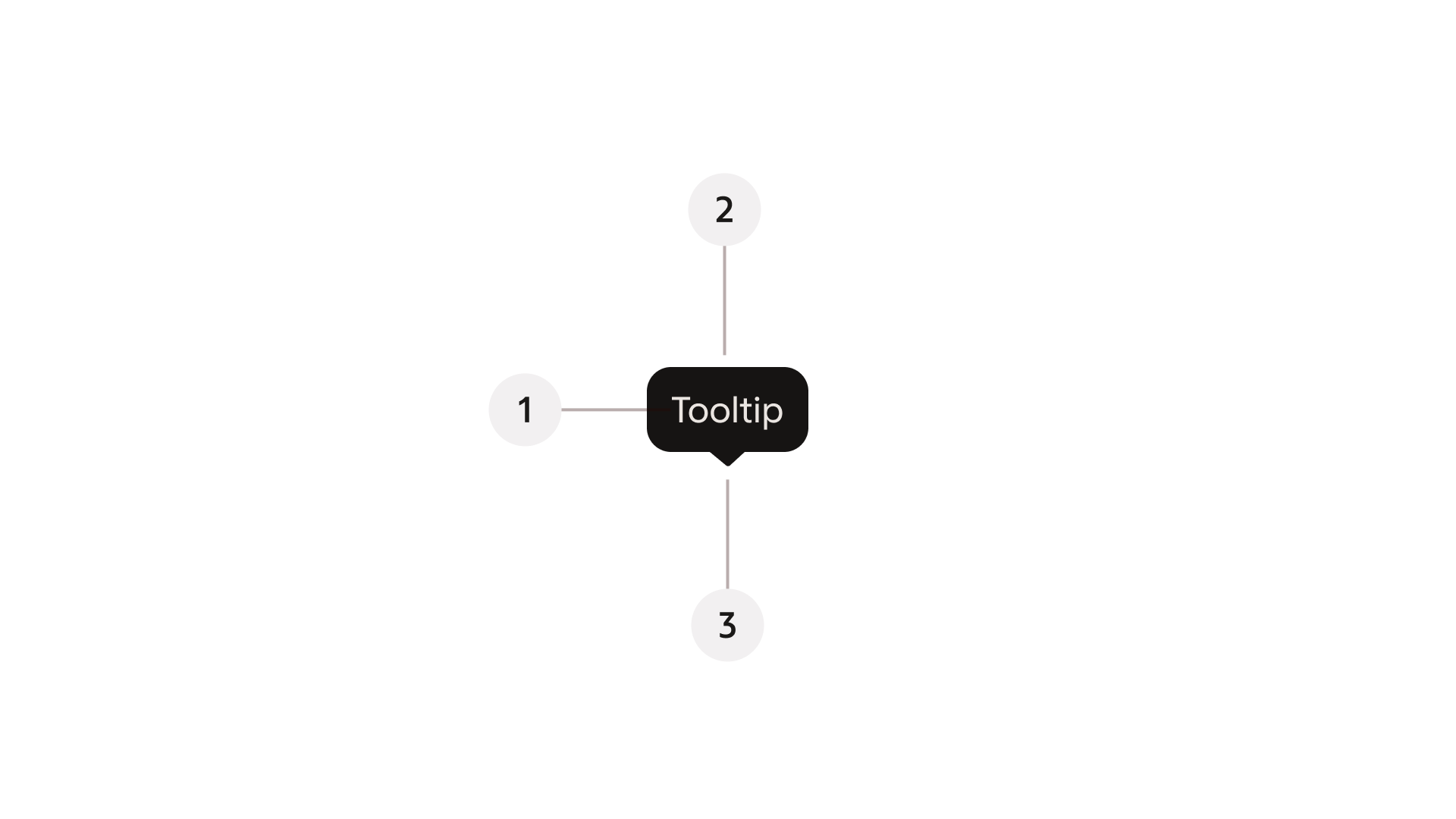
- Label – the message text providing context or clarification.
- Container – the background surface that holds the label, styled with rounded corners.
- Tip (Caret) – a small directional triangle that points toward the anchor element to indicate its relationship.
Properties
Label
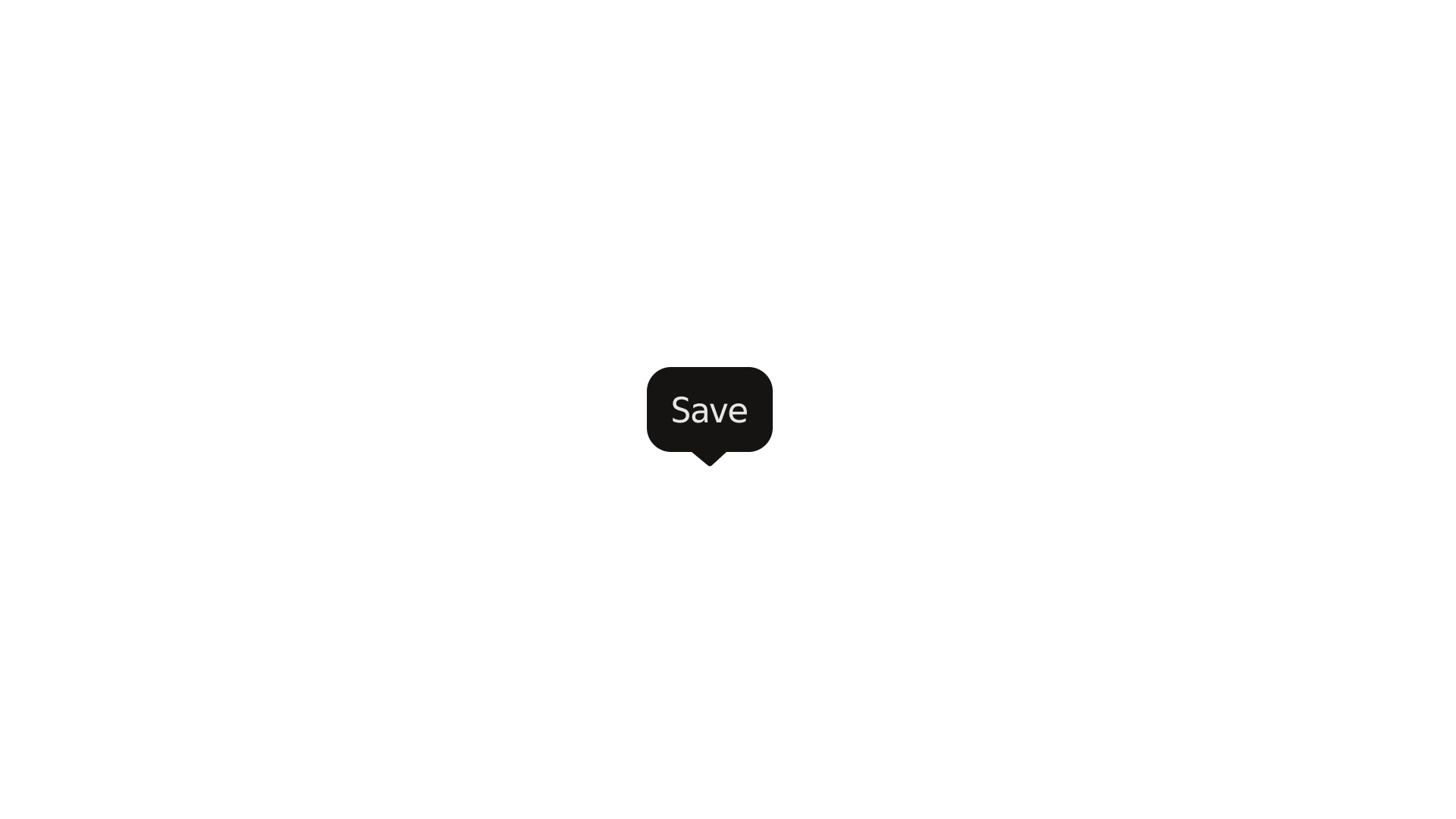
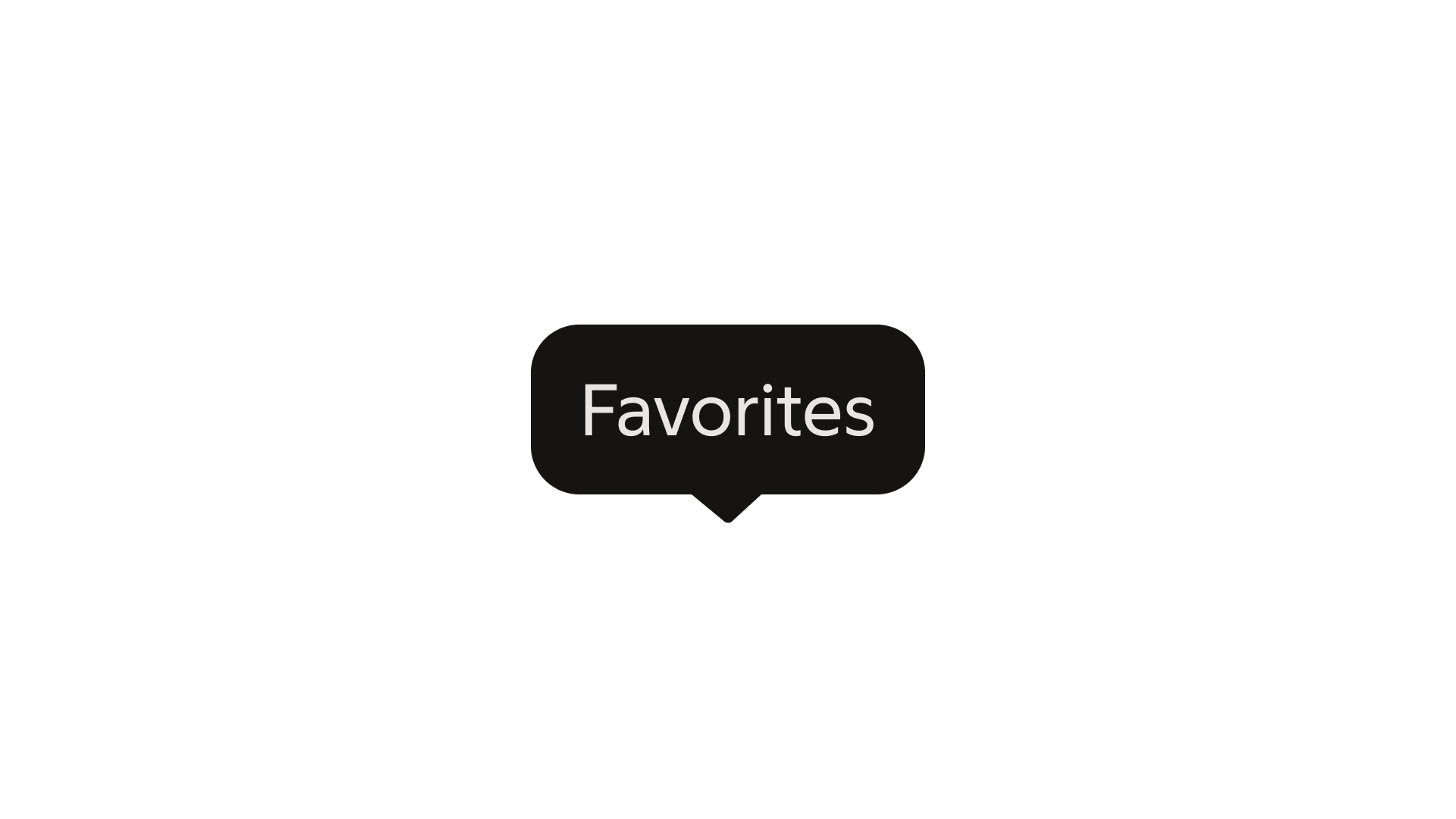
The label displays the accessible name of the trigger element. Keep text short and meaningful. Avoid wrapping where possible; wrap to a second line only when necessary.
Behaviour
Presentation
Tooltips appear after a short delay (around 700 ms) when an element is hovered or focused.
They fade in smoothly and hide immediately when the element is no longer active.
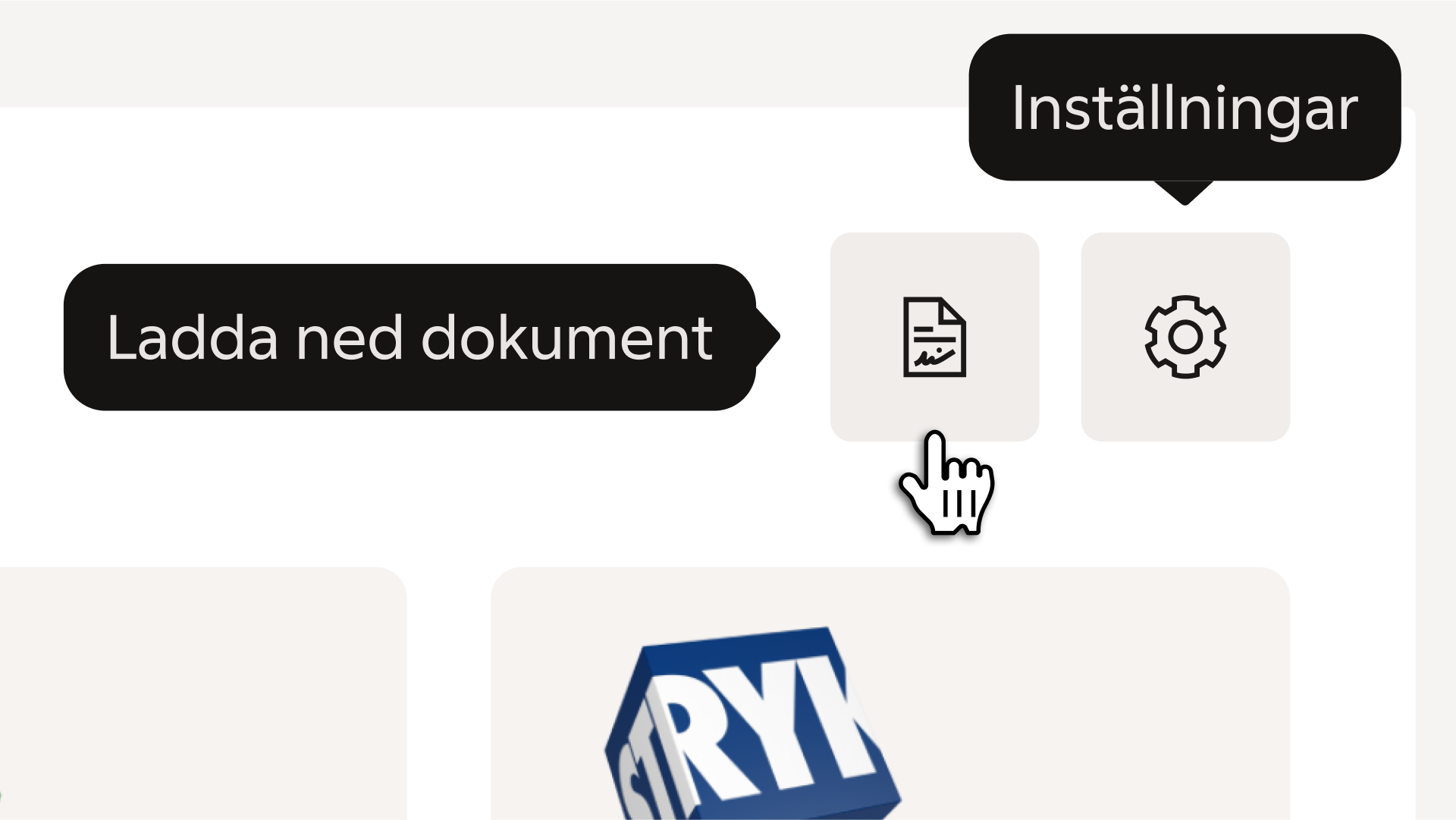
Only one tooltip is visible at a time.
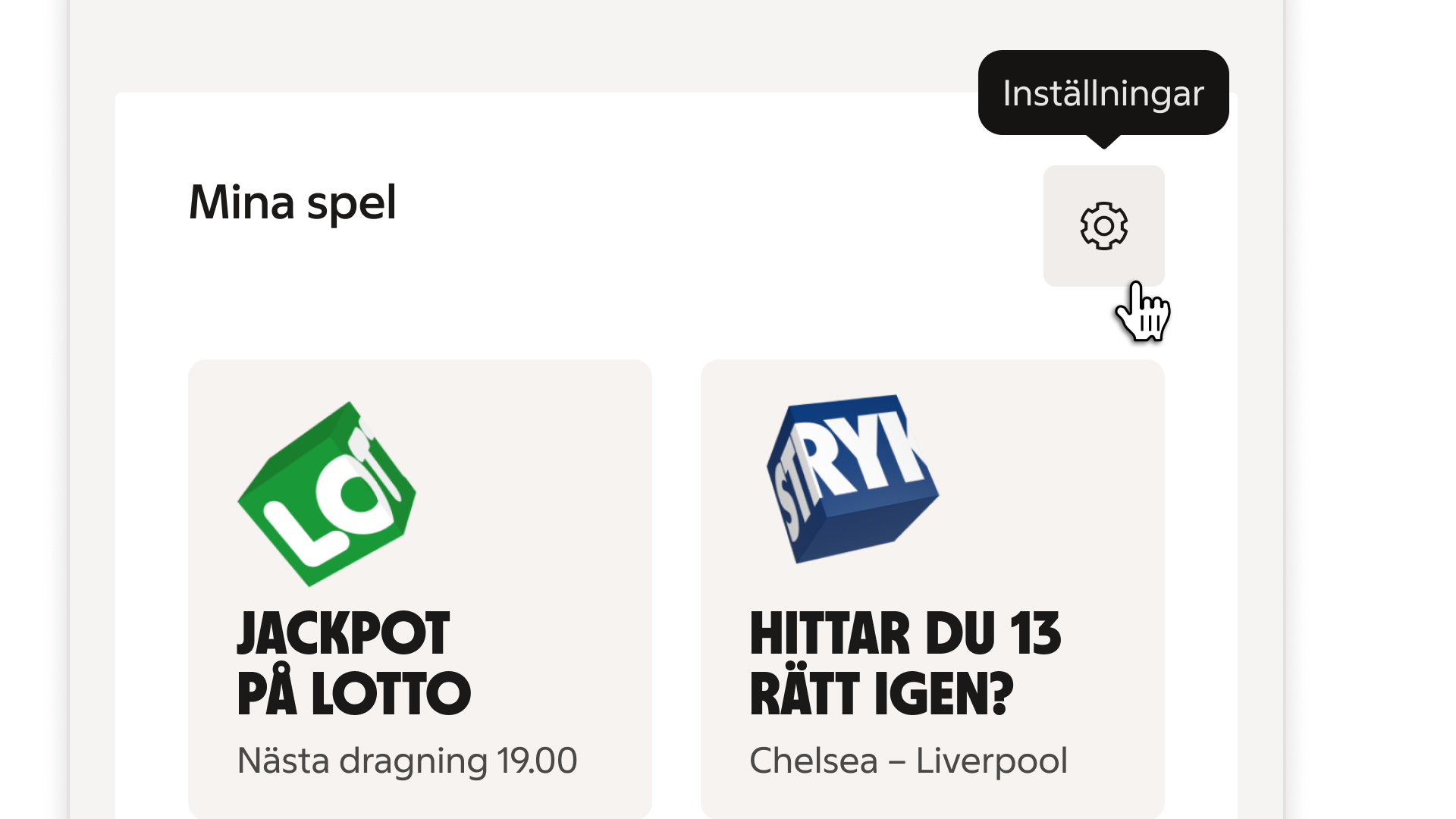
Dismissing
The tooltip disappears when the anchor loses hover or focus or when another tooltip is triggered.
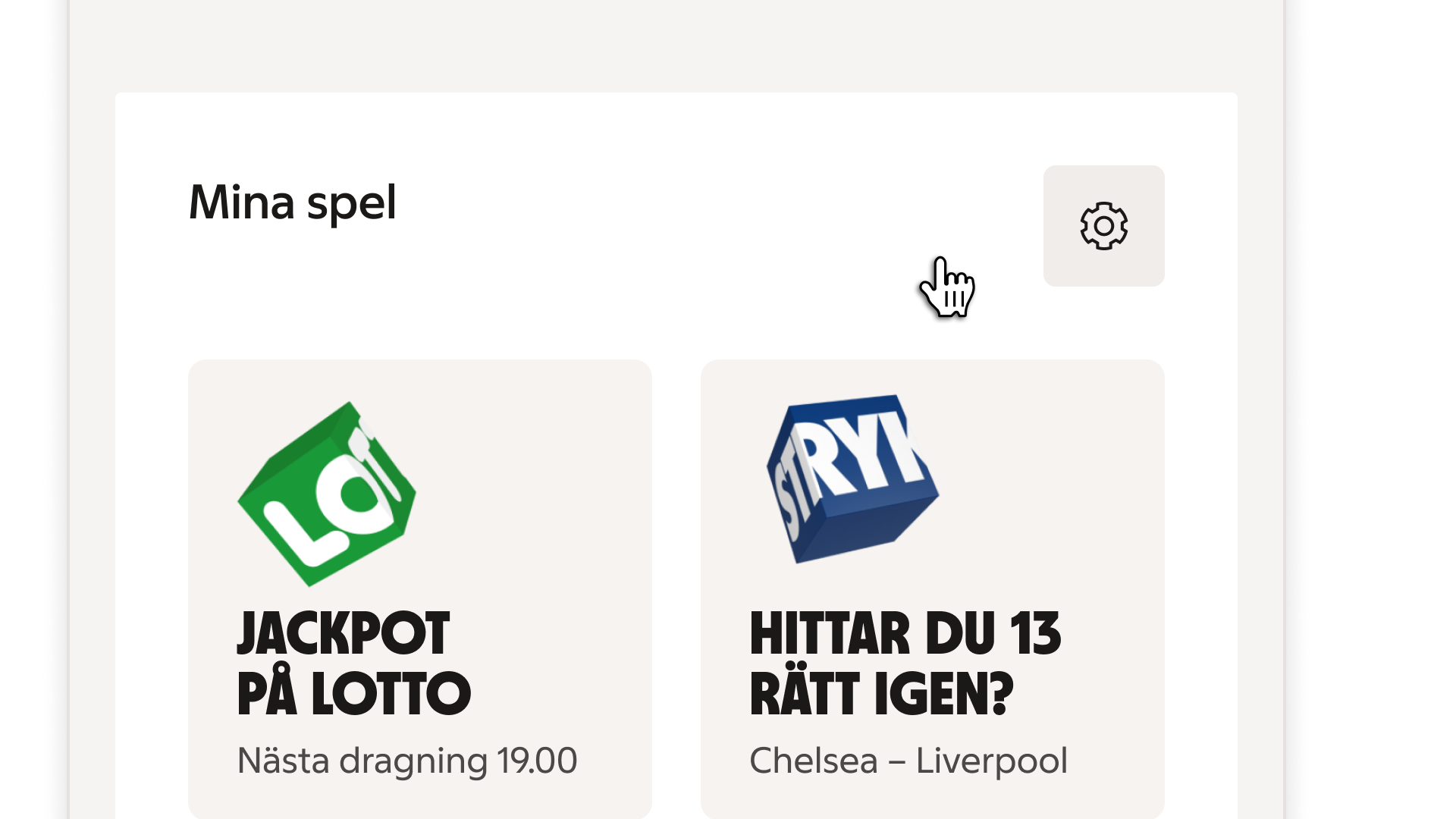
Text overflow
Avoid long text. When wrapping occurs, the tip remains visually centered relative to the anchor.
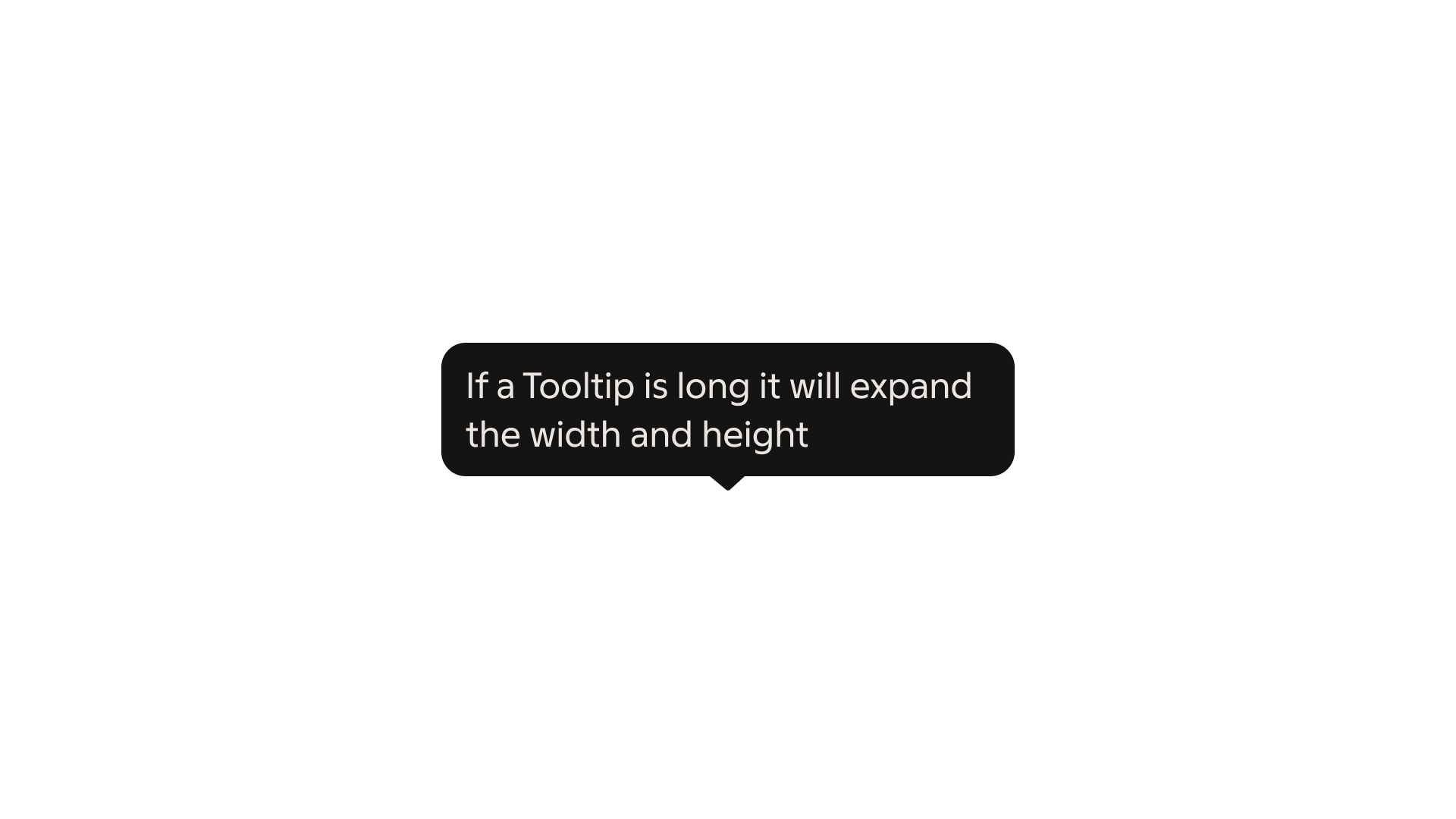
Placement
Tooltips position themselves automatically based on available space.
The default placement is above the trigger element, but they can also appear below, to the left, or to the right when needed.
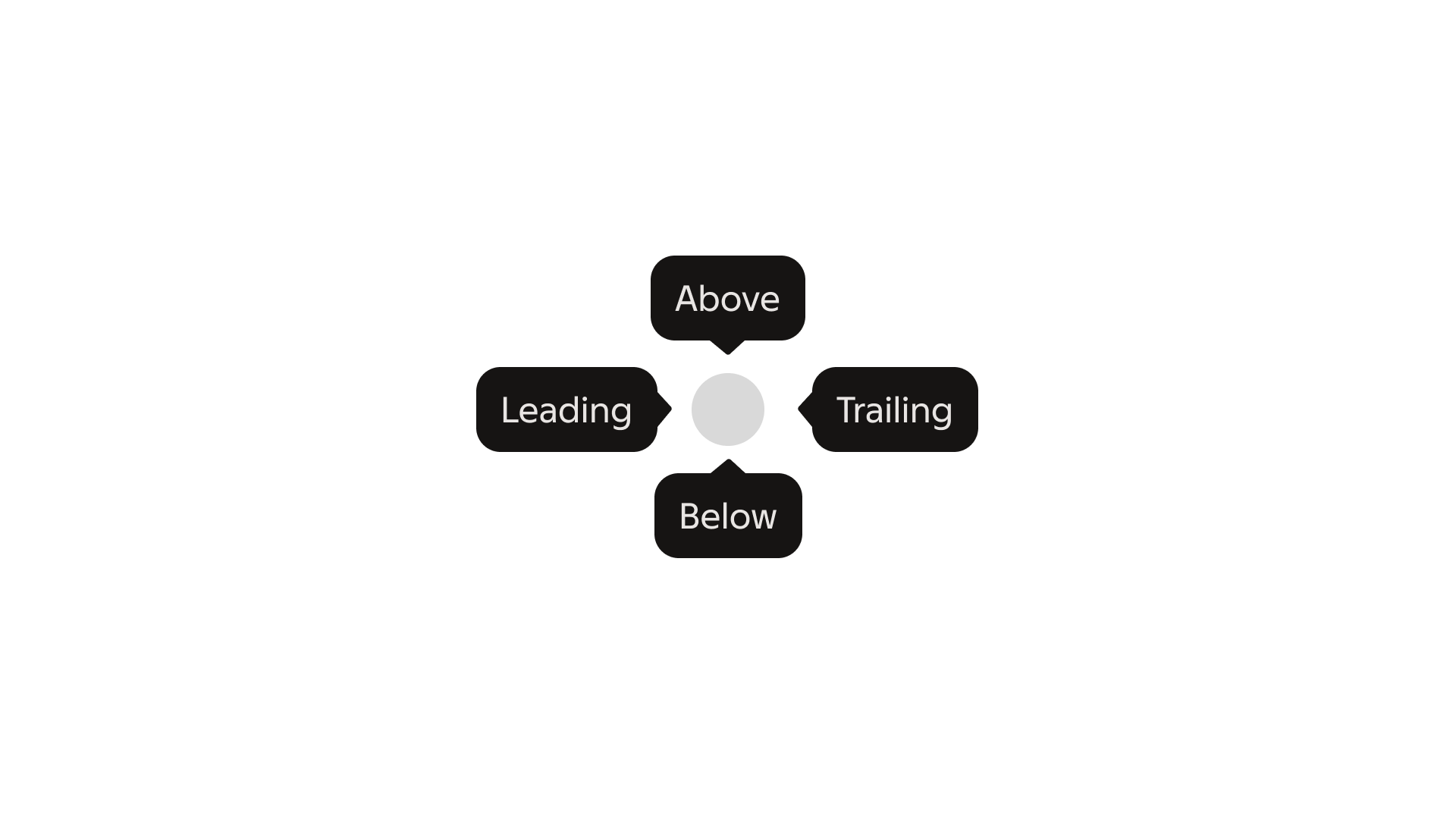
The tooltip automatically repositions to stay visible within the viewport, and the tip adjusts to indicate direction.
Best practice
Long labels

Multiple tooltips
Width
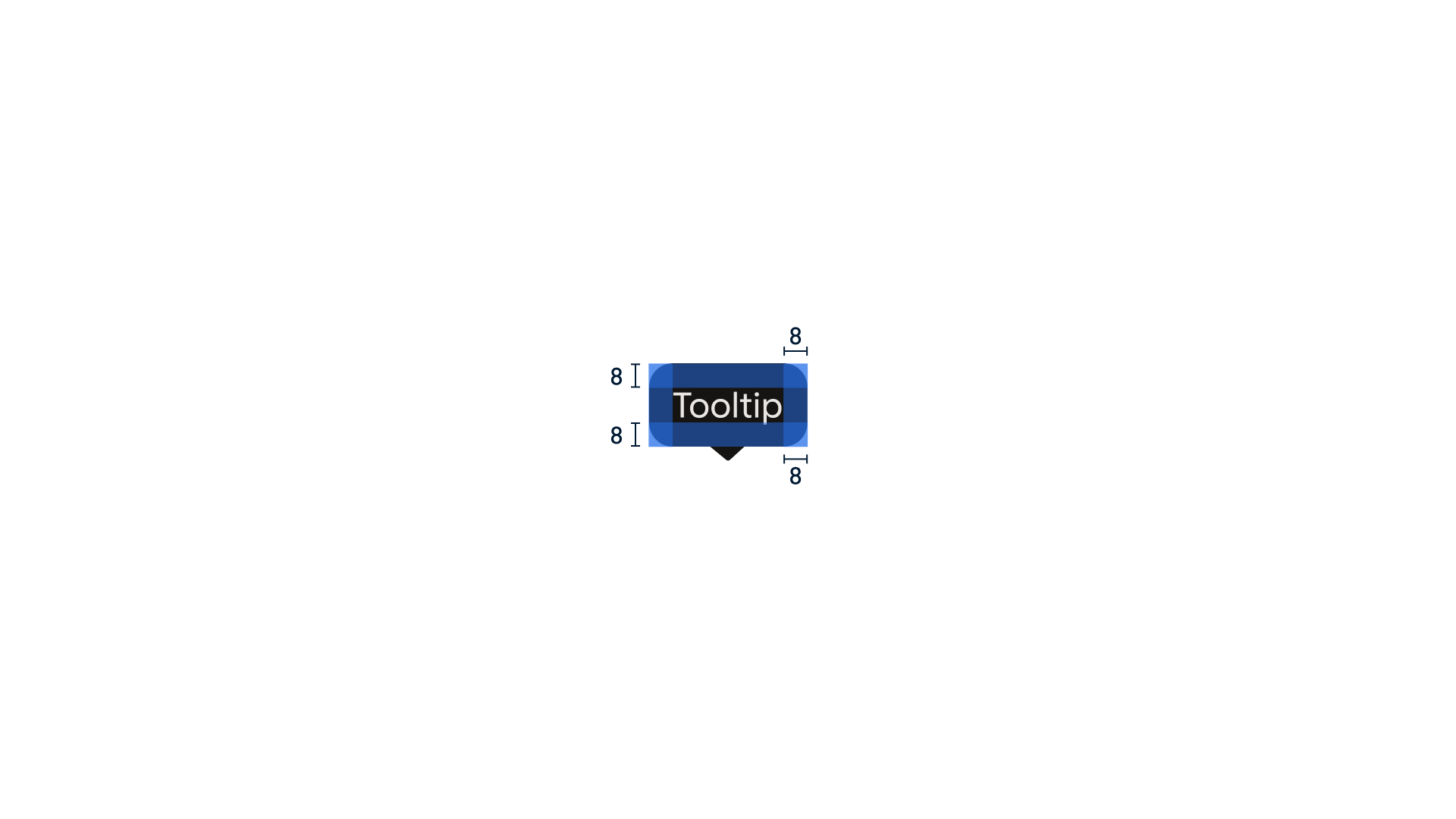
Specs