Components
BadgeBadge is a visual indicator that communicates a status or description of an associated component. They use short text and colour for quick recognition and are placed near the relevant content.

Usage
Badges are used to indicate a notification, item count, or other information. Badges should be placed on or near the component they describe. There are six variant of badges, each in 5 different sizes.
Badge variants
There are six badge variants: Brand, Contrast, Neutral, Success, Attention, and Important.
The appropriate variant depends on what you need to communicate and the context in which the badge is used.
Each badge can be displayed in two emphasis levels: High or Low.
A filled badge provides higher emphasis, while a tint low emphasis badge offers a more subtle appearance.
The colours of Brand and Contrast adapt to the specific product’s colour theme.
Global colours for Success, Attention, and Important may be adjusted if they conflict with the brand’s accent colour.
Brand
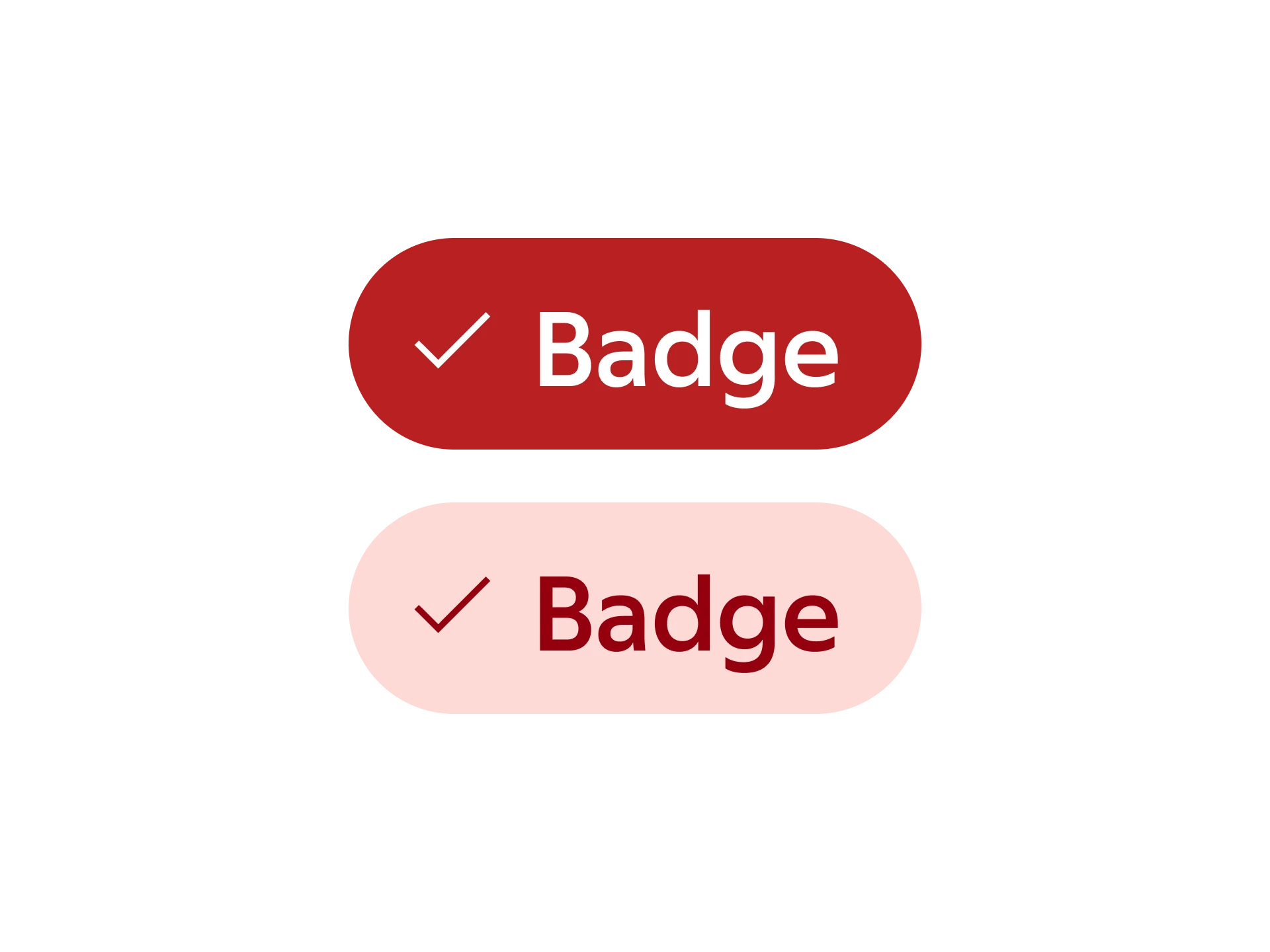
Used to convey information with a strong connection to the brand. Suitable for use outside product interfaces where brand expression is emphasised.
Contrast
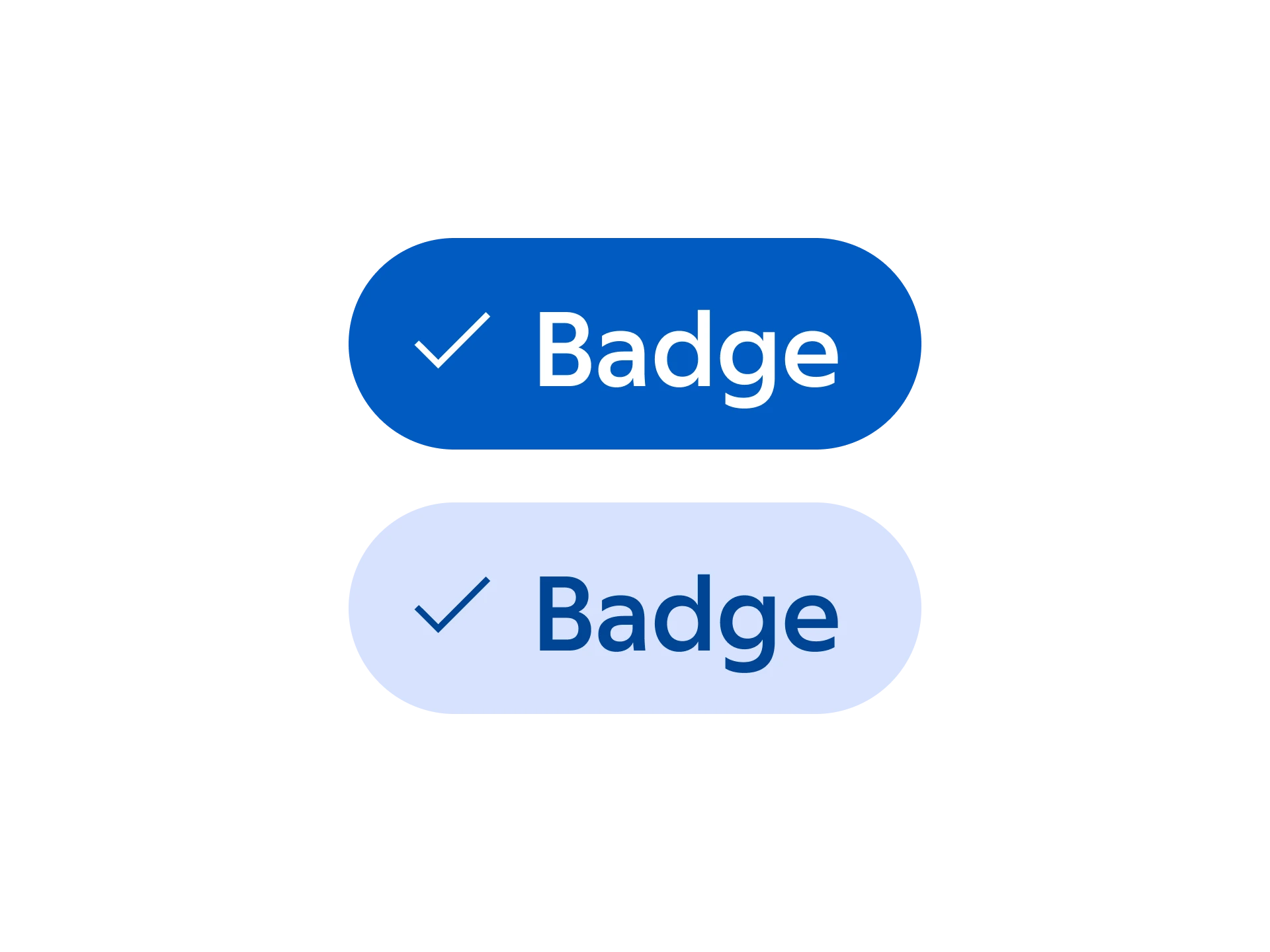
Used to convey, and highlight, points of information that needs high visual contrast to stand out within a product interface.
Neutral
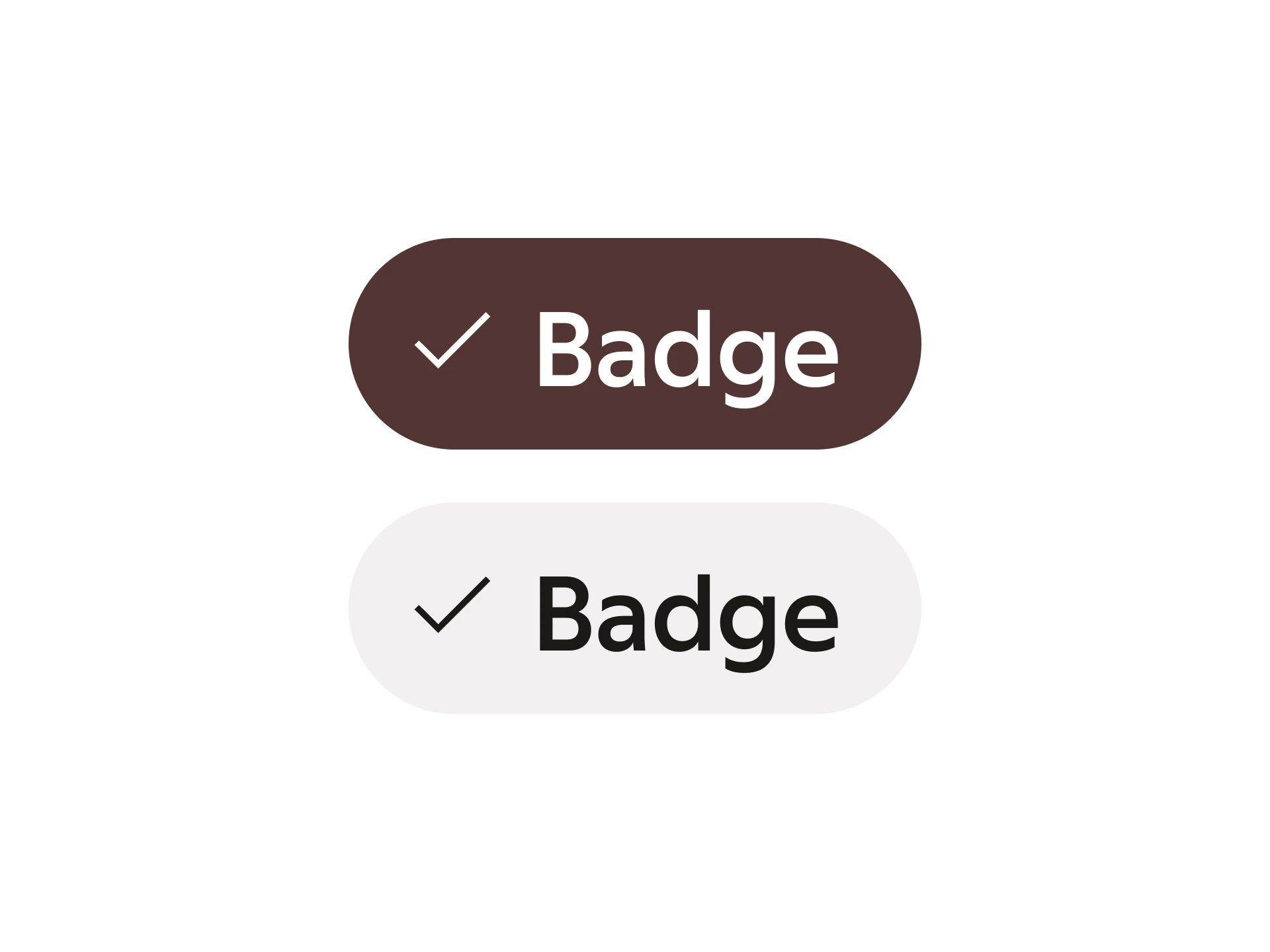
Used to present points of information in a neutral and balanced way without emphasising importance or status.
Success
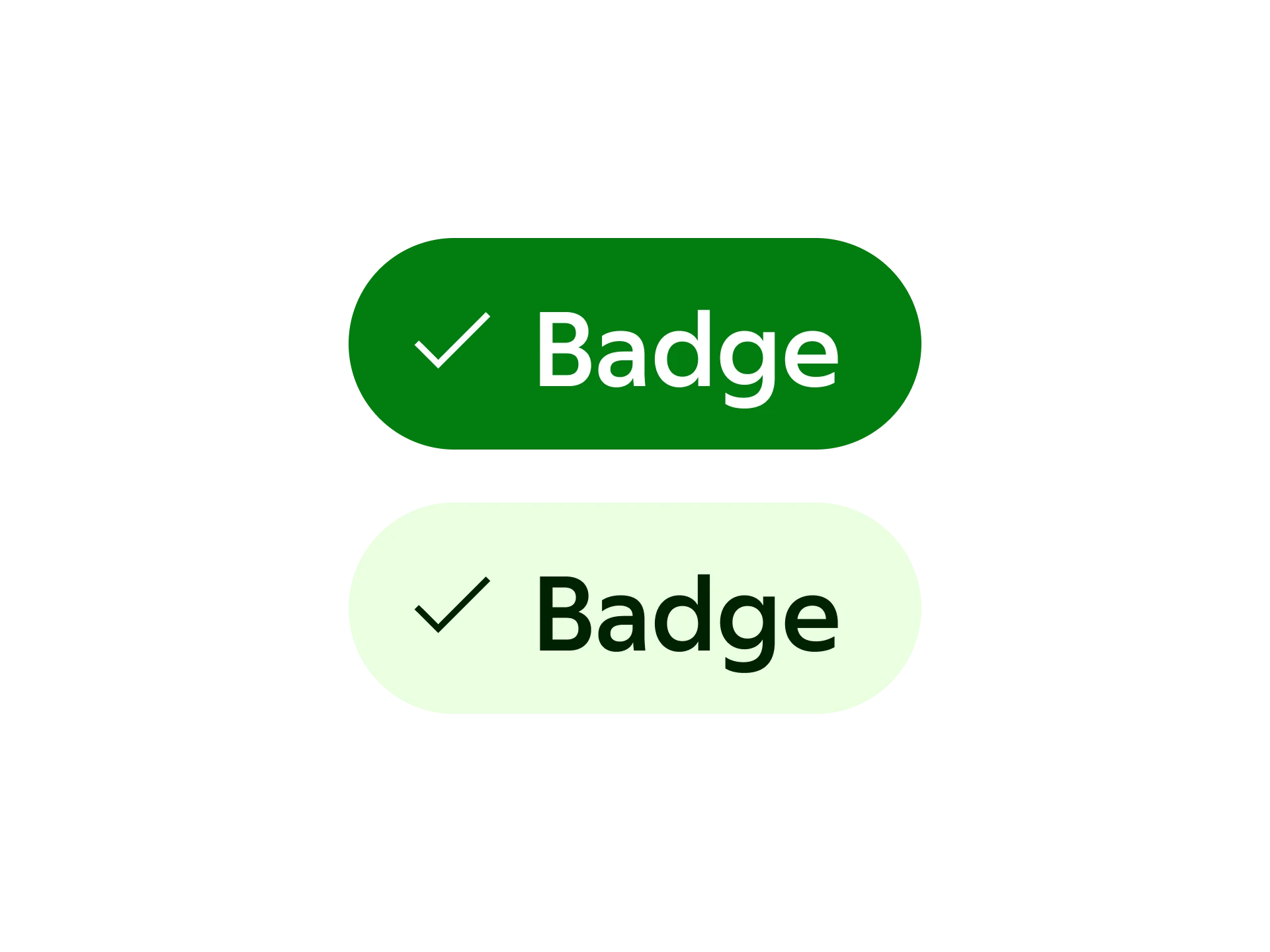
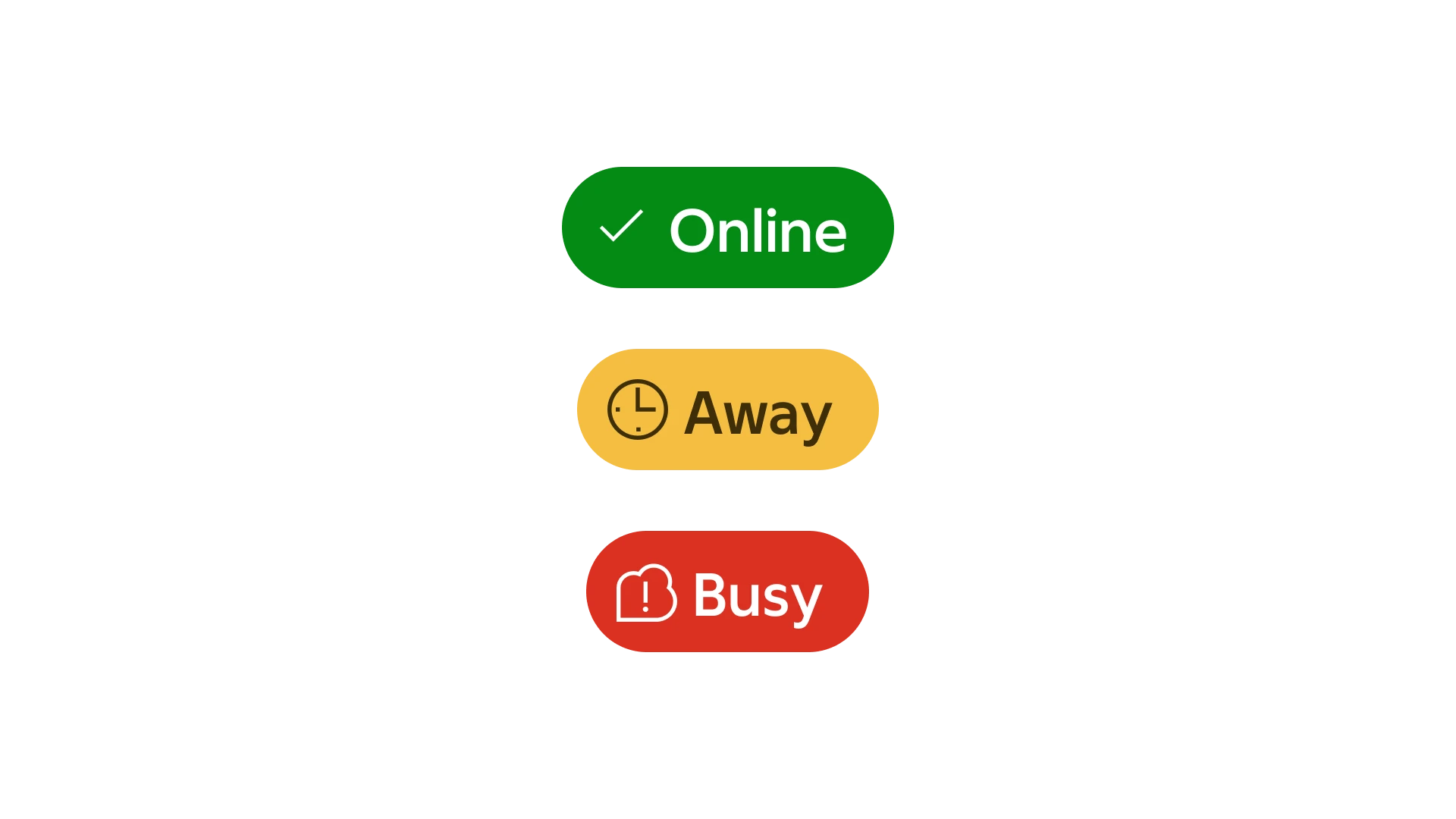
Used to convey statuses such as “online” or “completed”.
Attention
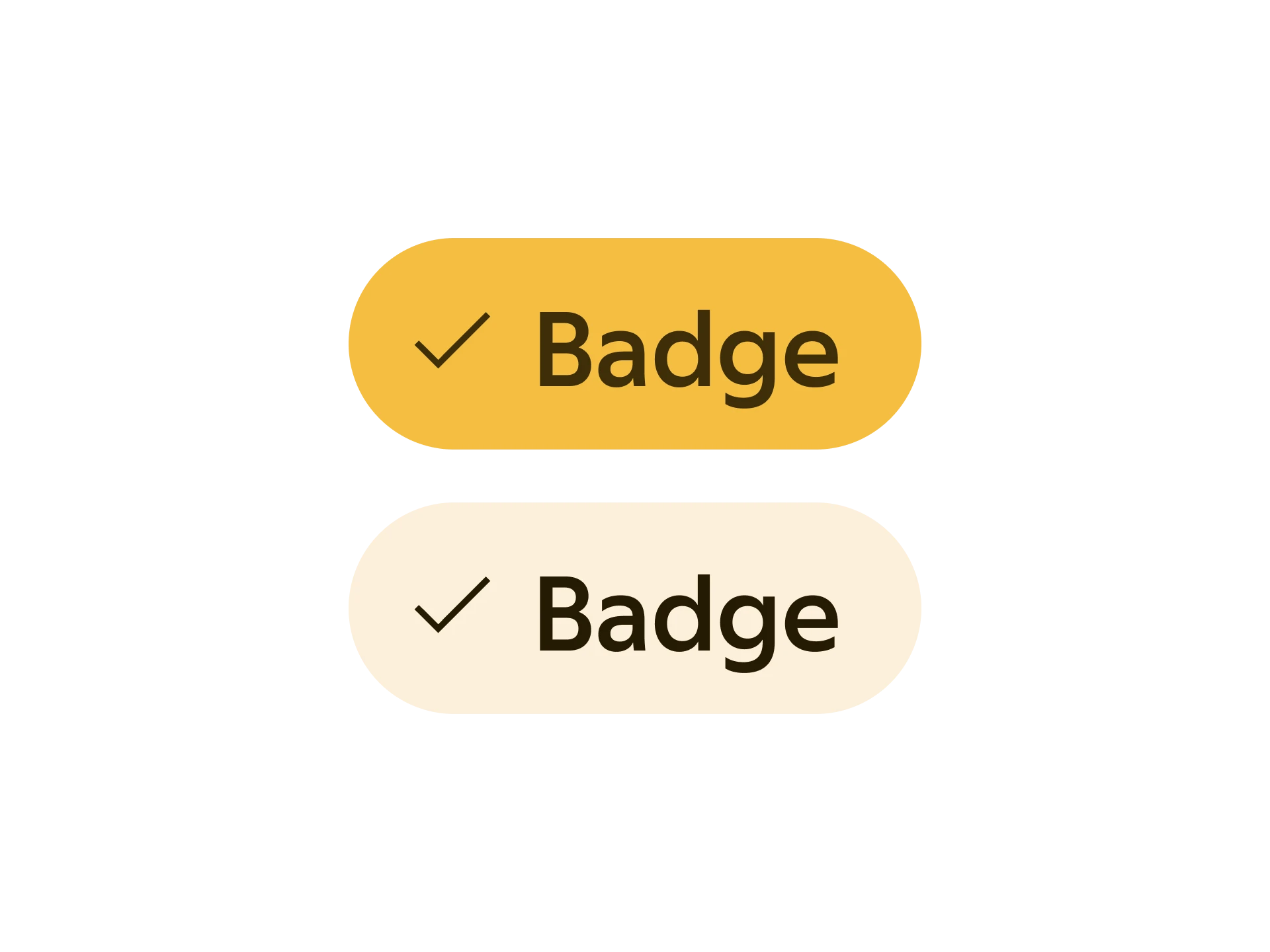
Used to convey statuses such as “away”, “be right back” or “need attention”.
Important
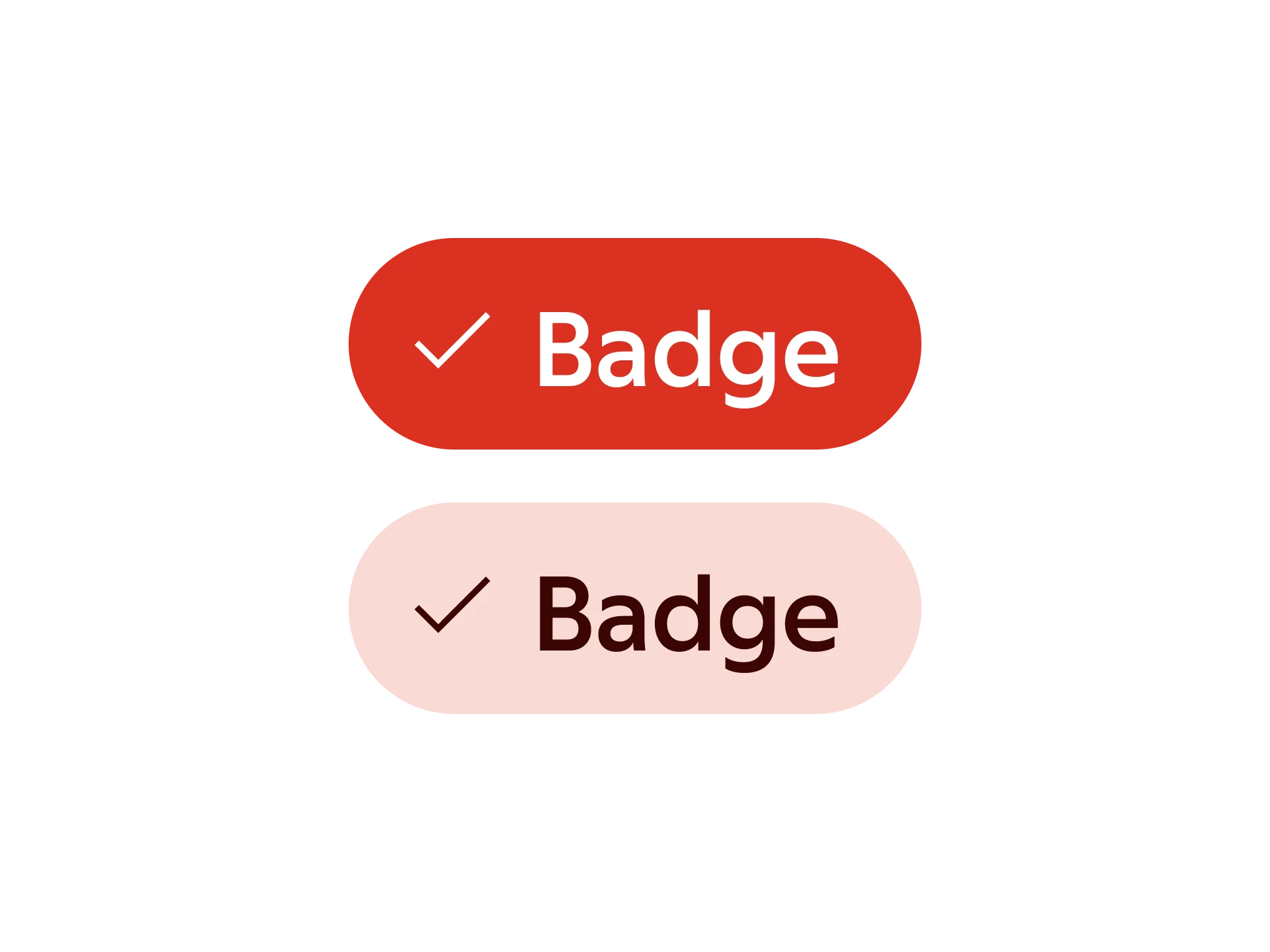
Used in notifications and to convey statuses such as “busy” or “do not disturb”.
Badge sizes
Use appropriate size of the badge for the context. Create balance by considering size and position. Avoid a situation in which the badge competes with important interactive components. Different sizes support different content.
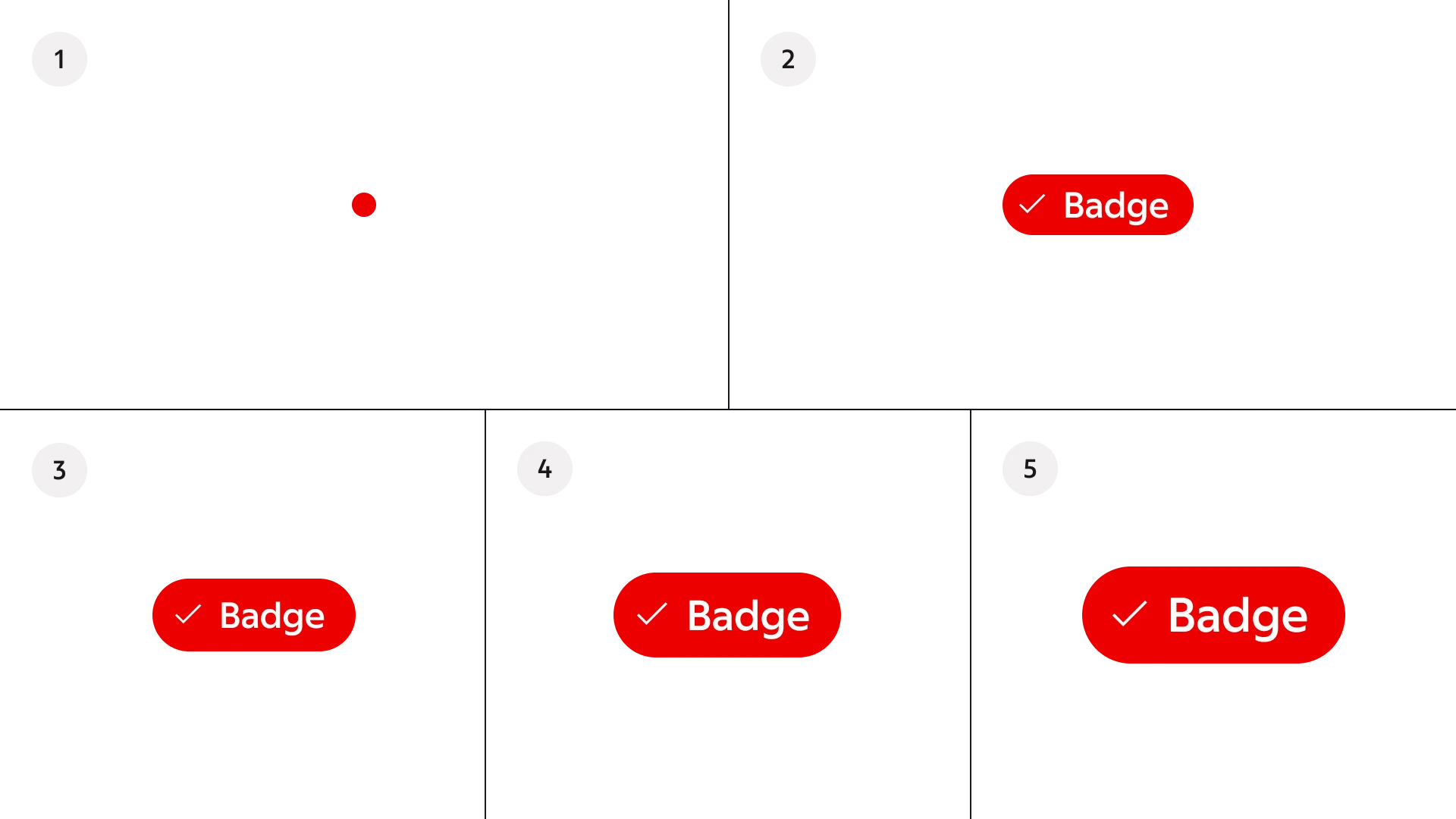
- Extra small
- Small
- Medium
- Large
- Extra large
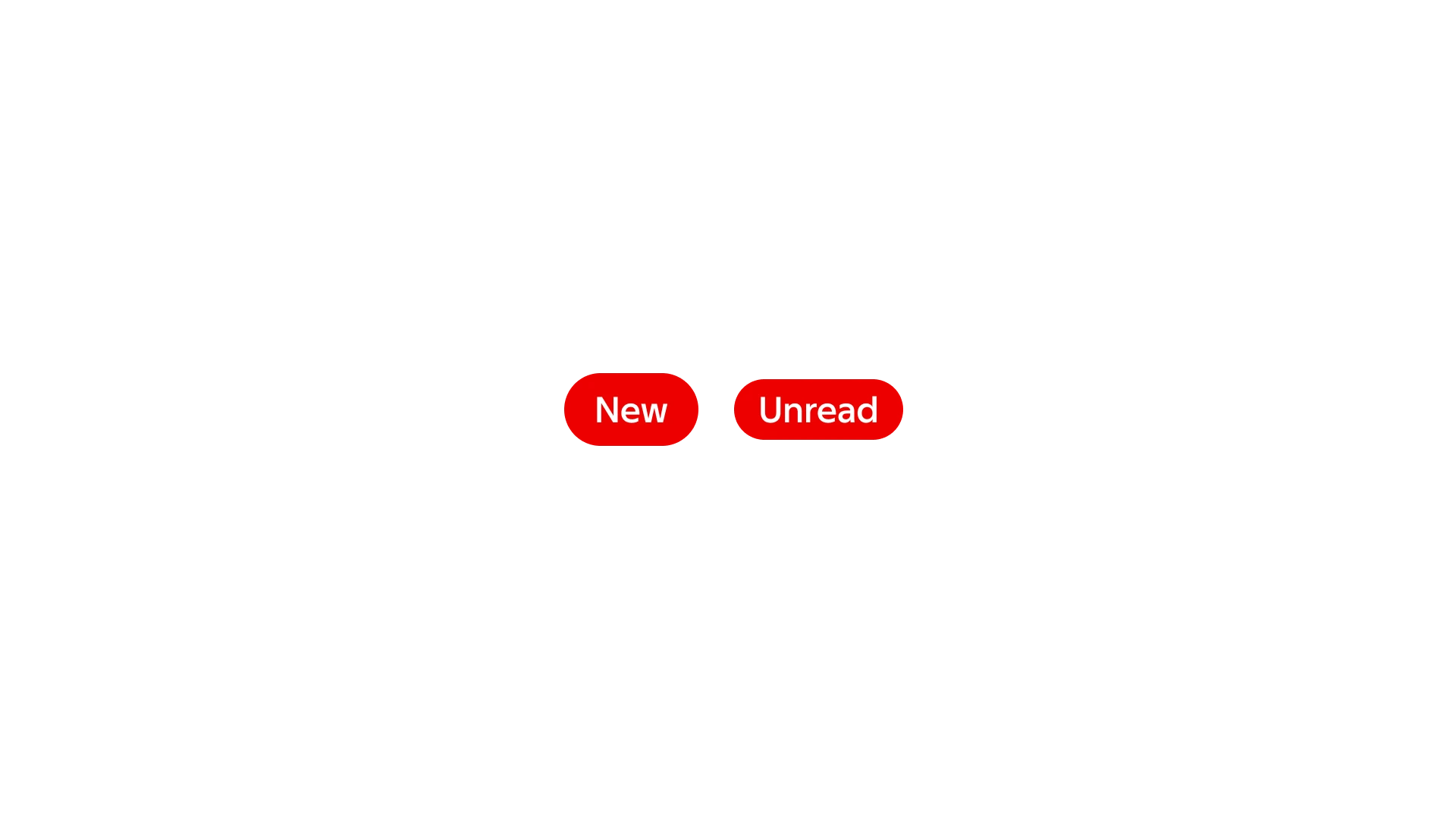
Anatomy
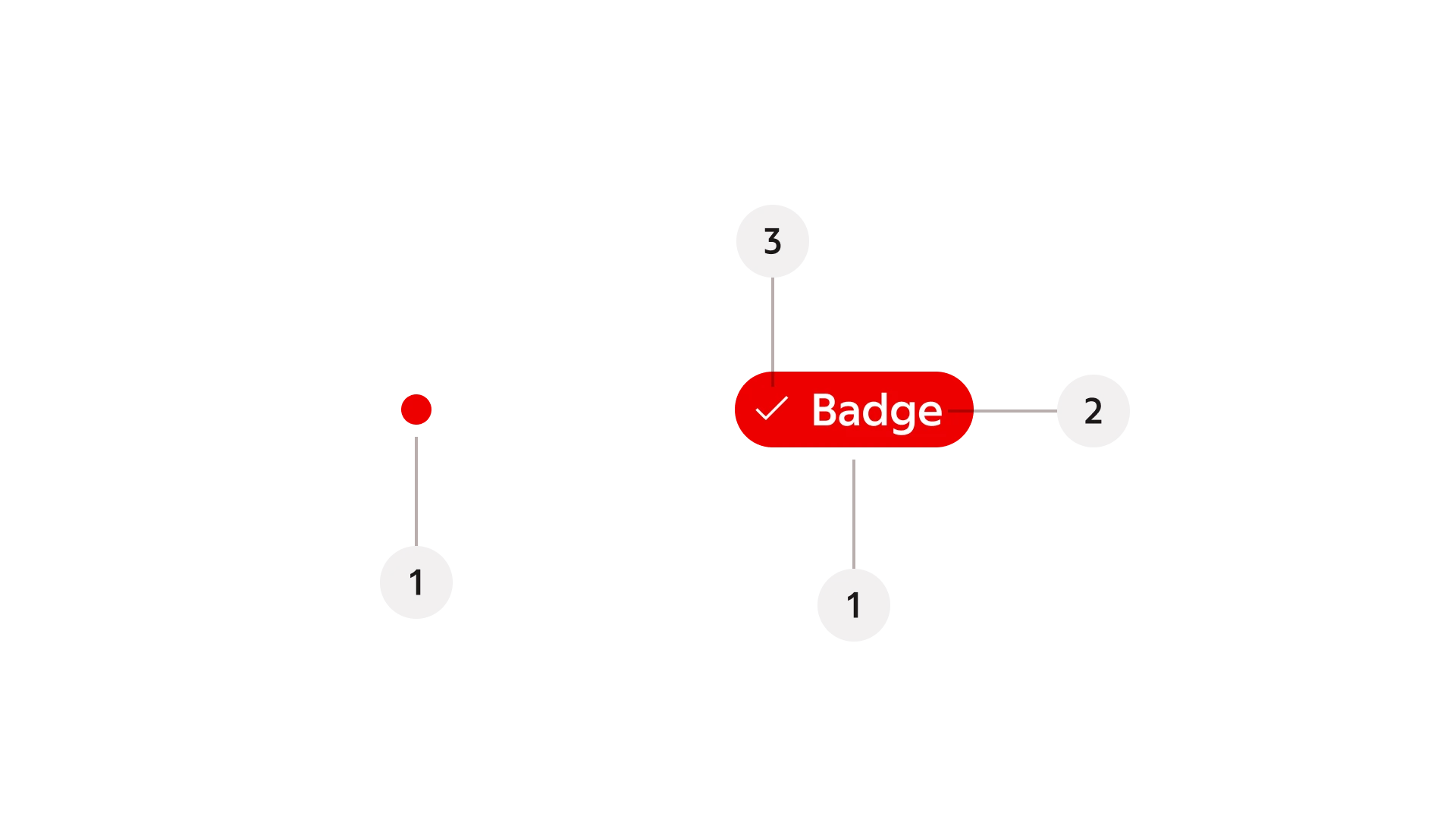
- Container
- Label (Available in small to large badges)
- Icon (Available in small to large badges)
While content is required in small to extra large badges, they don’t require both icon and label.
Behaviour
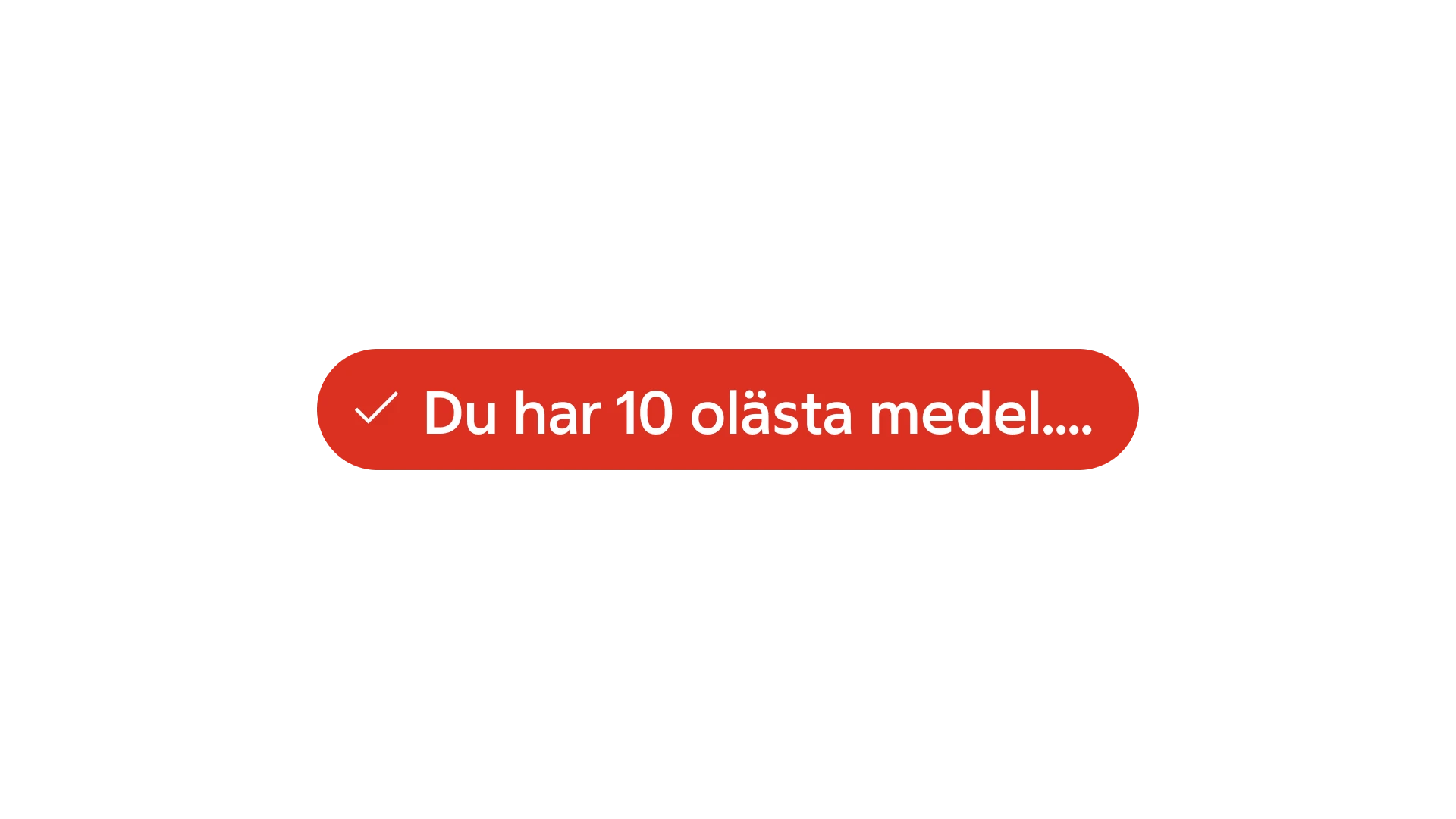
Badges don’t have a built-in max-width and will keep growing. You can, however, add your own max-width and truncation style.
Placement
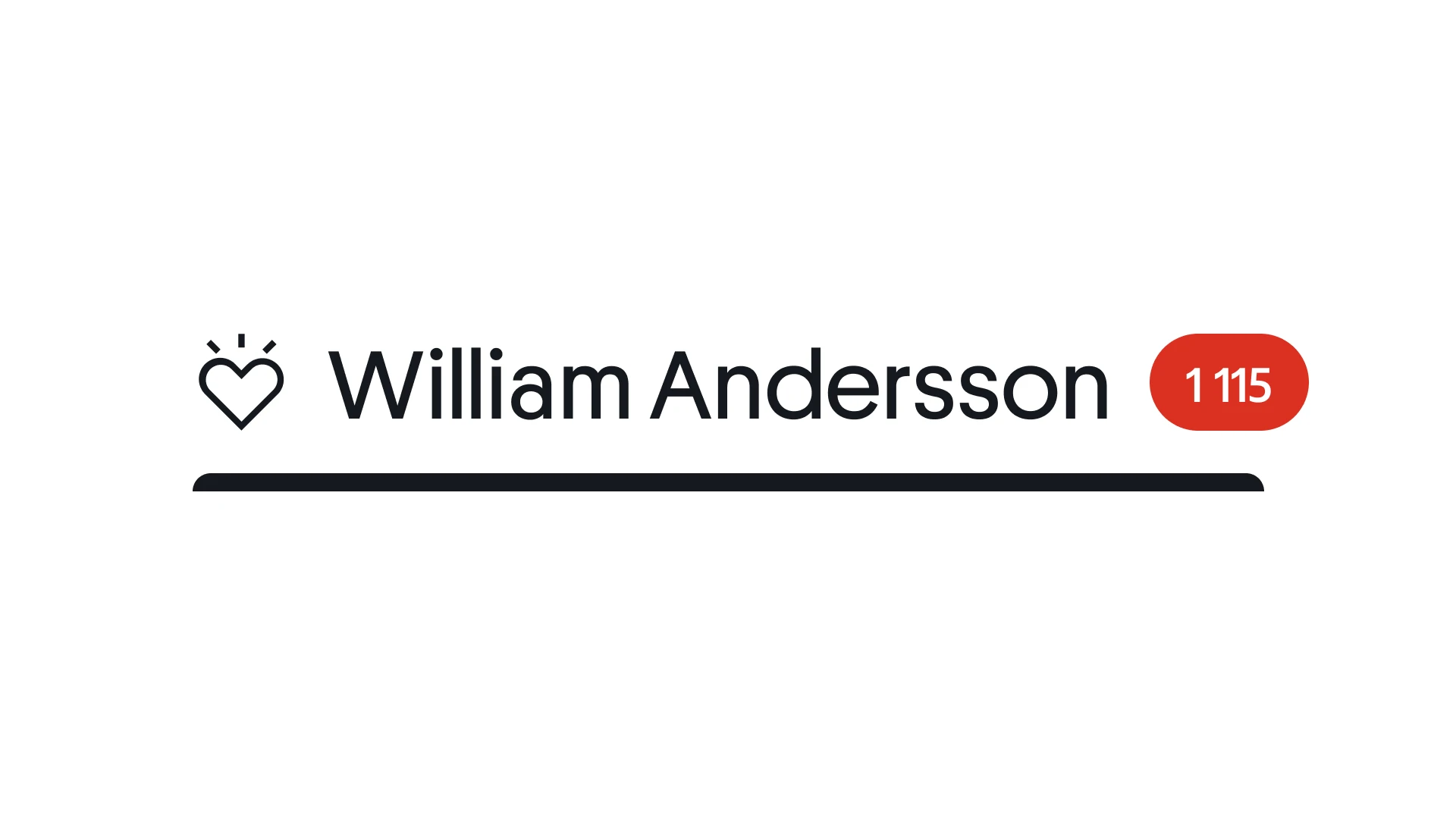
Badges should be placed on or near the component they describe. They should be close enough that people can make intuitive connections between a badge and its associated component. For example, an online status badge can be placed on top of or offset on an avatar component.

Placed on top

Placed next to

Content
Badges with text should be short and descriptive. Aim for one or two words that describe a state. Don’t try to include too much.
Theming
Context-adaptive badges will be colour mapped according to the overlying theme of the product or the context.
The corner radius of badges will also be set as a part of the overlying theme.
Accessibility
If a badge is only an icon, its information needs to be communicated with an aria label. If the badge is connected to another component, that component’s aria label should communicate the badge’s information.